LS25 New Holland Decal Pack for windows (Prefab) V1.0.0.0


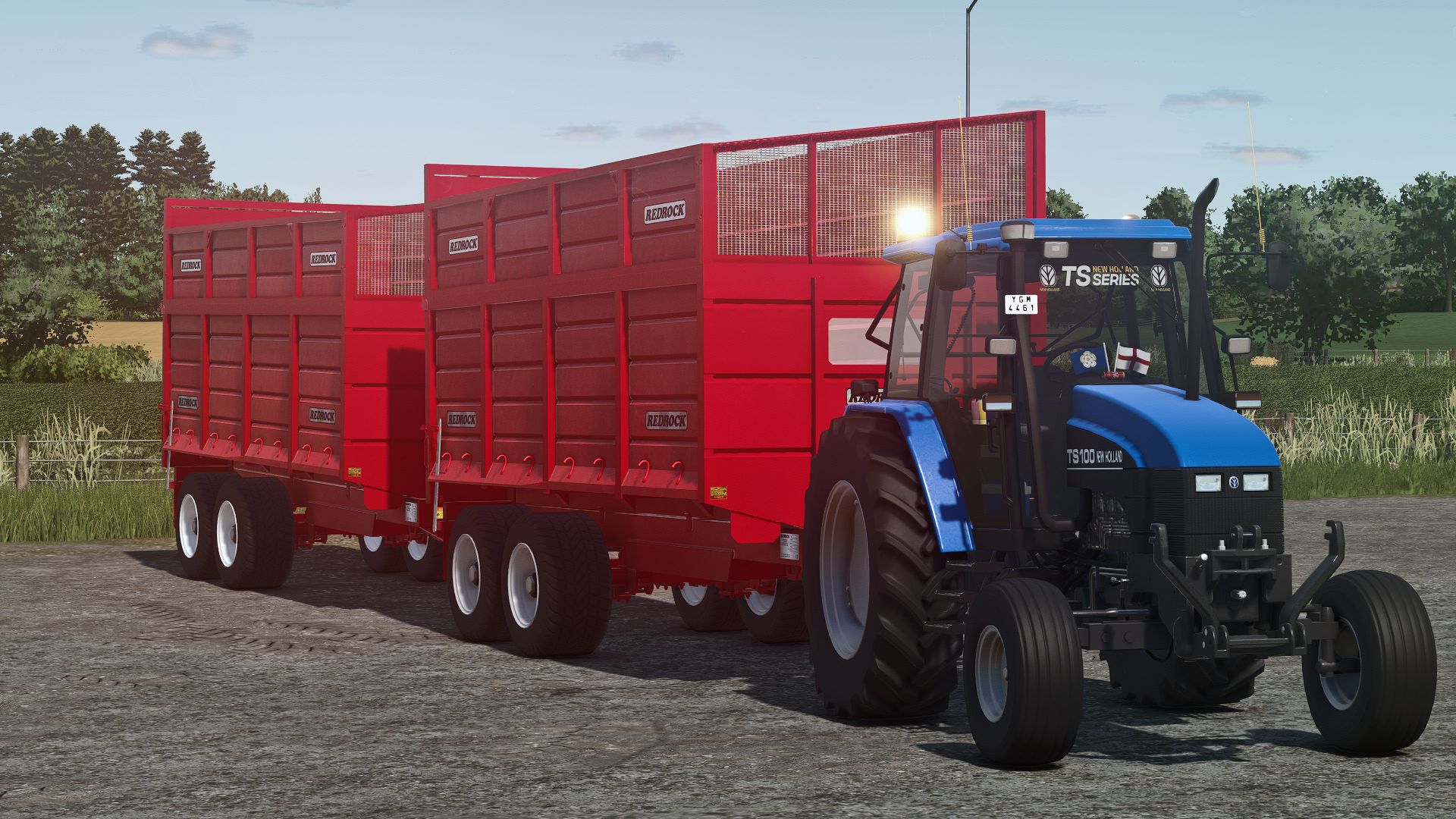

LS25 New Holland Decal Pack for windows (Prefab) V1.0.0.0
I present to you a pack of different types of New Holland decals for your tractor windows hope you enjoy
NOTE:
You have to scale it in giants editor and it might look choppy in the editor but in-game it should look clean
Tutorial on how to add this prefab to your tractor windows
1. Download the mod and extract it to a file
2. Copy the extracted mod folder [ this stage it shouldn’t be a zip folder btw it should just be a normal folder ]
3. Go onto your tractor i3 file [giants editor]
4. Import it and get it to scale put it anywhere you want it; I don’t care if it’s your tractor
5. Cut and paste it to the cabin or its visuals in the cabin folder, one of them, sorry
6. Save the i3 file and zip all files back up and put the mod in your mod folder. Then do what you do with any other mod: look at it, test it
7. Enjoy your mod; that’s all. Thanks for reading