
LS25 Lizard PCP6000 V1.0.0.0


LS25 Lizard PCP6000 V1.0.0.0
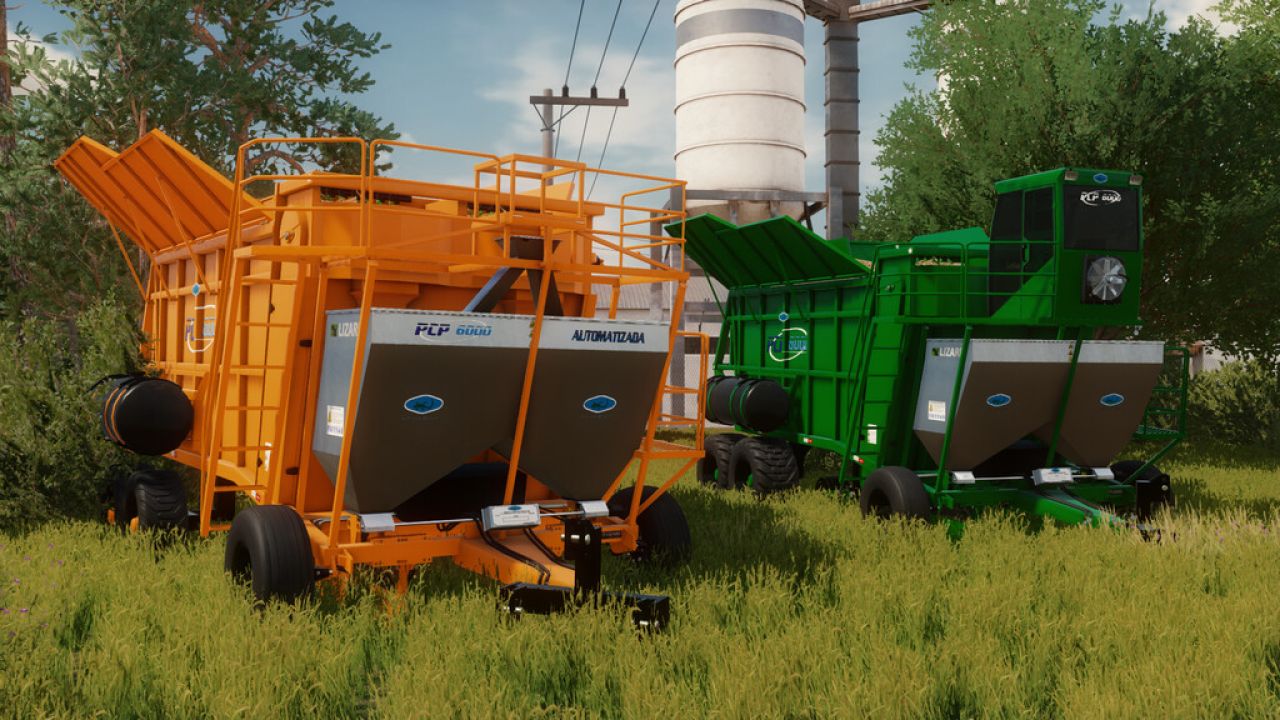
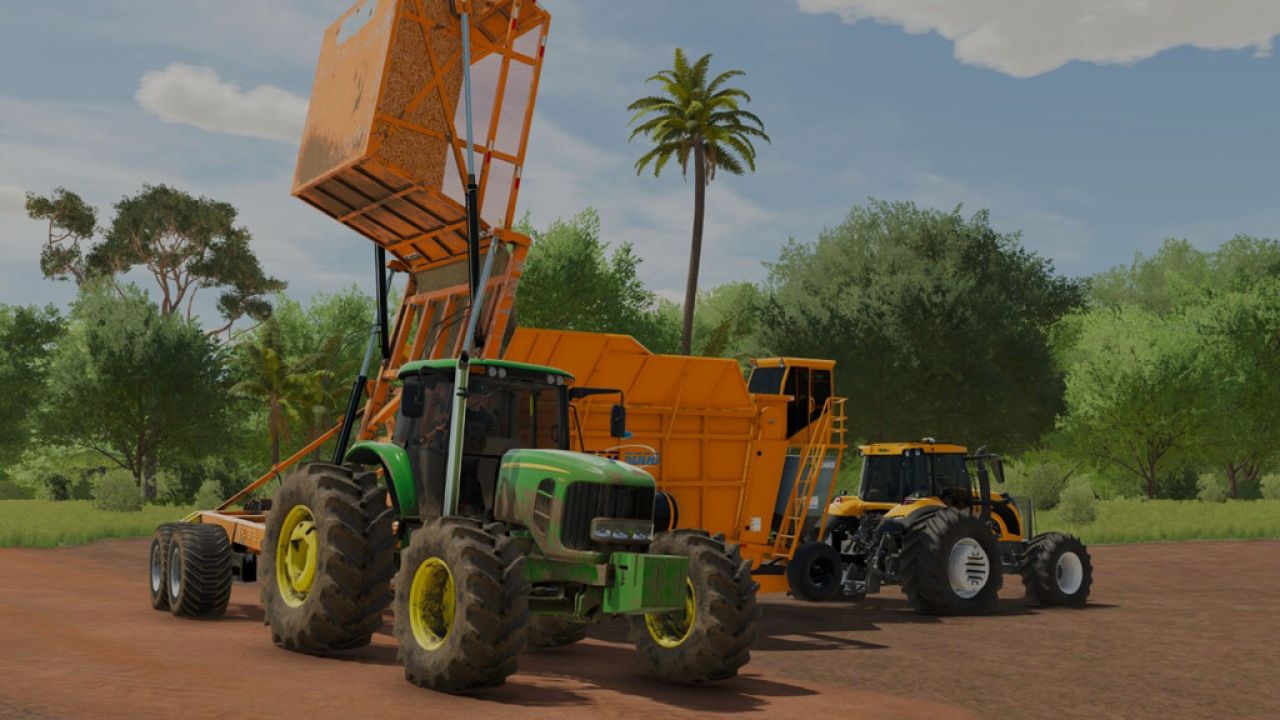
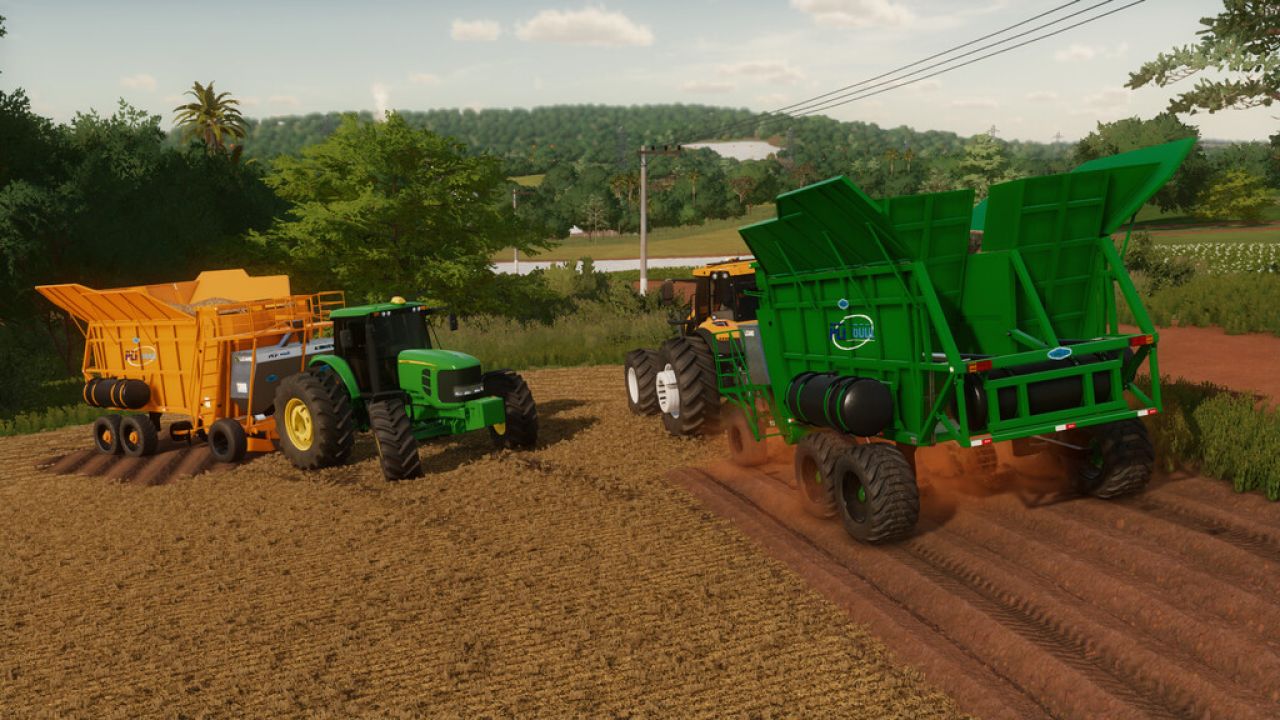
The Lizard PCP6000 arrives in Farming Simulator 25, offering a robust option for planting sugarcane.
The equipment has been adapted and revised to work correctly in Farming Simulator 25, featuring functional animations during operation and improved compatibility with the game.
Features:
Sugarcane planting;
Sugarcane animation during operation;
Internal conveyor animations;
Wheel color selection option;
Front wheels adjusted for better visual proportions;
Two versions available;
Compatible with Farming Simulator 25;
Structure and files revised for the current version of the game.
The equipment has been adjusted to provide a more stable experience suited to the physics and animation system of Farming Simulator 25.
Included versions
Lizard PCP6000
Lizard PCP6000 Automated
Version 1.0.0.0
Initial release for Farming Simulator 25;
Conversion and adaptation for FS25;
Physics and collision fixes;
Front wheel adjustments;
Wheel texture fixes;
Implementation of sugarcane and conveyor animations;
Shader compatibility with FS25;
Wheel color selection added;
Removal of old body color configurations;
Correction of old Farming Simulator 22 references;
Removal of incompatible sounds;
Correction of old texture references;
Optimizations and general file cleanup;
Additional planting width.
Conversion and adaptation for Farming Simulator 25


