LS25 Wood trailer pack V1.1.0.0

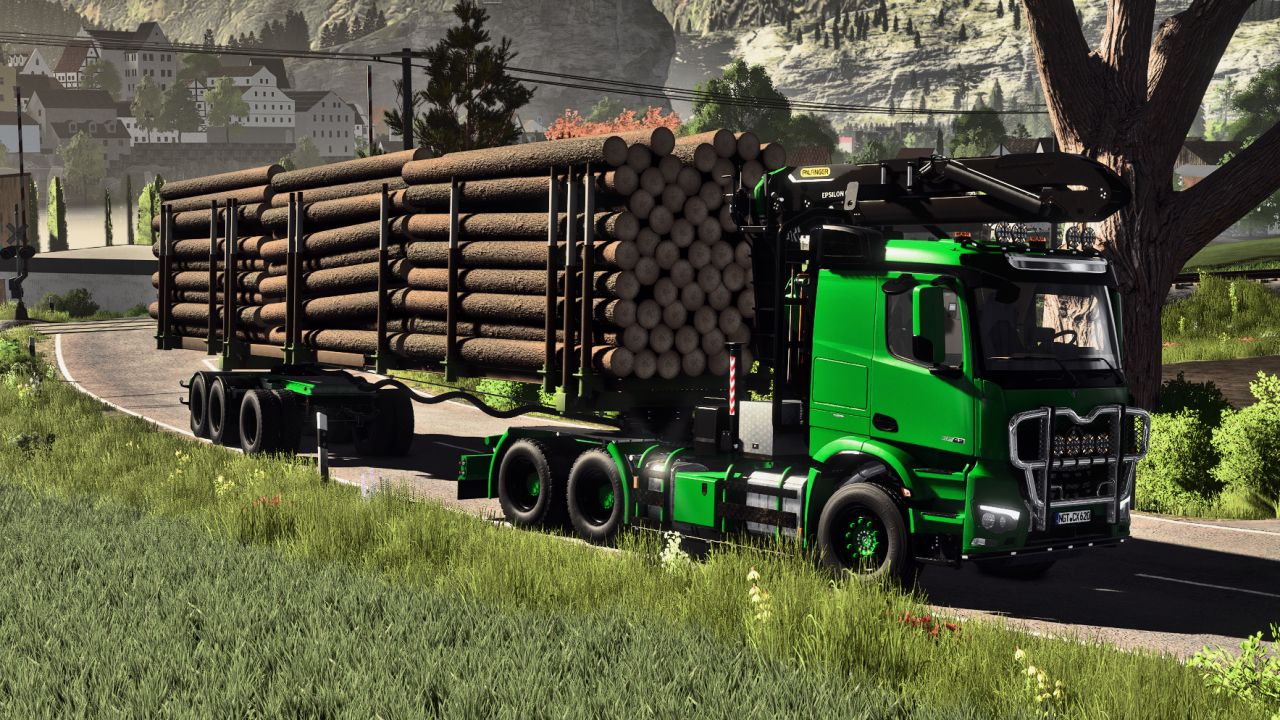
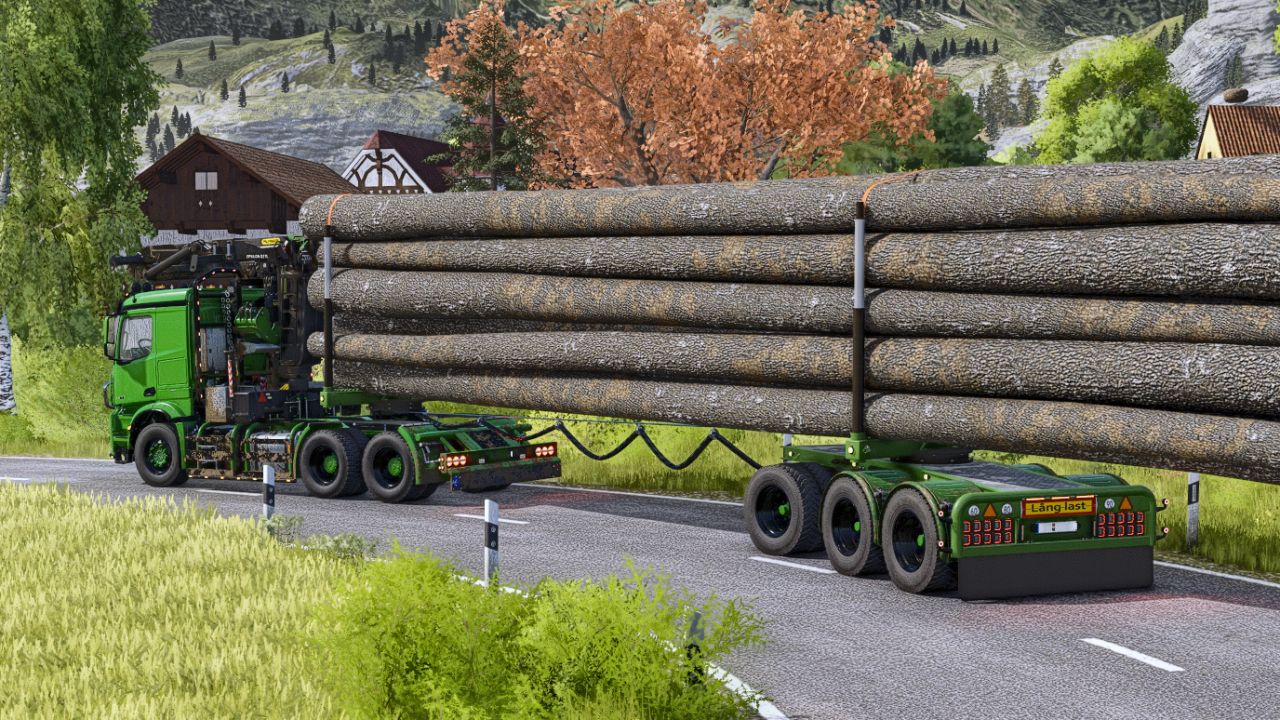
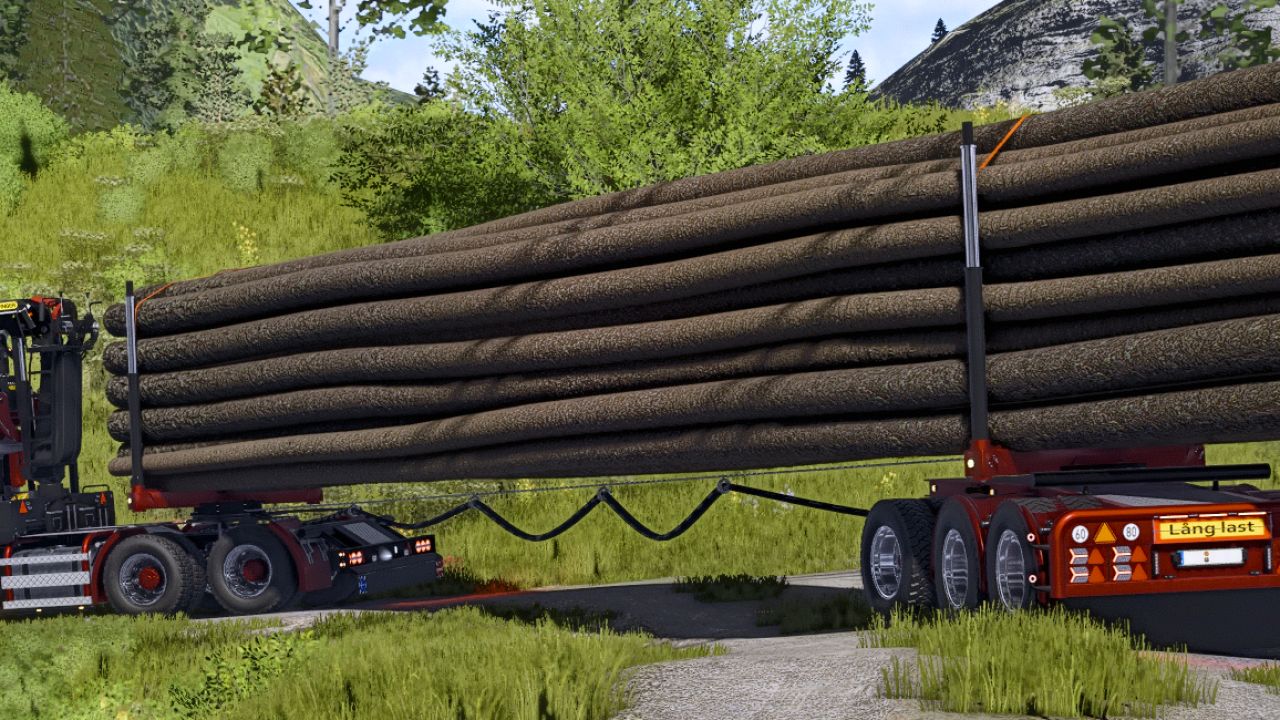
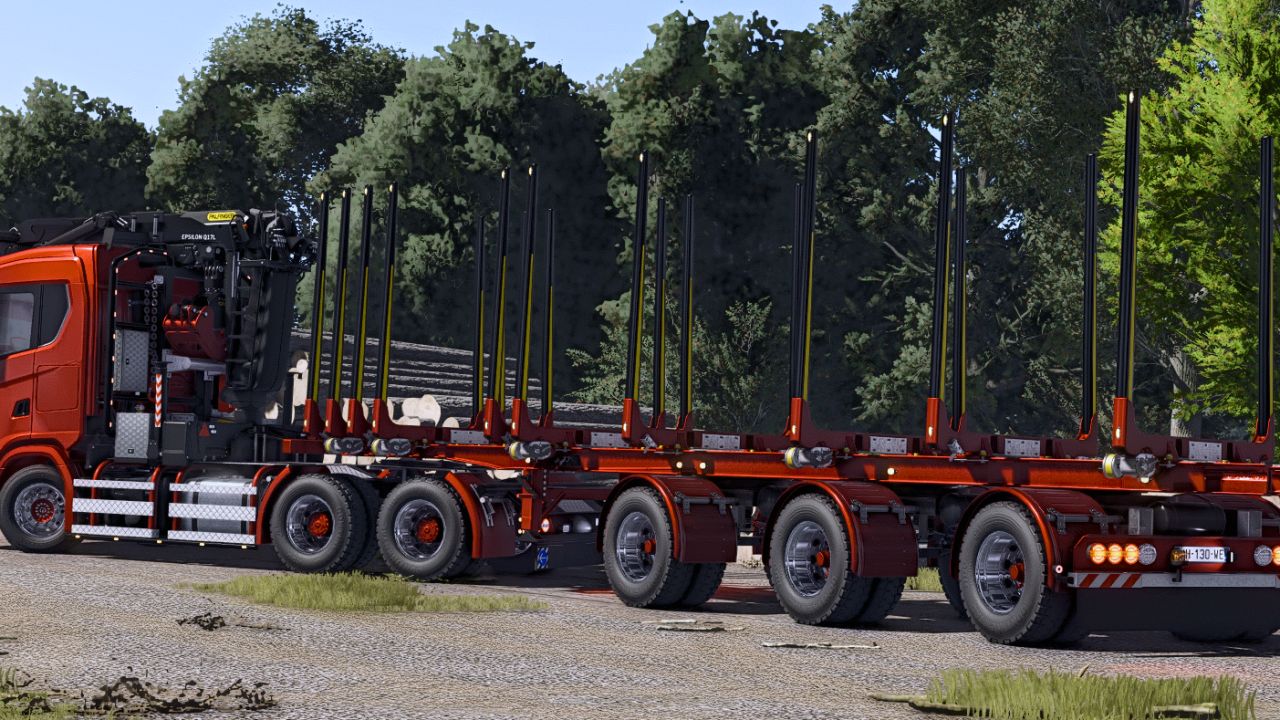
LS25 Wood trailer pack V1.1.0.0
READ DESCRIPTION BEFORE ASKING QUESTIONS!!!
As I do not have time anymore to work on it, this is the last update that will be published for this pack
Some details are missing, like custom dirt textures
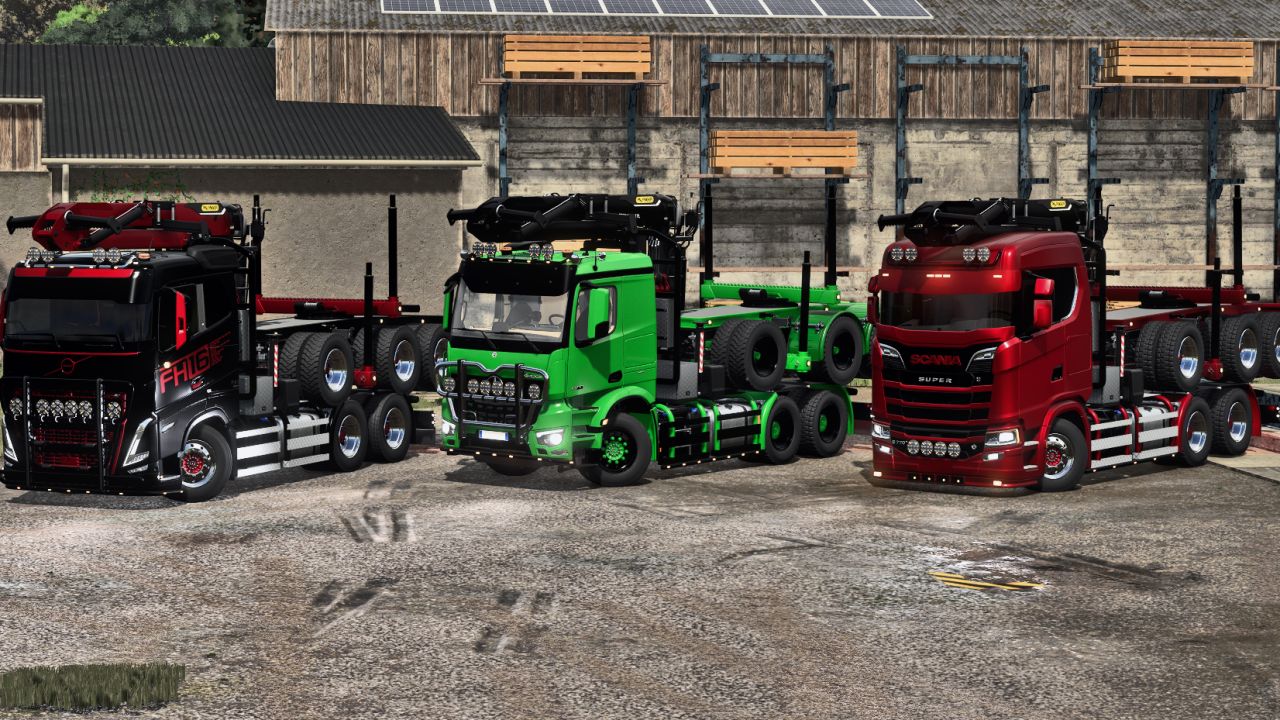
Trucks used in pictures are private edits and will NOT be shared, stop asking.
Instructions on how to use the dolly trailer:
Before you leave the game, be sure to leave the dolly on the ground and NOT on the back of the truck
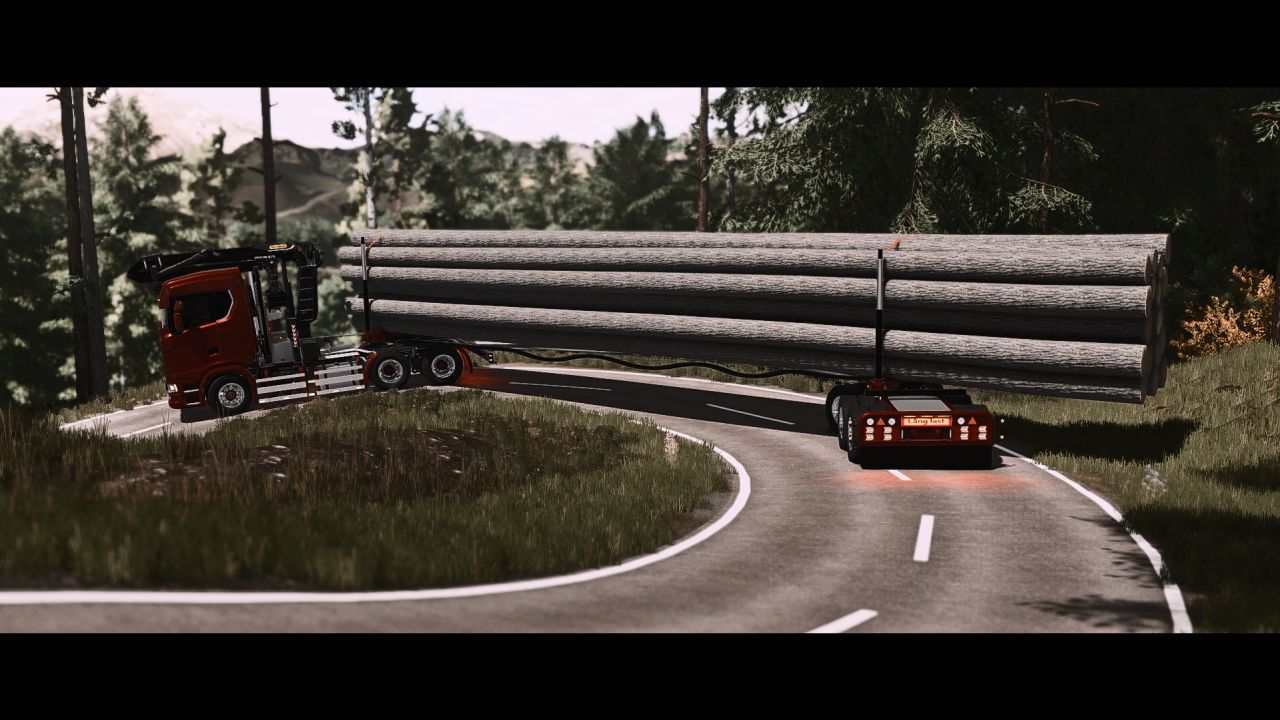
3 modes have been added as foldable steps, that can be cycled with V and Shift + V key, empty driving (Dolly on the truck), long wood mod, and shortwood bunks
When folding the dolly on the truck, fully retract the dolly extension to make it close to the truck
Do not touch the dolly commands when it is on the back of the truck
A Load mode for long wood has also been added, deployed with the X key, this will make the truck stay in a straight line when loading and spawn adjustable collisions (command group 1) to stop the wood from drifting and falling from the bunks
You can also press the Y key (sometimes must be pressed twice) to lock the dolly rotation, this can be used when reversing to make the dolly act like a normal semi trailer, press Y again to unlock the dolly direction when driving forward
3 axle timberrunner has an attacher joint in front to attach HR Forst und Fahrzeugbau universal crane
Crane must be used with universal attacher, placed between truck and trailer, arm facing back, crane must be detached from trailer before detaching trailer from truck.
AUTOLOAD SETTINGS:
Both trailers can be perfectly used with autoload, in the shop autload HUD, into loading area option, select the AUTOLOADEXTENSION length axis, the same setting can be used for both trailers, this setting will make the autoload zone to extend with the trailer extension
For 20m logs for dolly, make a 12.7m long zone starting at the shortwood bunks chassis
For 18m logs for the timberrunner make a 13.3m long zone starting at the light bar in front of the trailer
All trailers have been tested with HR Forst und Fahrzeugbau Volvo, the most suitable vehicle to use with these
Most compatible vehicles:
Mercedes Arocs 6×4 from Mercedes DLC
https://farmingsimulator25mods.com/volvo-fh-16-pack-v2-0-0-2/
https://farmingsimulator25mods.com/volvo-fh-16-forestry-z-crane-semi-pack-v1-0-0-4/
https://farmingsimulator25mods.com/palfinger-universal-l-crane-pack-v2-0/
And mostly any 6×4 truck with a long wheelbase
V1.1.0.0
Complete overhaul of both trailers
Removed one trailer
2 axle version dolly
2 axle version timberrunner
Multiple light and various configurations added for both trailers
Animation to fold dolly on the back of the truck
Animation to spawn shortwood bunks on the dolly trailer
Update bunks visuals on both timberrunner and dolly trailer
Cleared and optimized XML and I3D
Various other fixes and improvements