LS25 Vehicle Volume V1.0.0.0

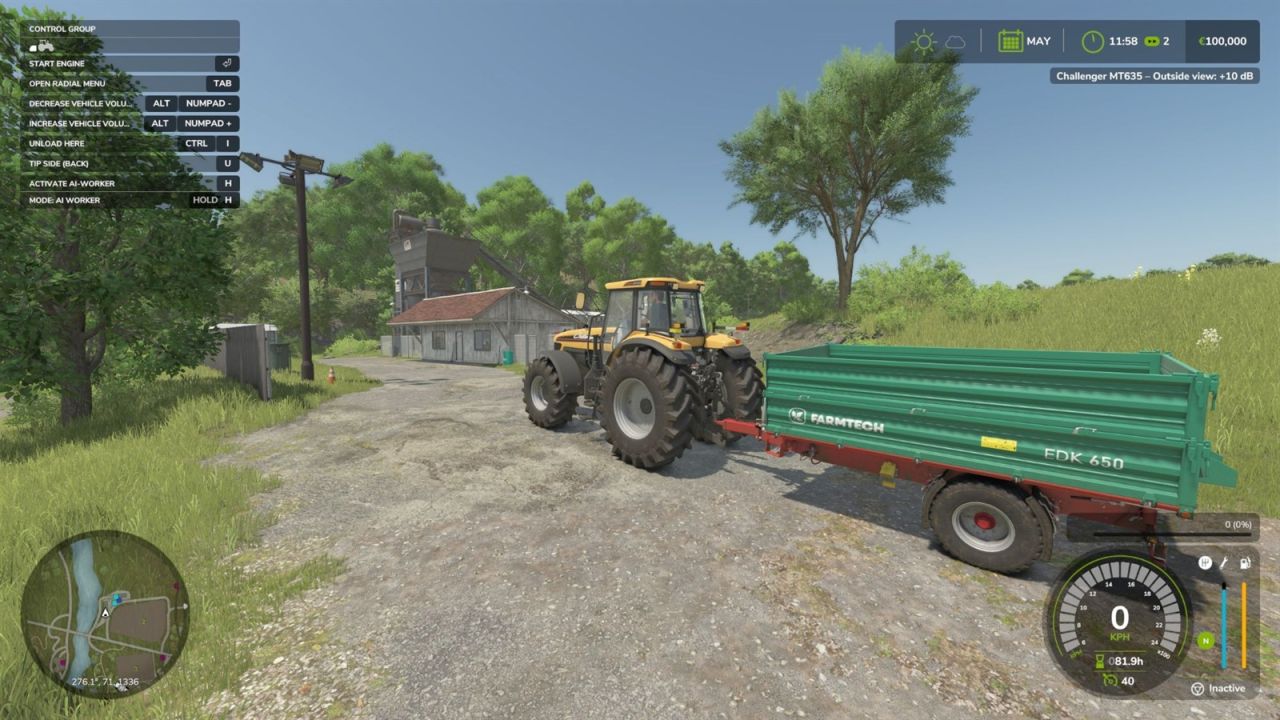
LS25 Vehicle Volume V1.0.0.0
Vehicle Volume lets you set the sound volume of every vehicle individually. Is one tractor too quiet and the combine next to it too loud? Turn each of them up or down while driving.
How to use:
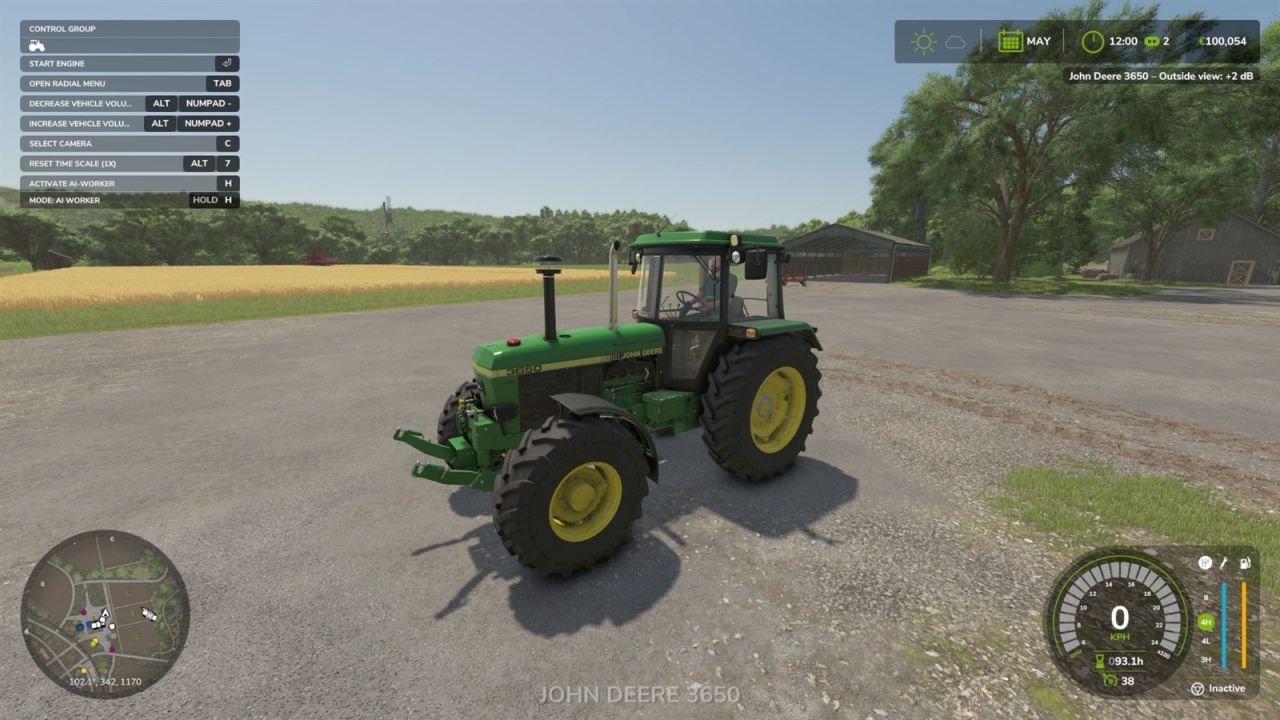
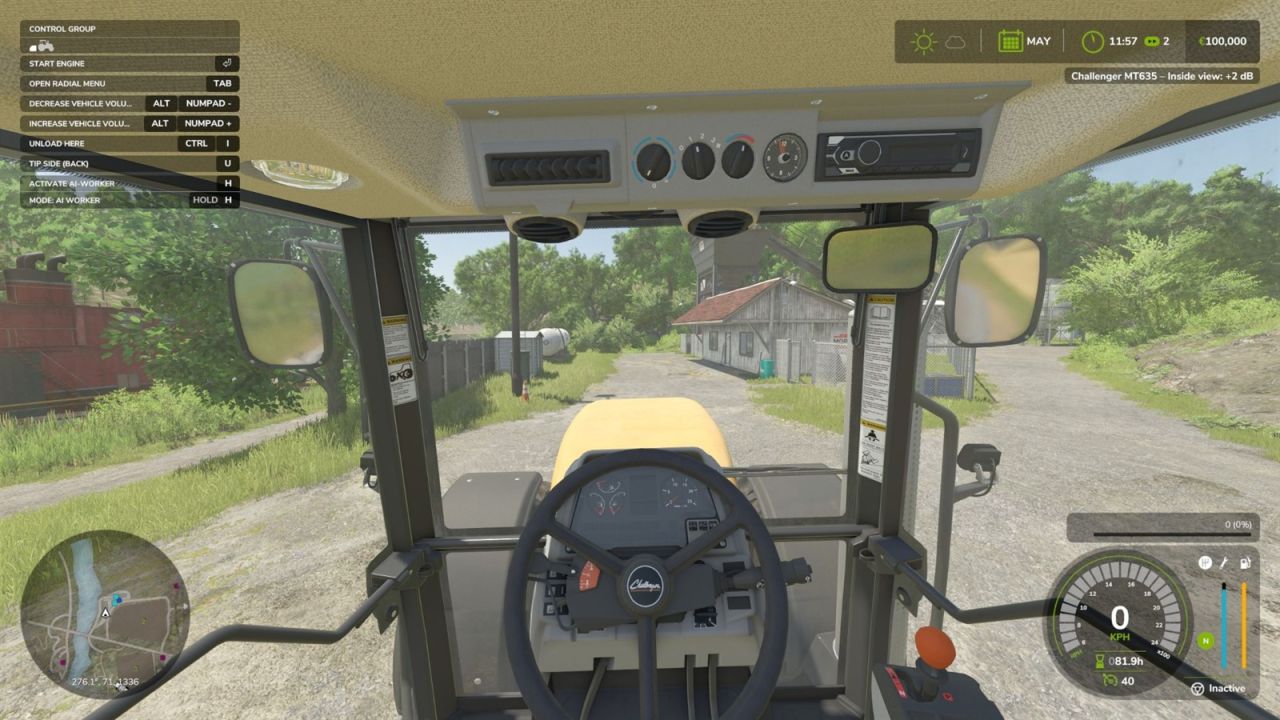
Enter a vehicle and use the hotkeys. The volume of the current view is changed: in the cabin view the inside volume, in an outside camera the outside volume. Both are stored separately.
Hotkeys:
Increase volume (+2 dB): Left Alt + Numpad +
Decrease volume (-2 dB): Left Alt + Numpad –
Reset the current view to the default volume: Left Alt + Numpad 0
The keys can be changed and controller buttons can be assigned in the game’s key binding settings.
Features:
Range from -20 dB to +20 dB in 2 dB steps, default is the original GIANTS volume (0 dB)
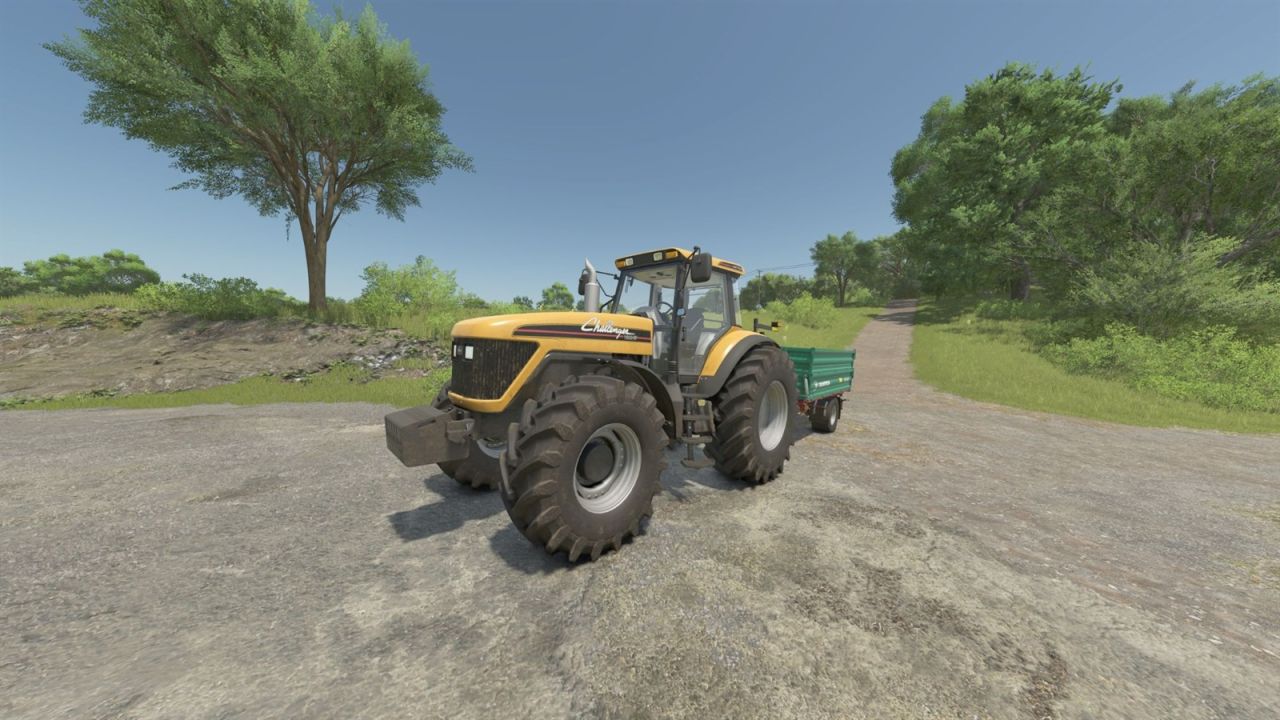
Separate volume for the inside and the outside view
The setting belongs to the individual vehicle (two tractors of the same model can have different volumes)
The volumes are saved with the savegame and restored on load
Notification with the vehicle name, view and current value
Note:
Attached implements keep their own volume. High positive values can sound distorted.
Singleplayer only (not tested in multiplayer).