LS25 Unload Speed Settings V1.0.0.0



LS25 Unload Speed Settings V1.0.0.0
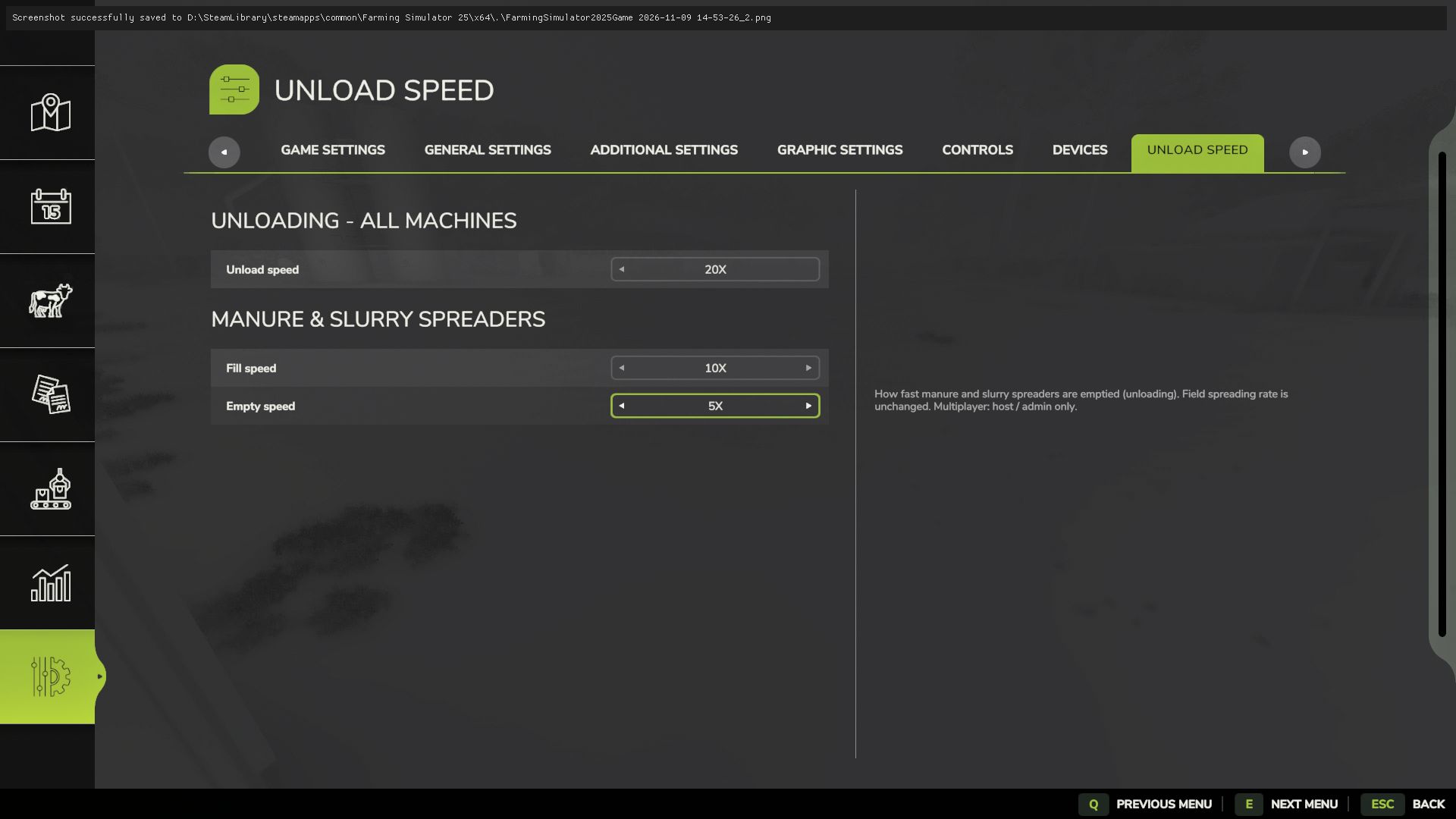
Unload Speed Settings adds an “Unload Speed” page to the in-game Settings menu (ESC > Settings, last tab). Choose 1x, 5x, 10x or 20x no config files, no restart.
WHAT IT DOES
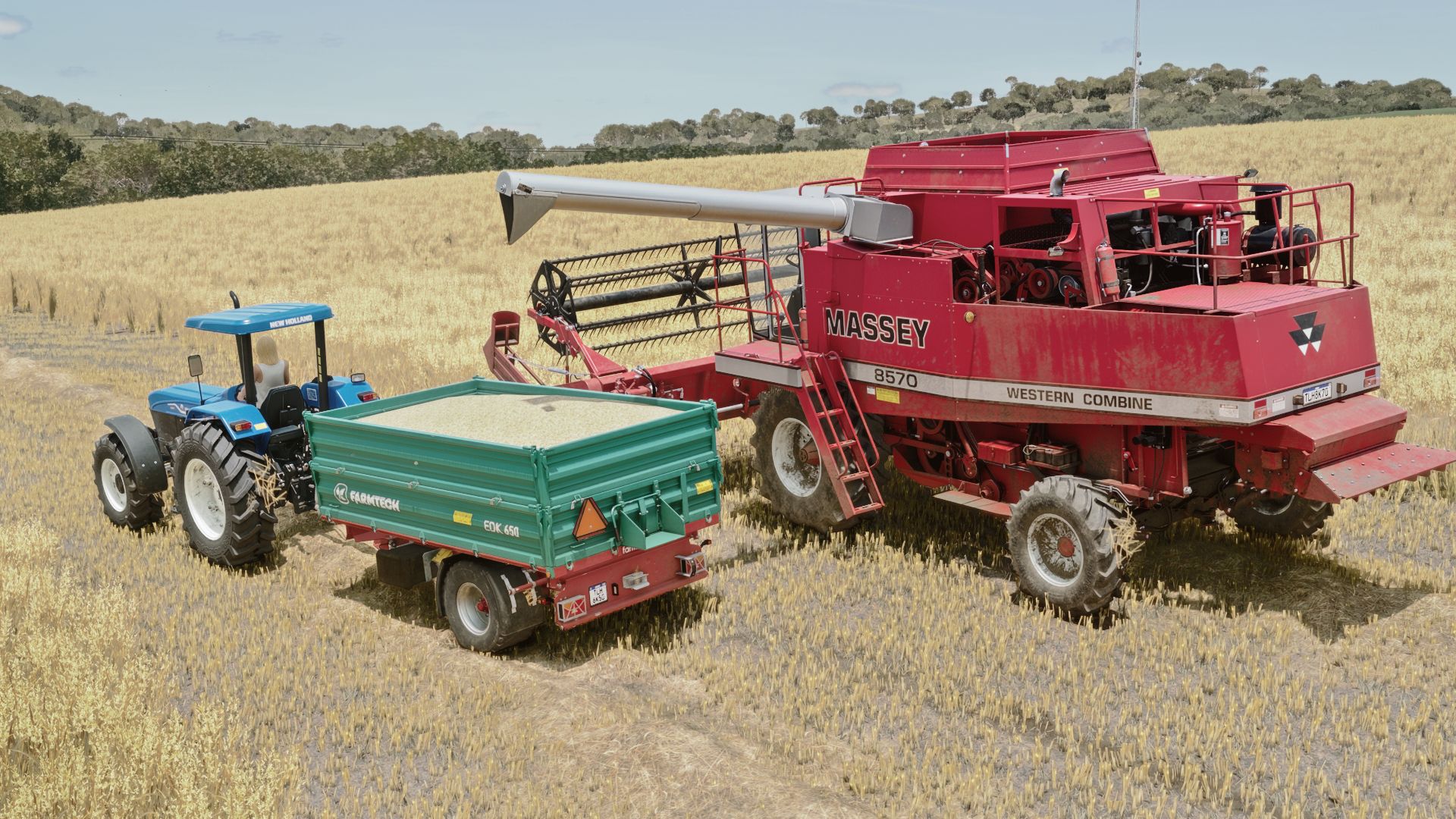
Unload speed: every machine that unloads combine pipes, trailers, tippers, augers, loader shovels and more. Unloading a combine into a trailer or a trailer at the silo gets as fast as you want it.
Manure & slurry spreaders: separate Fill speed (loading from storages and piles) and Empty speed (unloading the spreader).
Field spreading rate is not changed only how fast the spreader is filled and emptied.
MULTIPLAYER
Only the host / admin can change the values.
Applied on the server and synced to every player, including players who join later.
SAVING
Settings are saved per savegame.
CONSOLE COMMAND (optional)
unloadSpeed <unload> <spreaderFill> <spreaderEmpty>
Example: unloadSpeed 10 20 5 (use “-” to keep a value). Allowed values: 1, 5, 10, 20.
Alternative download: https://mods.to/0X0r6af1c14301de9