
LS25 Time Speed Plus V1.0.0.0

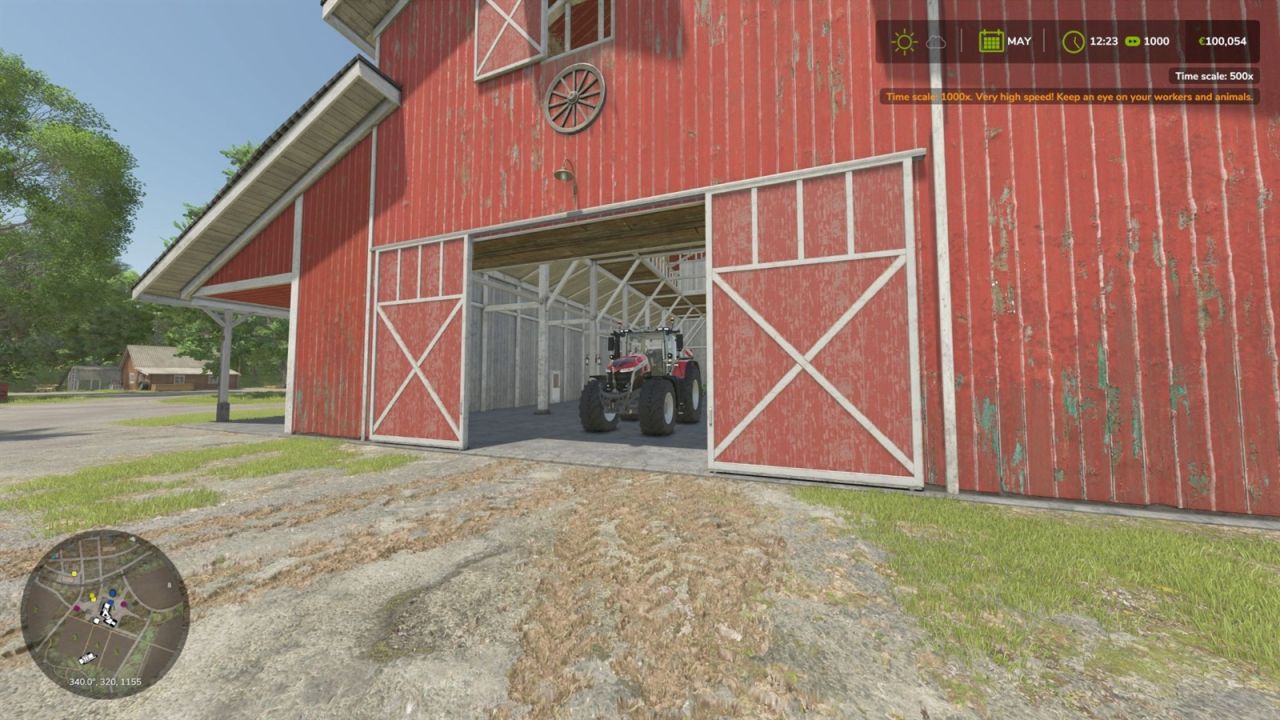
LS25 Time Speed Plus V1.0.0.0
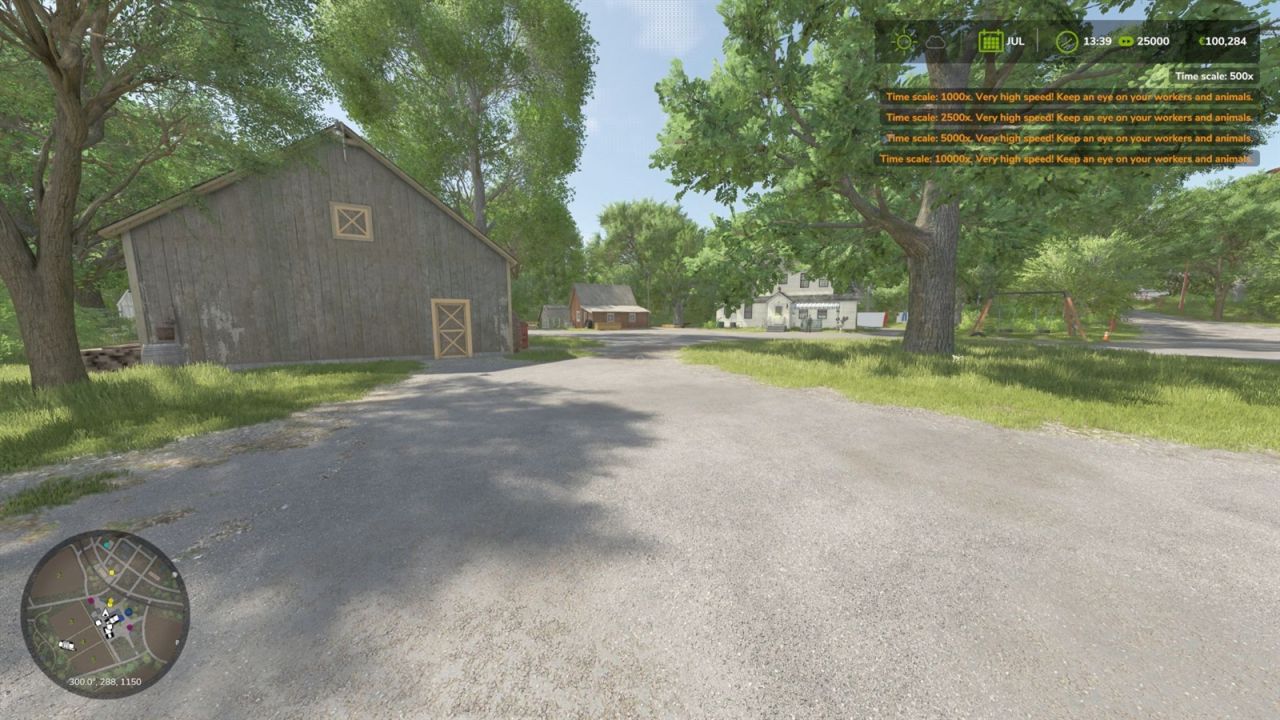
Time Speed Plus adds higher time scale steps above the base game maximum of 360x: 500x, 1000x, 2500x, 5000x, 10000x and 25000x.
How to use:
The new steps are added to the regular time scale controls, so you use them exactly like the base game steps: keep increasing the time scale above 360x. Works on foot and in vehicles.
Hotkeys:
Increase / decrease time scale: base game controls (keyboard and controller)
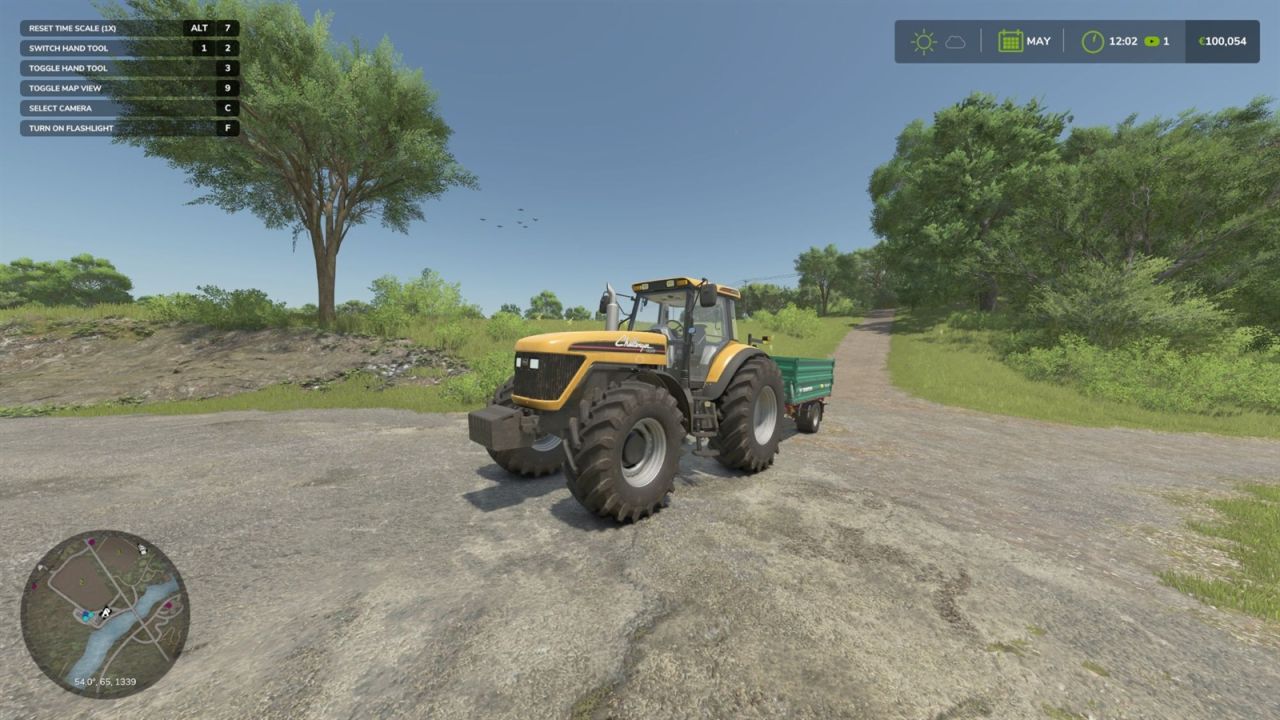
Reset time scale to 1x: Left Alt + 7 (keyboard). The key can be changed and a controller button can be assigned in the game’s key binding settings (“Reset time scale (1x)”).
Features:
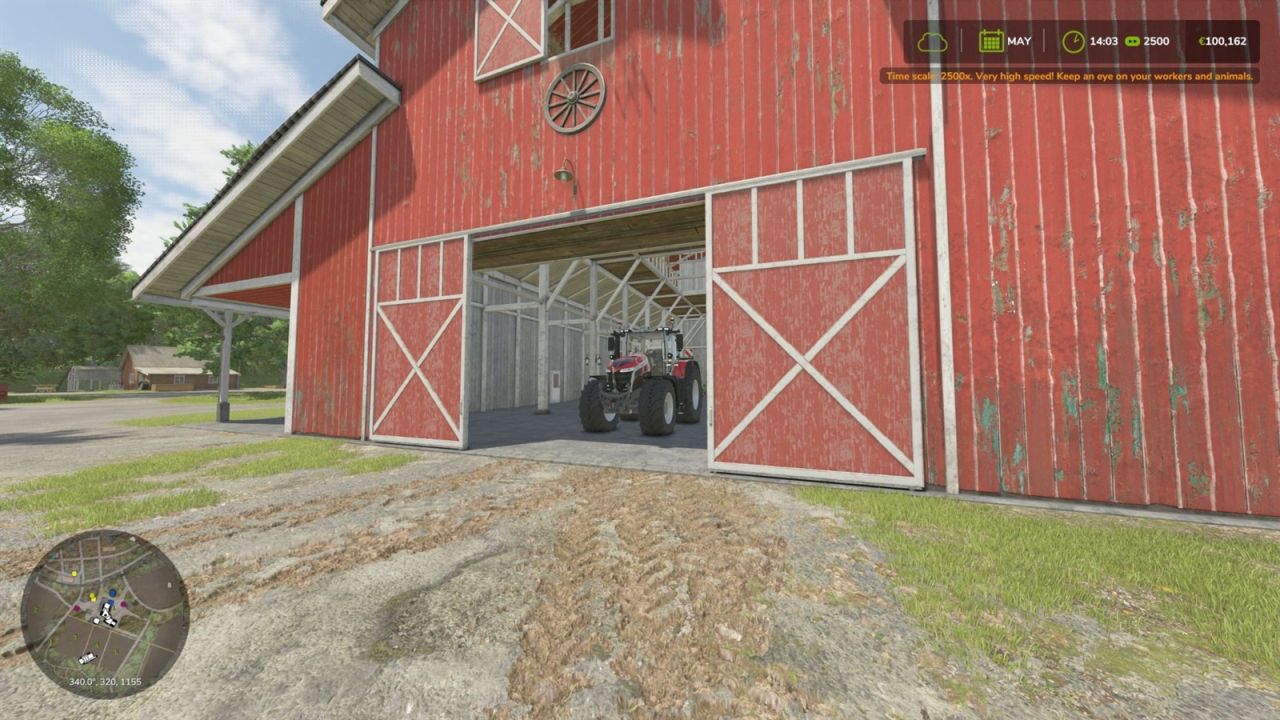
Notification with the current speed when using the new steps, with a warning from 1000x upwards
The chosen speed is saved with the savegame and restored on load
Console command for any value: tspSetTimeScale <value>
Compatible with EasyDevControls
Multiplayer:
Only the host or a logged-in admin can change the time scale.
Important:
At very high speeds crops grow, animals age and contracts, loans and AI workers progress very quickly. Save your game regularly.


