LS25 Teach-IN Extension V1.0.0.0

LS25 Teach-IN Extension V1.0.0.0
Teach-IN Extension adds freely configurable sequences for recurring operating and workflow routines to Farming Simulator 25.
Features:
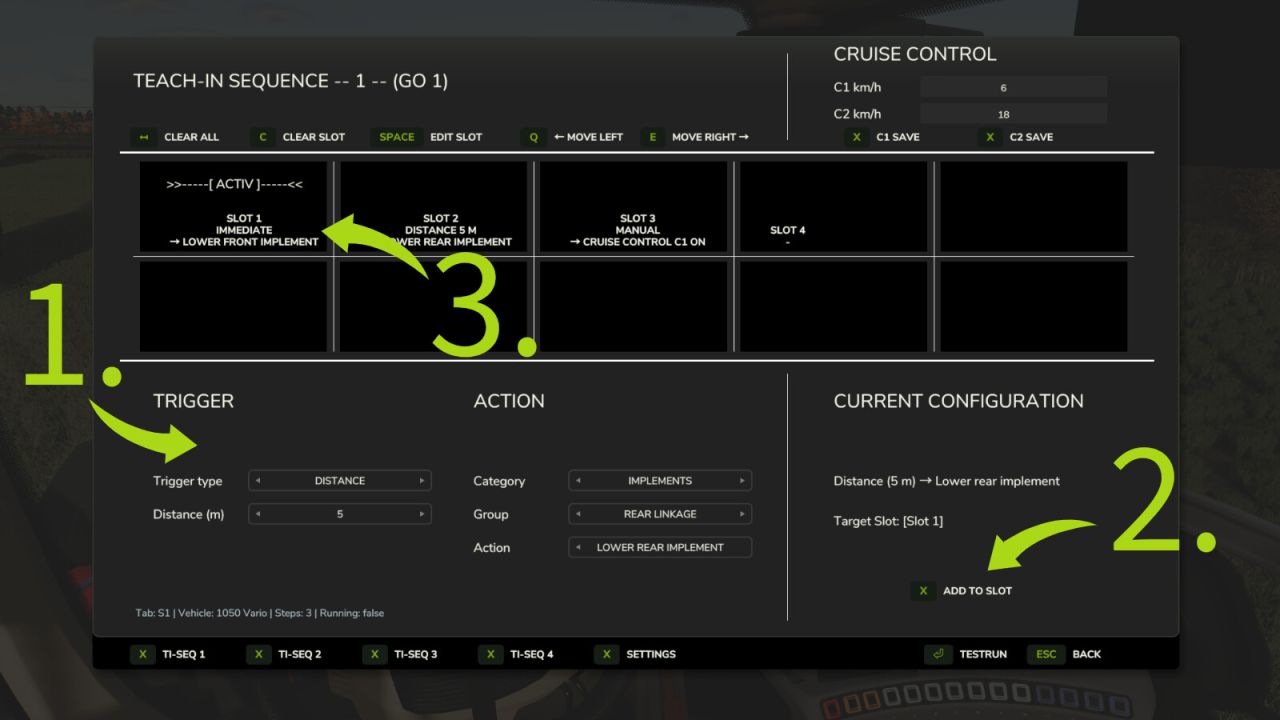
4 freely assignable Teach-In sequences
Trigger types: Immediate, Manual, Time, and Distance
Actions for cruise control C1/C2, GPS, front/rear linkage, and front/rear PTO
Clear menu for creating, editing, moving, and deleting slots
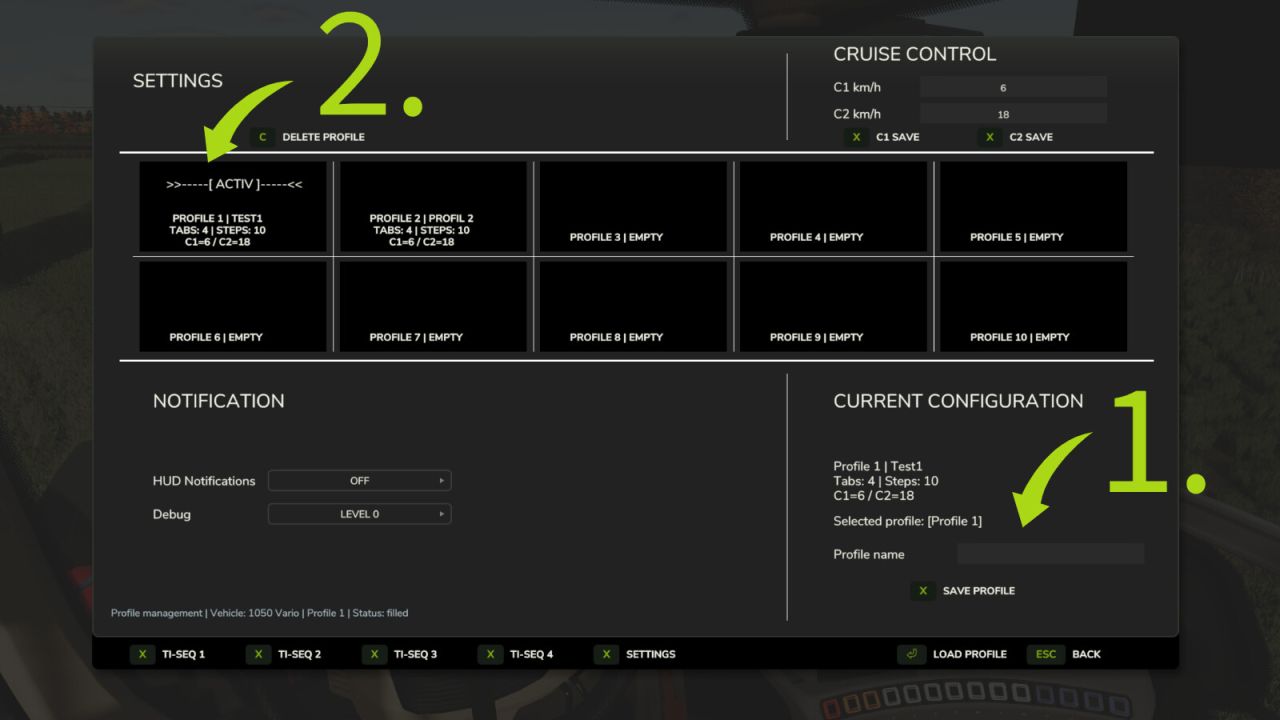
Profiles can be saved and loaded
Suitable for recurring field operations and fixed work routines
Multiplayer support
Default key bindings:
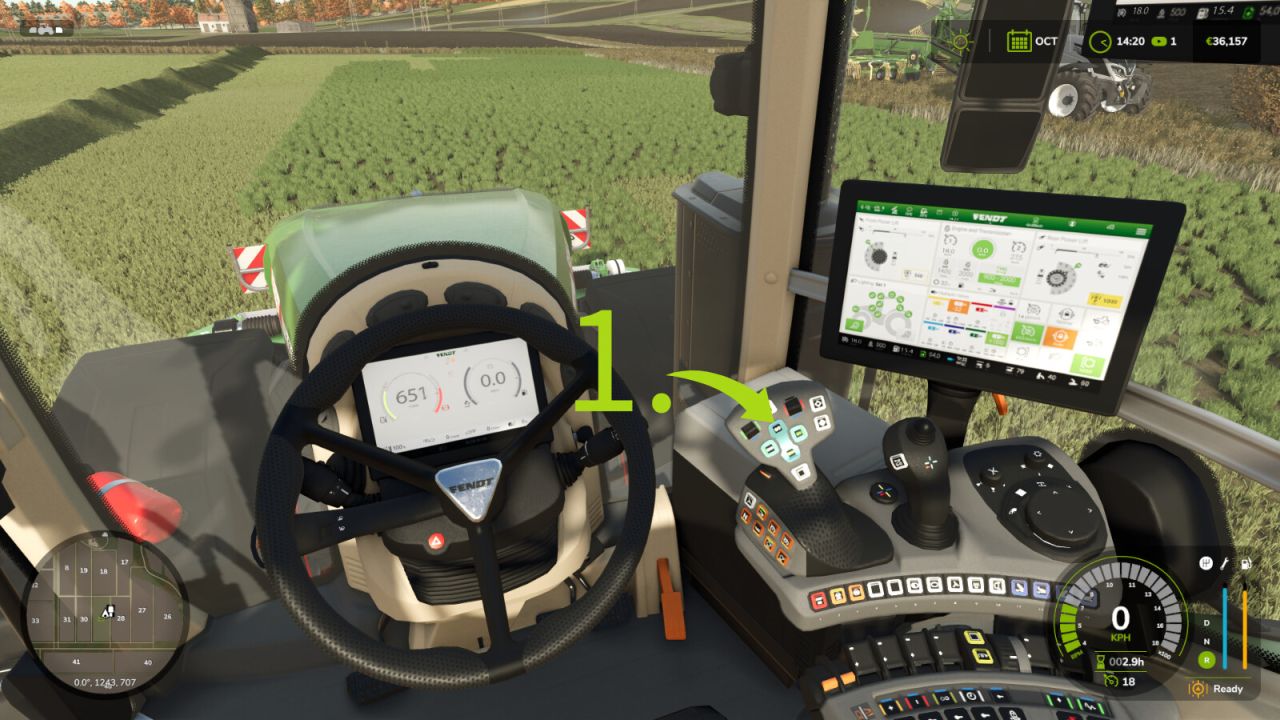
Open/close menu: Left Ctrl + Left Alt + T
Start sequence 1: Left Ctrl + Left Alt + Up Arrow
Start sequence 2: Left Ctrl + Left Alt + Down Arrow
Start sequence 3: Left Ctrl + Left Alt + Right Arrow
Start sequence 4: Left Ctrl + Left Alt + Left Arrow
Stop active sequence: Left Ctrl + Left Alt + Numpad 0
Preselect cruise control C1 directly: Left Ctrl + Left Alt + 1
Preselect cruise control C2 directly: Left Ctrl + Left Alt + 2
Ideal for precise, repeatable field routines and convenient control of fixed work processes.