LS25 Simple-Navigator V1.0.0.0

LS25 Simple-Navigator V1.0.0.0
Who doesn’t know this… a new map, very winding roads, or large maps, and you’re constantly looking for where to go?
Then allow me to introduce the Simple-Navigator xD
Mod description (including server):
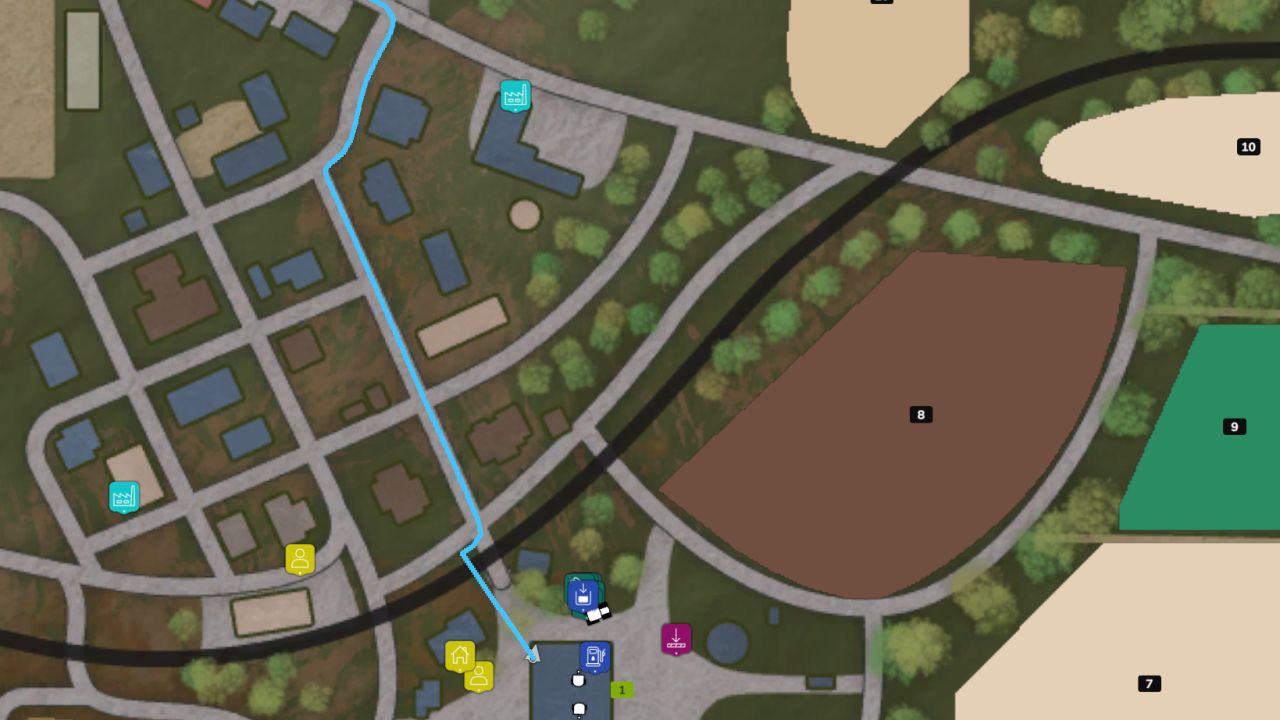
Navigation system based on the map’s road splines.
Note: Route guidance is only possible via splines (usually not field paths).
Set a destination: Open the overview map (ESC menu) and press CTRL + left-click on the destination.
Pressing CTRL + left-click on the same spot again removes the destination.
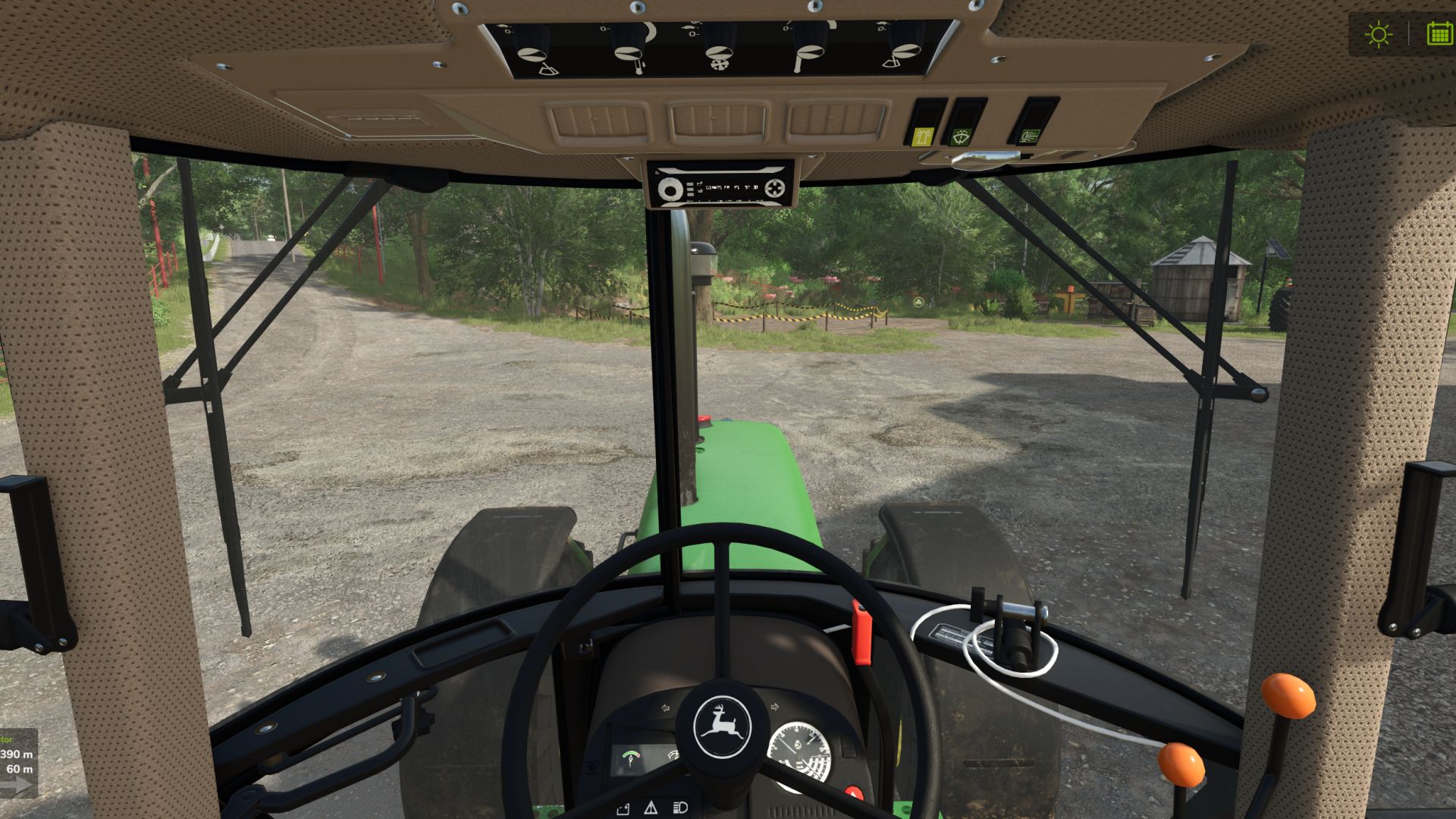
The route is displayed on the minimap. Next to the minimap, a panel shows the distance to the destination, the distance until the next turn, and flashing arrows for left/right.
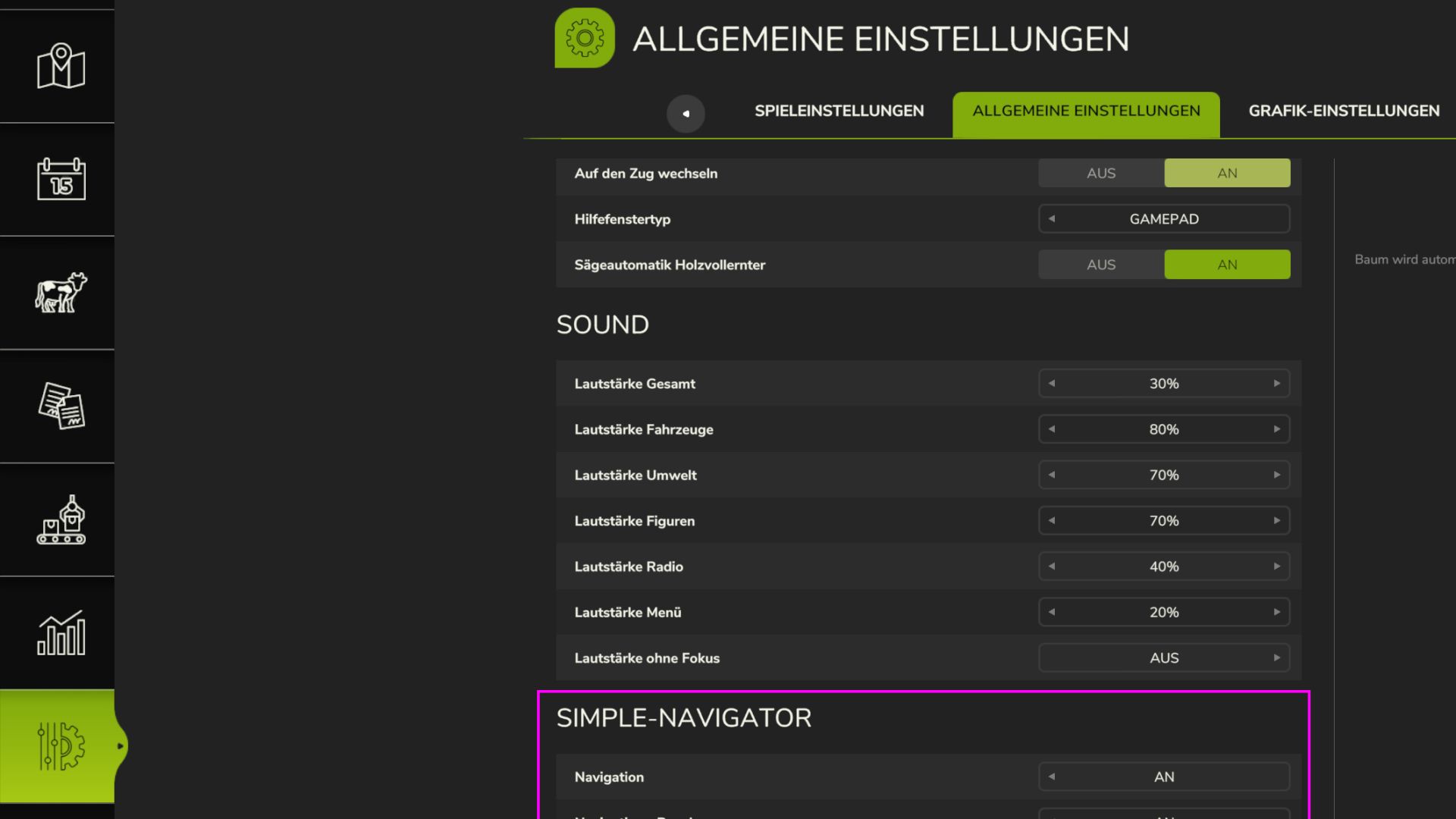
Under Settings > General, each player can enable or disable the navigation and the panel individually (also on servers).
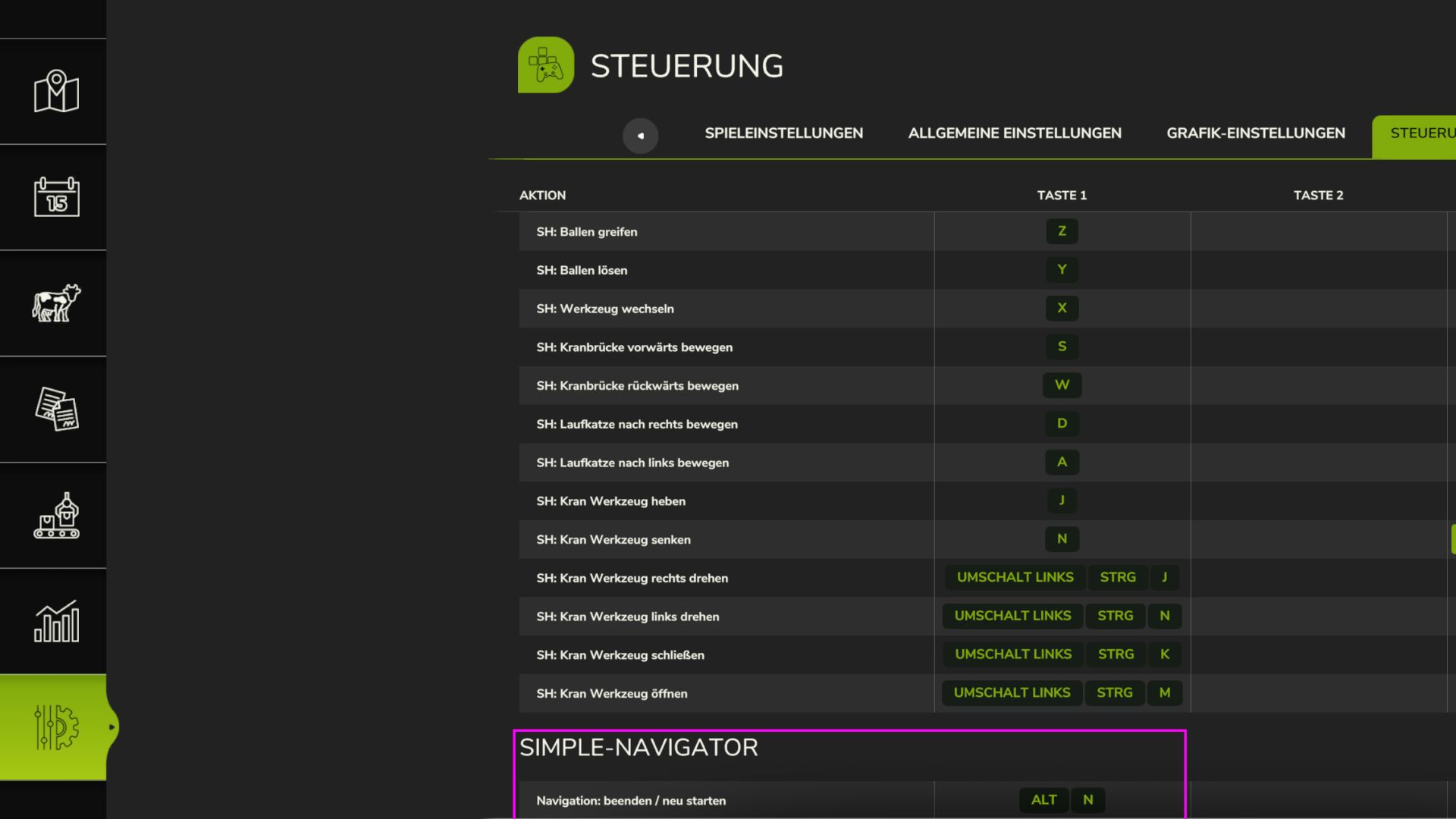
ALT + N: End / restart navigation
*has not yet been tested on large 4x maps; if anyone finds errors or has comments, feel free to write*