LS25 Shop Cart V1.0.0.0

LS25 Shop Cart V1.0.0.0
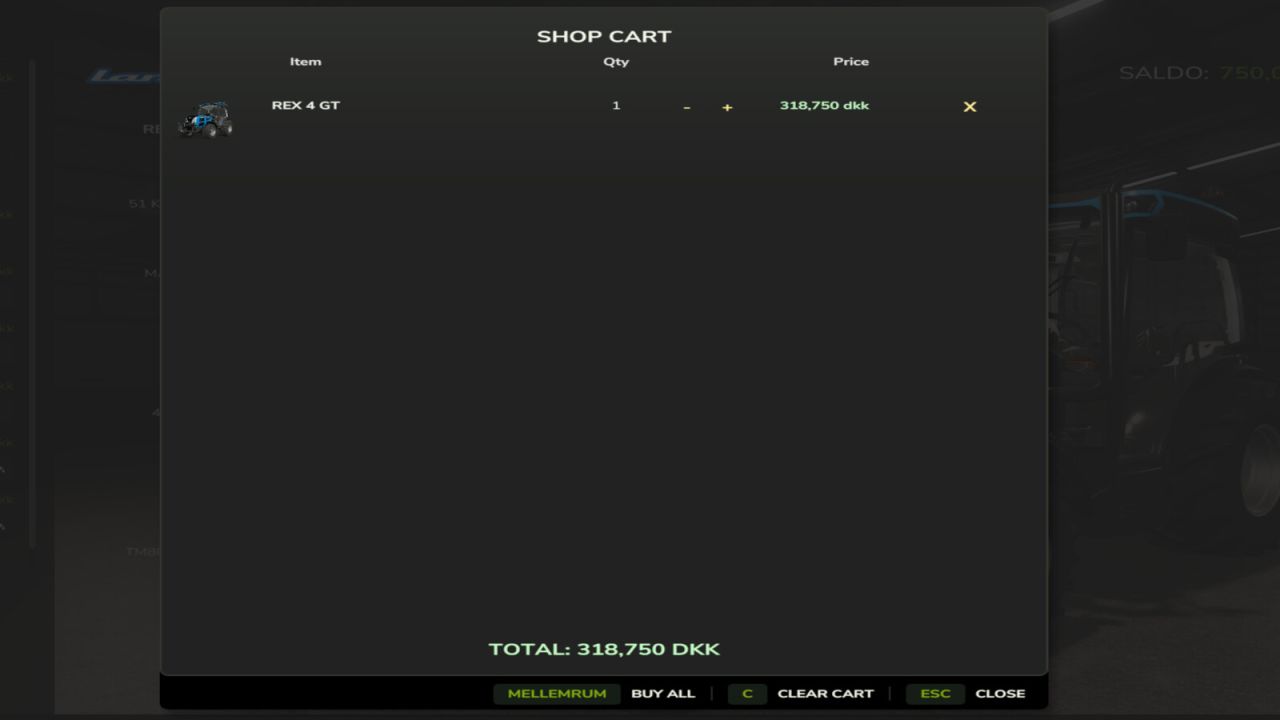
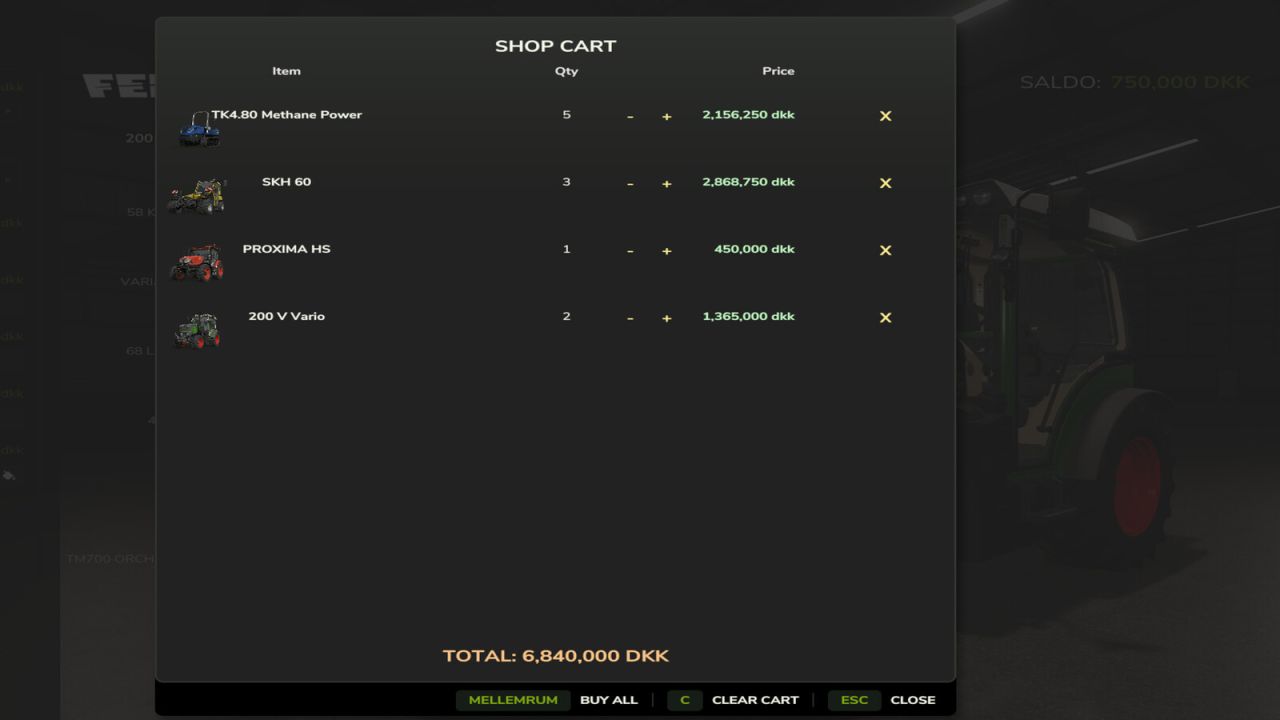
Shop Cart adds a proper shopping cart to the in-game shop, so you don’t have to buy vehicles, tools, and pallets one at a time.
Add as many different items as you want to the cart, set a quantity for each, and see the combined total before you commit – then buy everything in one go with a single click.
Features:
– “Add to cart” and “Cart (n)” buttons right on the buy screen for vehicles, tools, and pallets
– Adjust quantities or remove items straight from the cart
– Clear the whole cart in one click, with a confirmation so you don’t wipe it by accident
– “Buy all” purchases whatever you can afford and leaves the rest in the cart instead of blocking the whole purchase if you’re short on cash
– Works in multiplayer
Not currently supported: buildings and other placeables. Since those need to be positioned in the world rather than just spawning near the dealer, they still use the game’s normal one-at-a-time buy flow for now.
Feedback and bug reports welcome!