LS25 Seasonal Crop Stress V1.2.3.0


LS25 Seasonal Crop Stress V1.2.3.0
FS25 farms look lush even when your crops are quietly dying of thirst. This mod changes that.
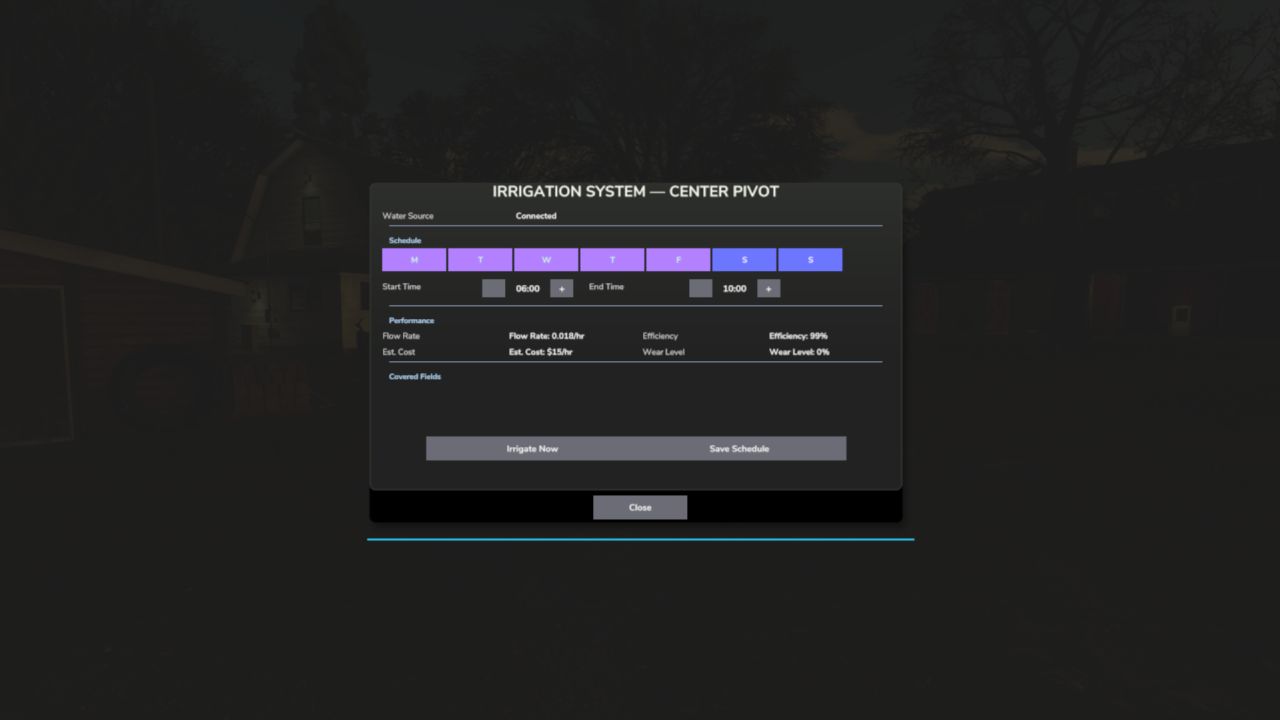
Real soil moisture physics. Heat evaporates. Rain replenishes. Sandy soil drains fast; clay holds longer. When moisture drops below critical thresholds during the windows that matter most — wheat during heading, corn during pollination — stress accumulates and your yield shrinks. Place a center-pivot irrigator, schedule it, and protect what you’ve grown.
QUICK START:
1. Load your farm — moisture monitoring activates immediately
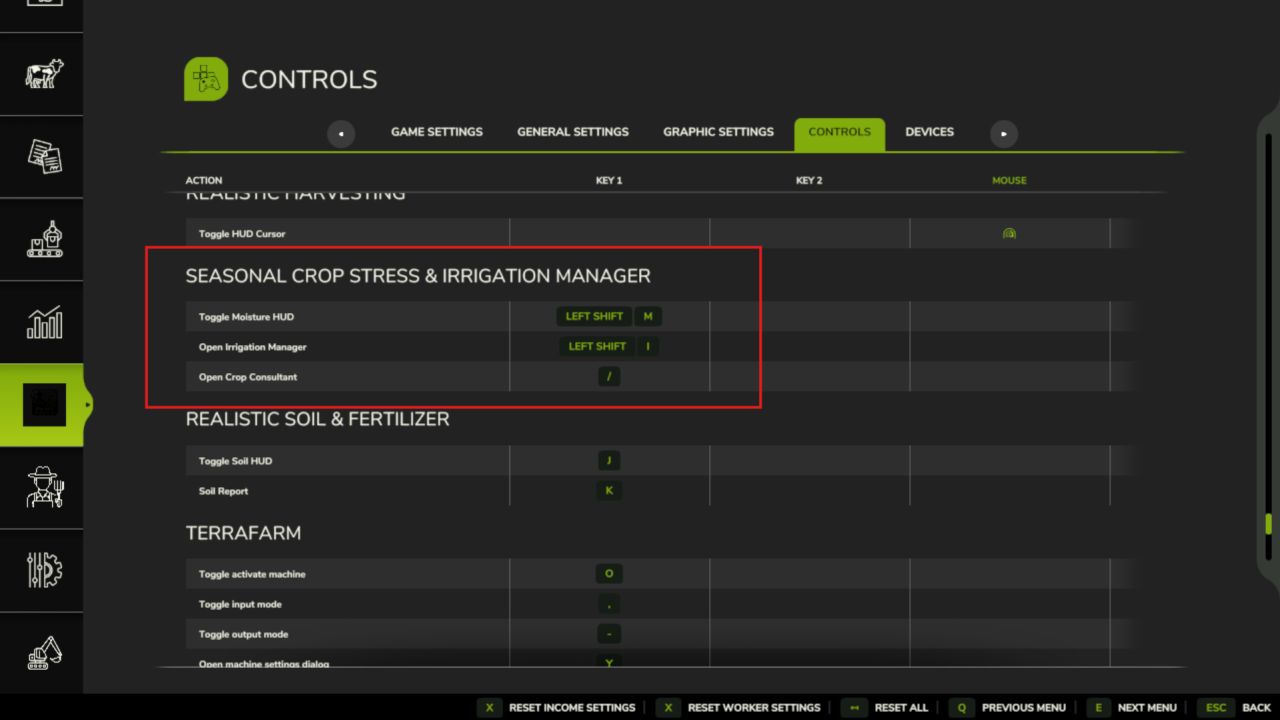
2. Press Shift+M → open the Field Moisture HUD
3. Click a field → see its 5-day moisture forecast strip
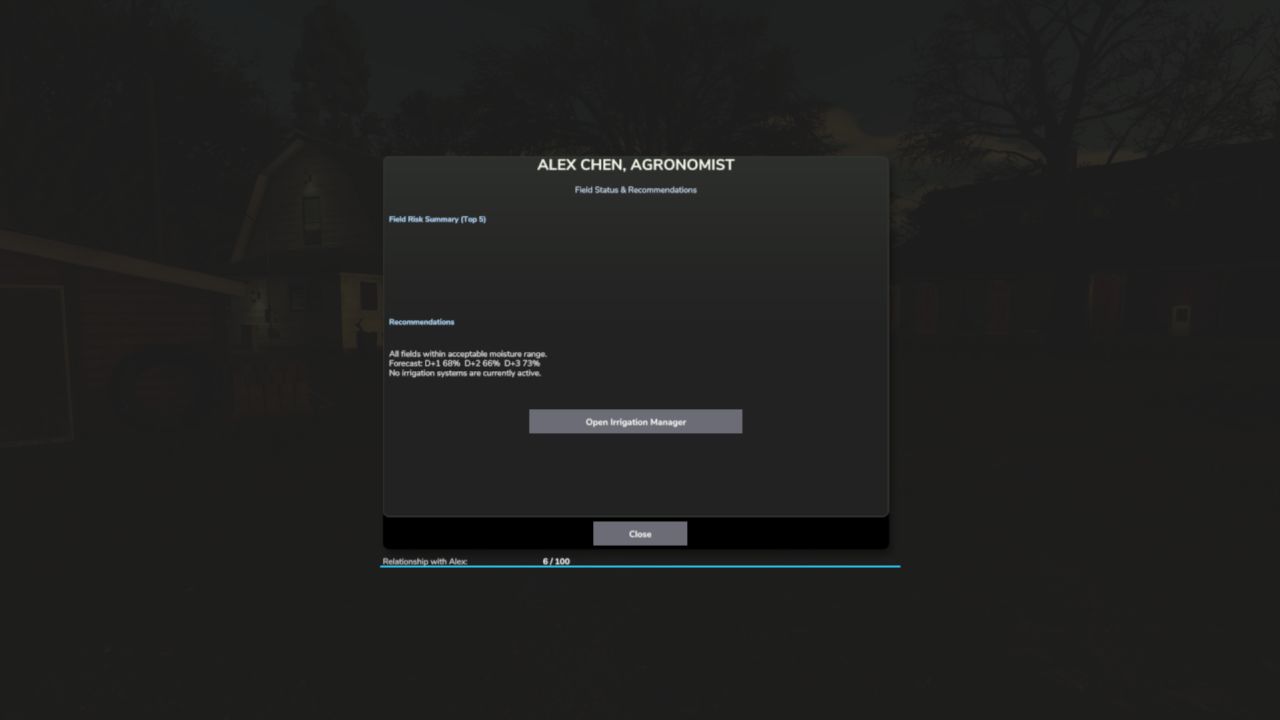
4. Press Shift+C → open the Crop Consultant for risk summary
5. Green = healthy · Yellow = needs attention · Red = irrigate NOW
6. Place a Water Pump near water, then a Center Pivot within 500m
7. Press E near the pivot (or Shift+I) → set your irrigation schedule
8. At harvest, drought-stressed fields yield less — plan ahead
V1.2.3.0
This update fixes the long-standing issue where players on dedicated servers saw no field data in the mod’s menus, and brings a major new way to monitor your fields: the in-game Crop Moisture Monitor.
What’s new / what’s fixed:
DEDICATED SERVER FIX field moisture and stress data now syncs to all clients when they join. The Crop Moisture Monitor no longer shows a blank screen on dedi servers.
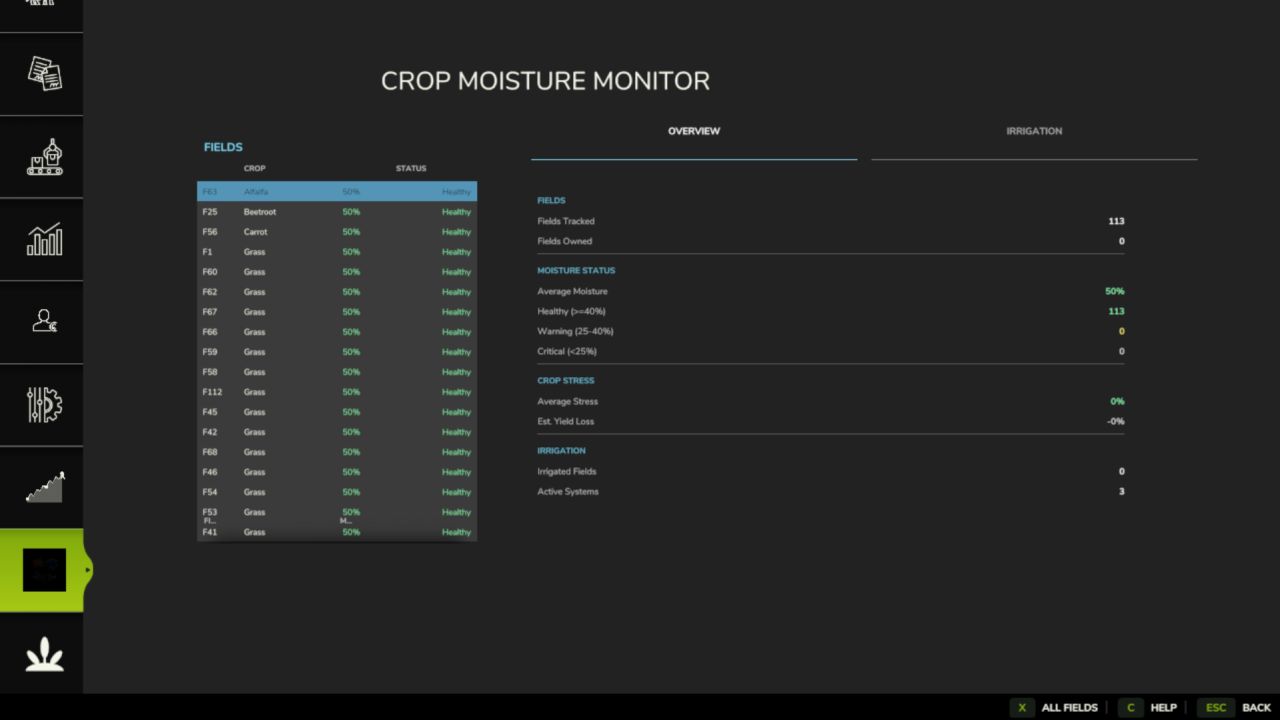
CROP MOISTURE MONITOR a new tab in the ESC pause menu (look for the crop icon). Shows every field’s moisture level, stress %, and irrigation status at a glance. Includes a farm-wide overview with average moisture, yield loss estimate, and healthy/warning/critical counts. No more needing to open the HUD overlay everything is in the menu.
IRRIGATION TAB the monitor’s second tab lists all fields sorted by driest first. Click any irrigated field to jump straight to its schedule dialog.
FIELD FILTER toggle between all fields and only your owned fields using the filter button in the monitor.
MAP OVERLAY soil moisture is now shown as a colour-coded overlay on the in-game map (green = healthy, yellow = warning, red = critical).
RANDOM WORLD EVENTS if you run FS25_RandomWorldEvents, heat waves and droughts now increase crop stress accumulation dynamically.
ALEX CHEN the Agronomist NPC’s relationship level now saves and loads correctly across game restarts (requires FS25_NPCFavor).
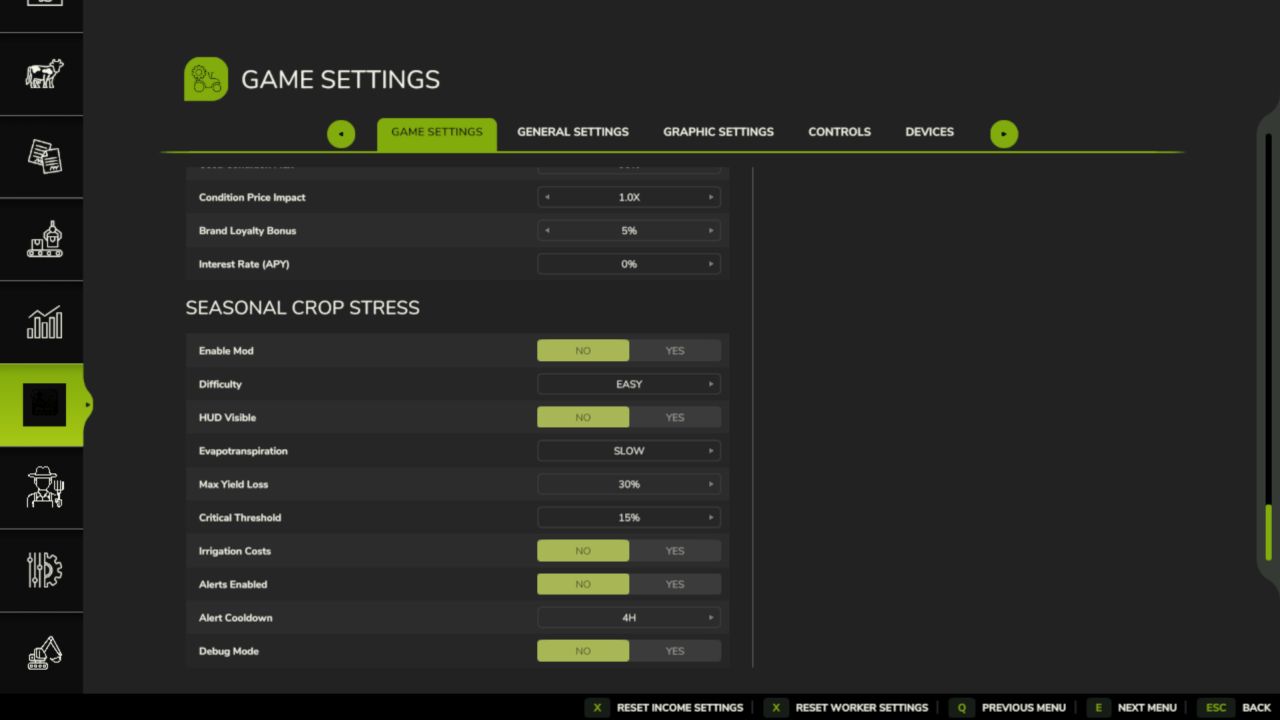
SETTINGS PANEL press Shift+S to open the mod settings panel withou going into the ESC menu.
DANISH TRANSLATION full Danish localisation added (thanks to community contributor West).
Various fixes to the HUD overlay, translation files, and UI layout.
Save compatibility: no migration needed your existing save loads normally.