LS25 Repopulate Fields V1.0.1.0

LS25 Repopulate Fields V1.0.1.0
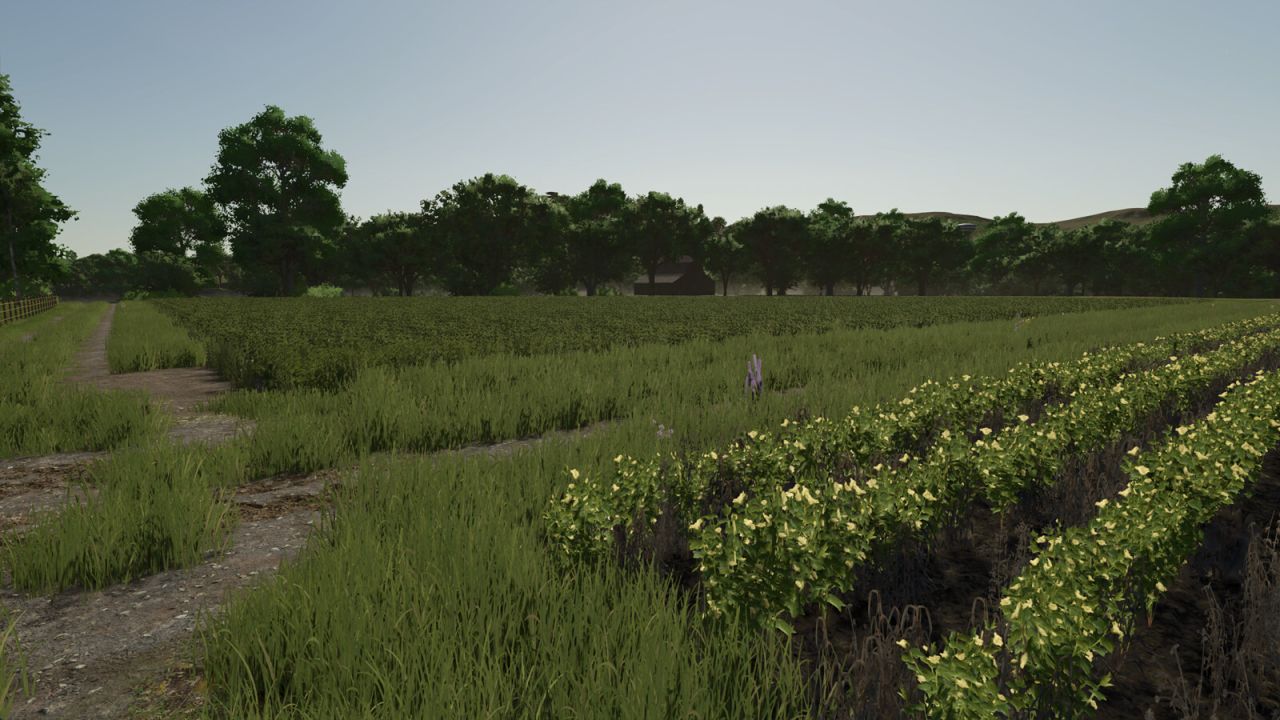
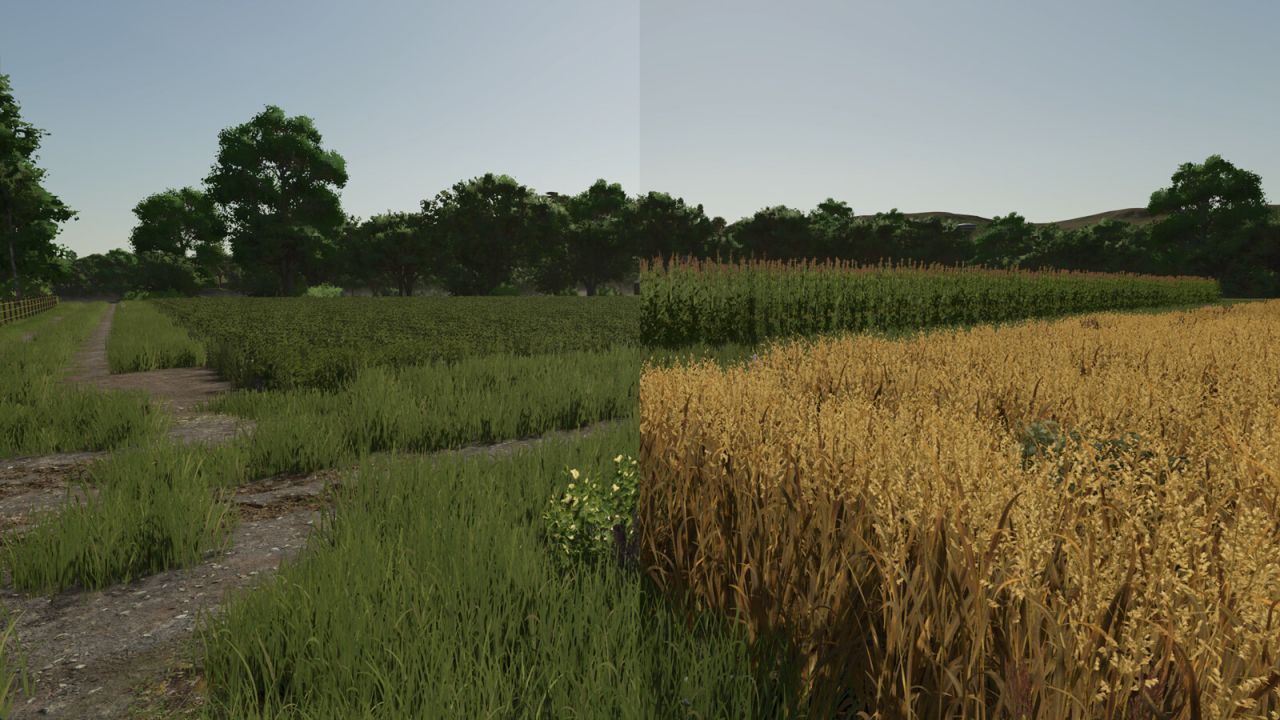
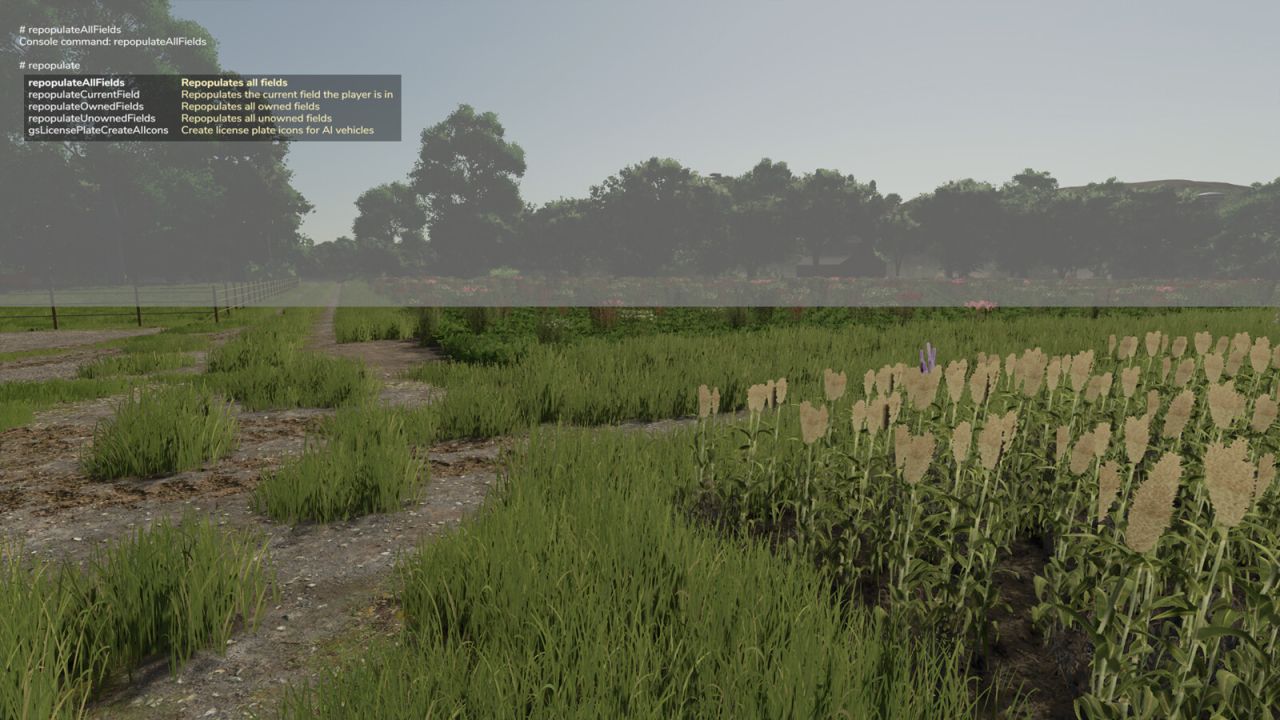
Repopulate Fields lets you reset fields to a randomised state with a single button press.
Each field receives a random crop at a random growth stage, along with randomised soil conditions: spray level, plow level, lime level, weed state, and ground type. Grass-only fields always receive grass.
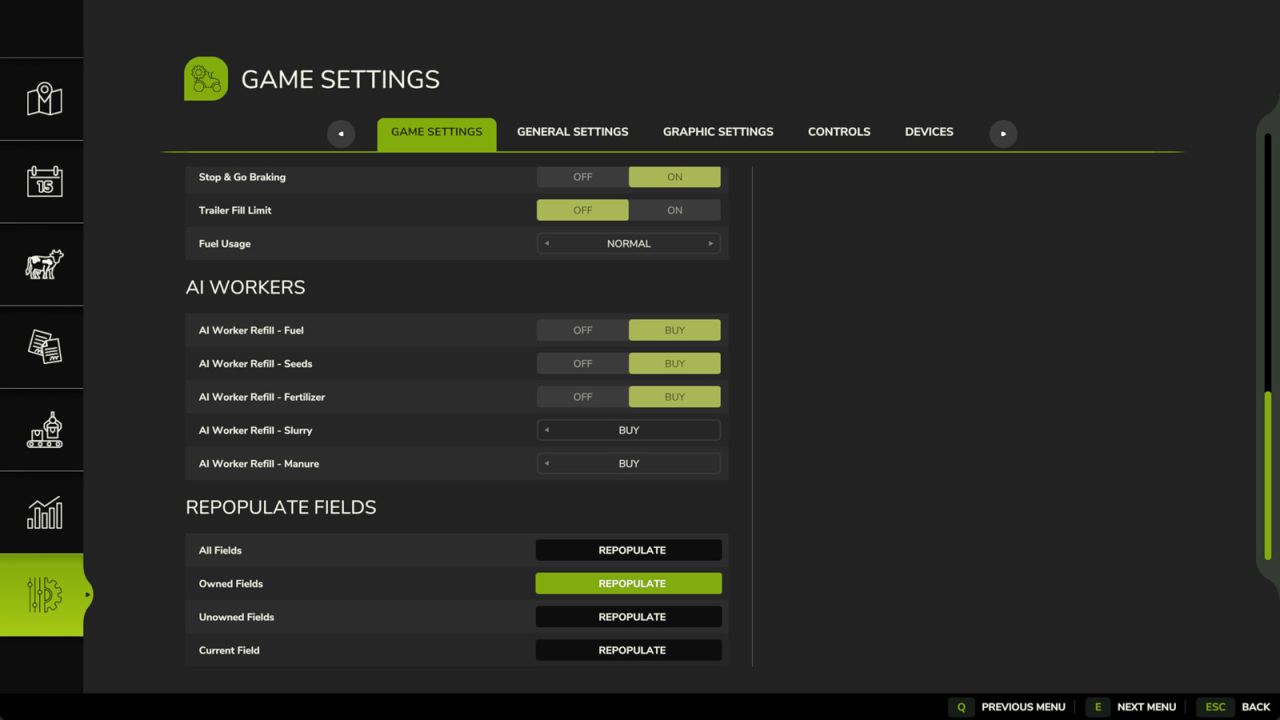
Five options are available, both as console commands and as buttons in the in-game Settings menu:
Repopulate All Fields (command: repopulateAllFields)
Repopulate Owned Fields (command: repopulateOwnedFields)
Repopulate Unowned Fields (command: repopulateUnownedFields)
Repopulate Current Field (command: repopulateCurrentField)
Repopulate All Fields To Grass (command: repopulateAllFieldsToGrass)
The first four commands accept an optional fruit type, which is then used for every field instead of a random one, for example: repopulateOwnedFields WHEAT
In multiplayer, admin rights are required to use any of these options.
V1.0.1.0
Fixed grass fields not changing to a different crop.
Added a button and command to turn all fields into grass.