LS25 Real shader and lighting for frame generation V1.0.0.1
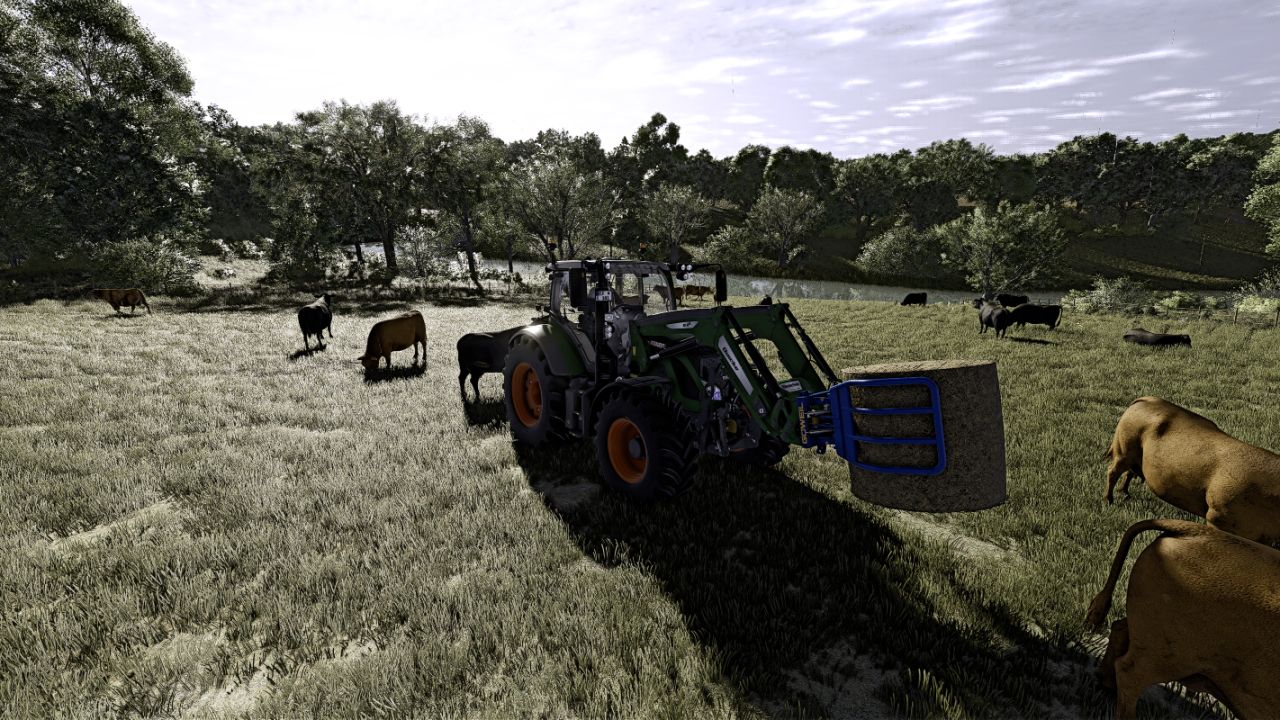

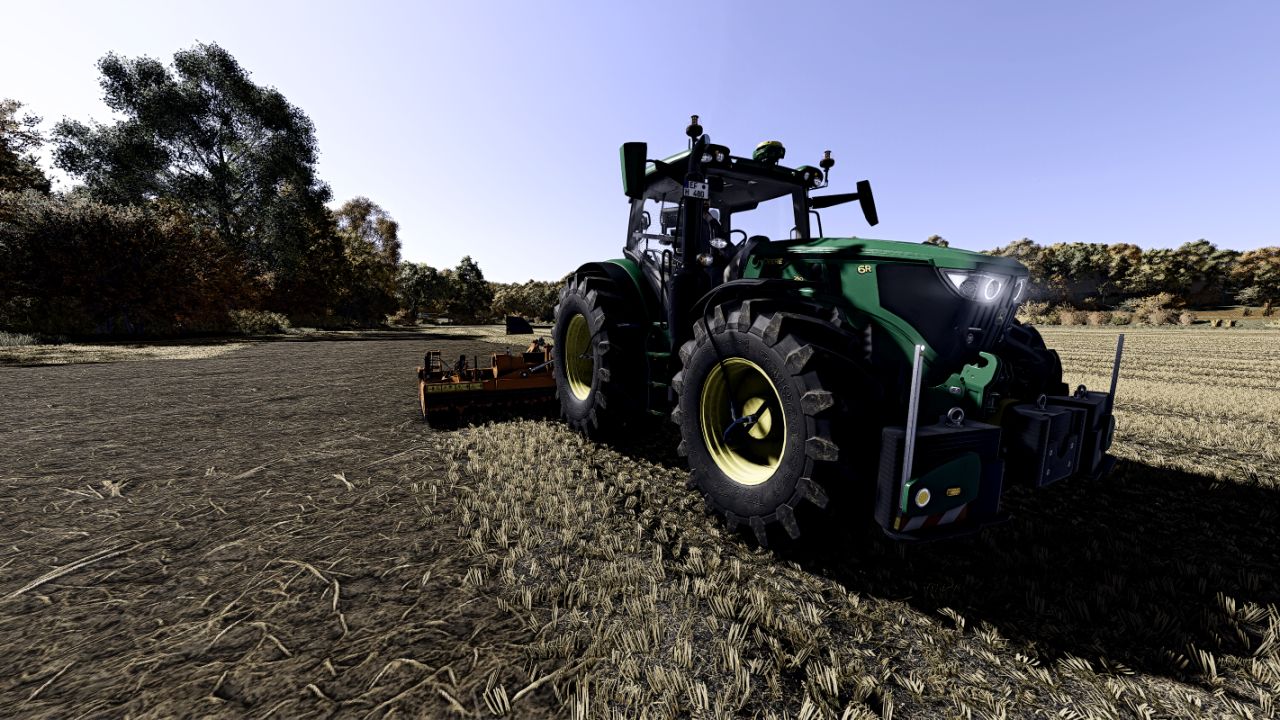
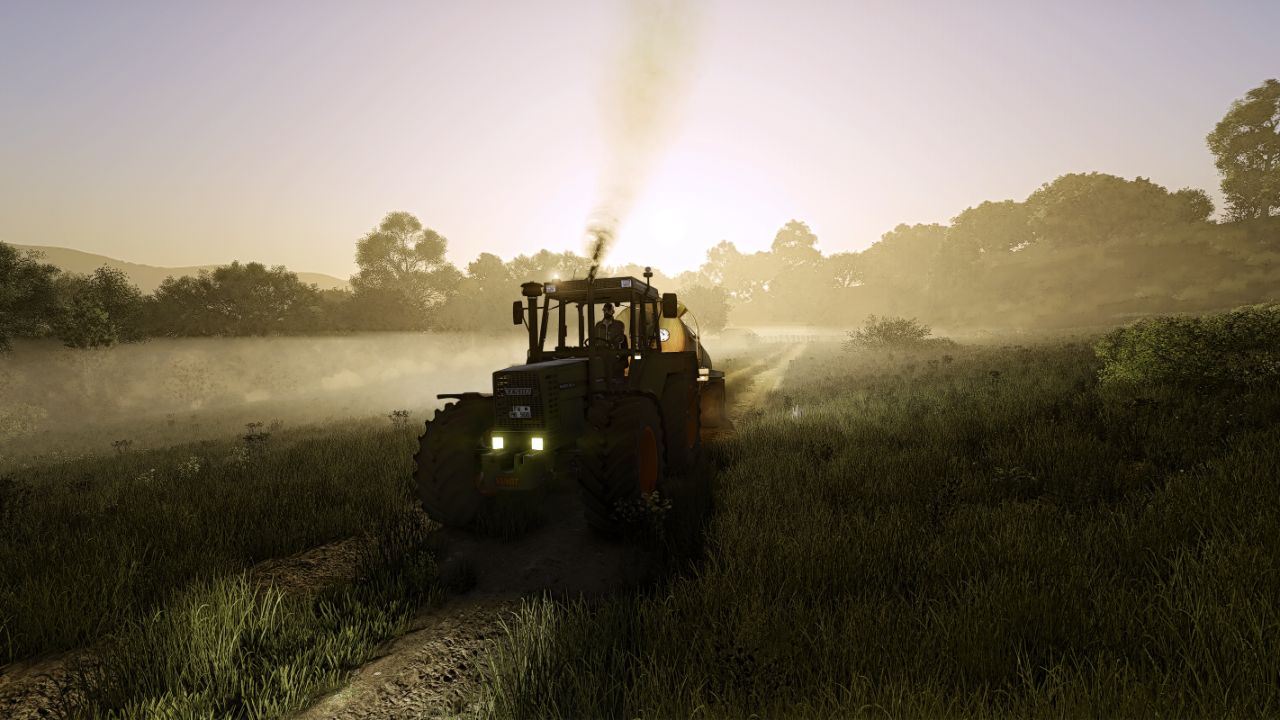
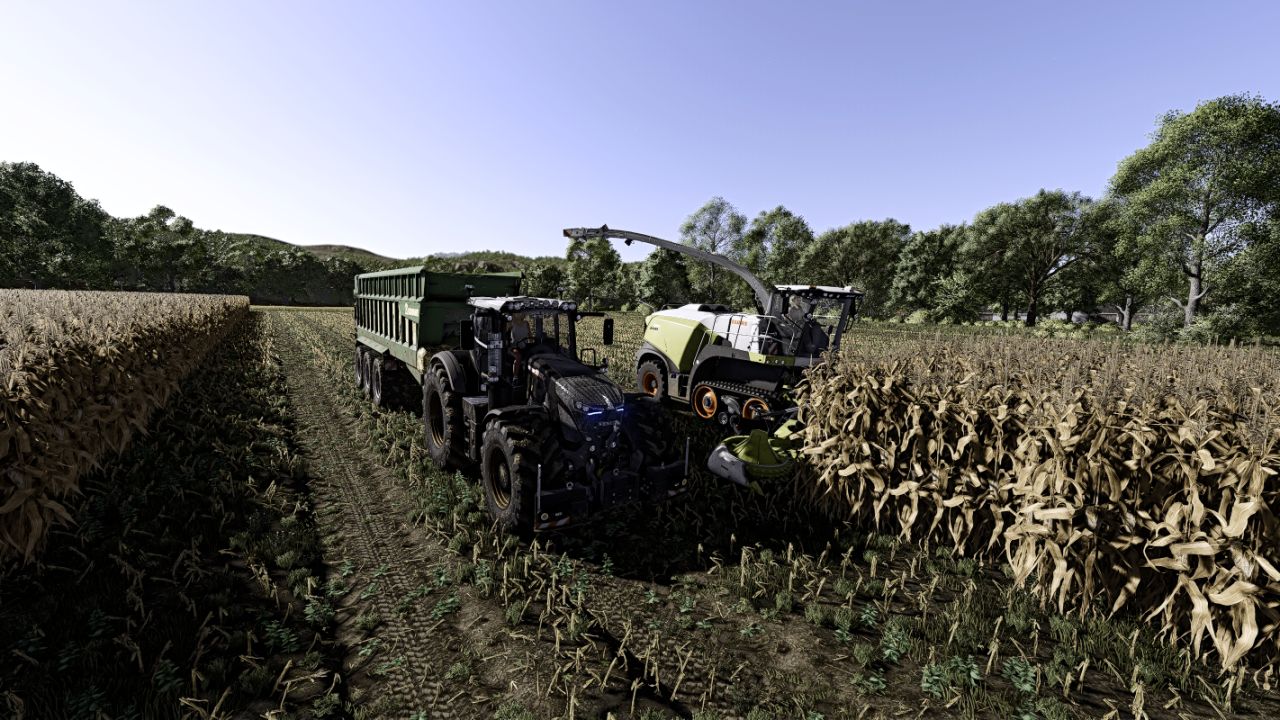
LS25 Real shader and lighting for frame generation V1.0.0.1
Here is a slightly adapted version of my last shader. This version is adapted for frame regeneration such as FSR3 + image generation X2 (selectable in the LS25 settings). With this version, there is no black clipping (shadow artifacts for fast movements) with selected frame regeneration. The optical losses are only visible in a direct comparison and kept as low as possible. Nevertheless, for players with powerful systems, I recommend using my first version of the shader to achieve the best possible quality.
Reshade with add-on support must be installed.
Disable in the settings of the LS25 HDR!
The shader includes slight adjustments to Martysmods Regrade. This option is only available by buying the respective FX files on the Martysmods website. However, color degrees settings are only minimal and by no means a must. Even without a regrade, the shader looks like in the pictures.
Copy the ini configuration file in the following path:
C: / Program Files (X86) / Steam / Steamapps / Common / Farming Simulator 25 / X64
Copy the folder with the lighting settings, in the following deposit: (and then select Ingame with the extended settings)
Documents / My Games / Farmingsimulator2025 / ModSettings / FS25_Additionalgamesettings / Lighting
Required mods:
Additional Game Settings