LS25 Park Vehicle V1.1.0.0

LS25 Park Vehicle V1.1.0.0
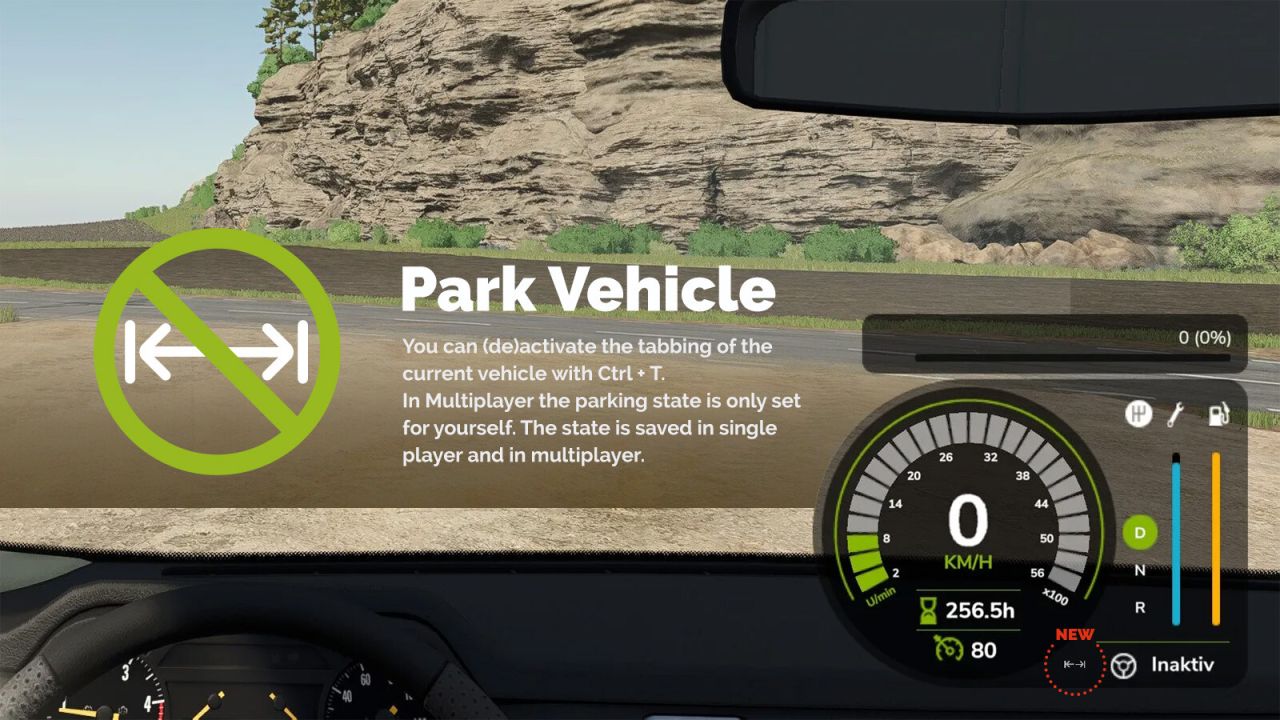
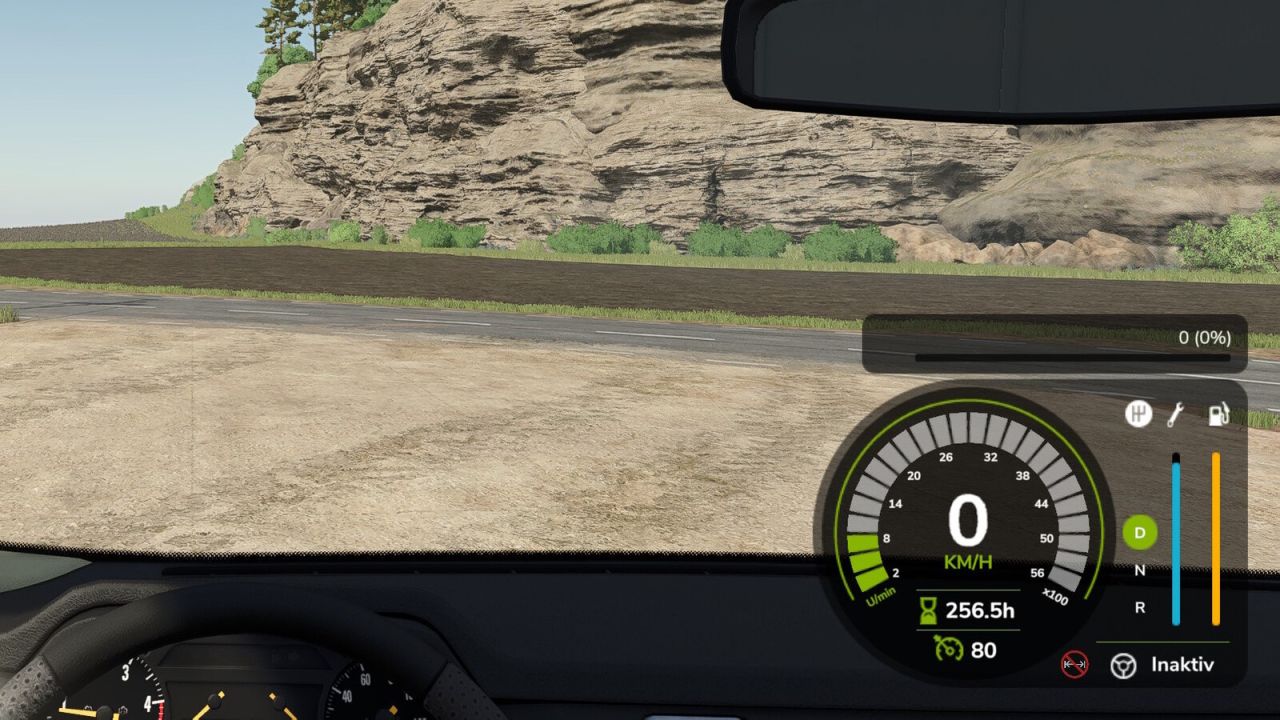
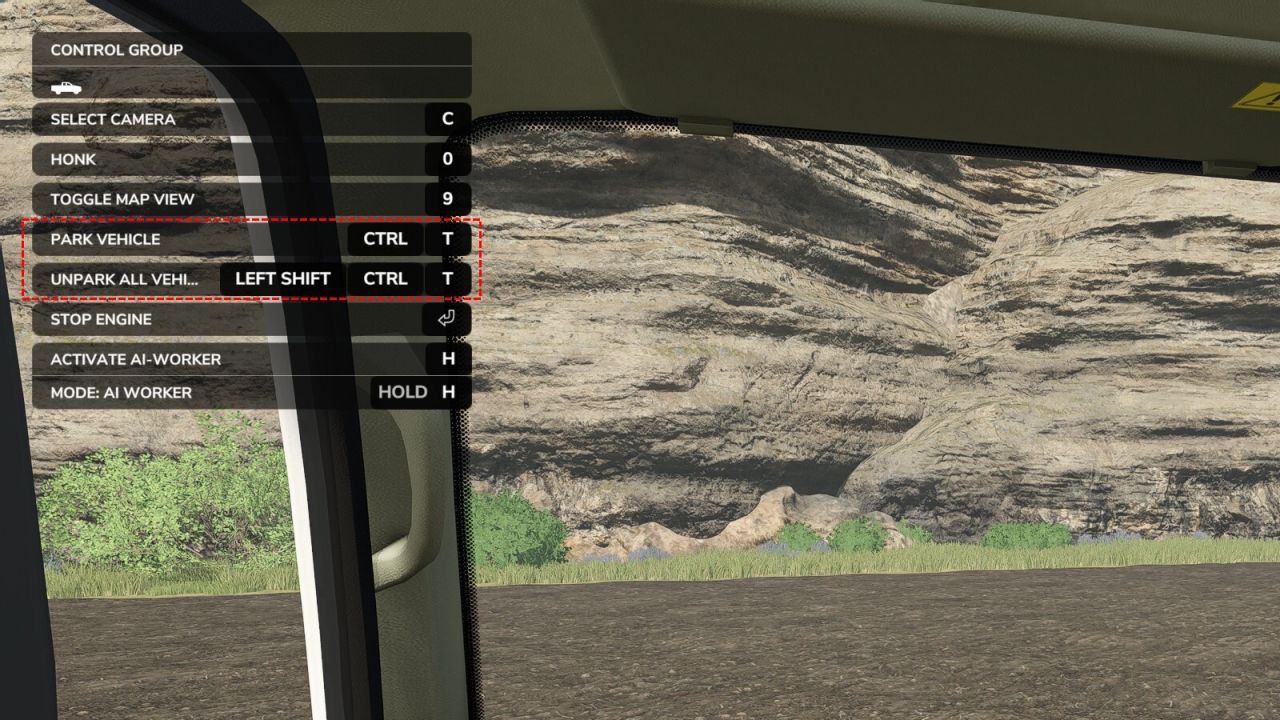
You can (de)activate the tabbing of the current vehicle with Ctrl + T to “park” vehicles.
With Shift + Ctrl + T you can activate tabbing again for all your vehicles.
In Multiplayer the parking state is only set for yourself.
The state is saved in single player and in multiplayer.
V1.1.0.0
Added: Automatically unpark a vehicle once it has moved a few meters (optional; toggle in General Settings)
Added: Cycle through parked vehicles with Ctrl+Shift+Tab, bypassing the normal Tab restriction
Added: Reposition the parking icon using horizontal/vertical offset fields in General Settings
Fixed: Vehicles that the game intentionally makes non-tabbable (e.g. car washes) are no longer forced into the Tab cycle
Fixed: The parked state is now tied to the game’s unique player ID instead of your player name, so players sharing a name no longer share parked vehicles (existing installations keep their current ID)
Fixed: A dedicated server no longer writes a redundant entry to every vehicle’s saved parking state