LS25 Mechanic Workshop V1.0.0.0
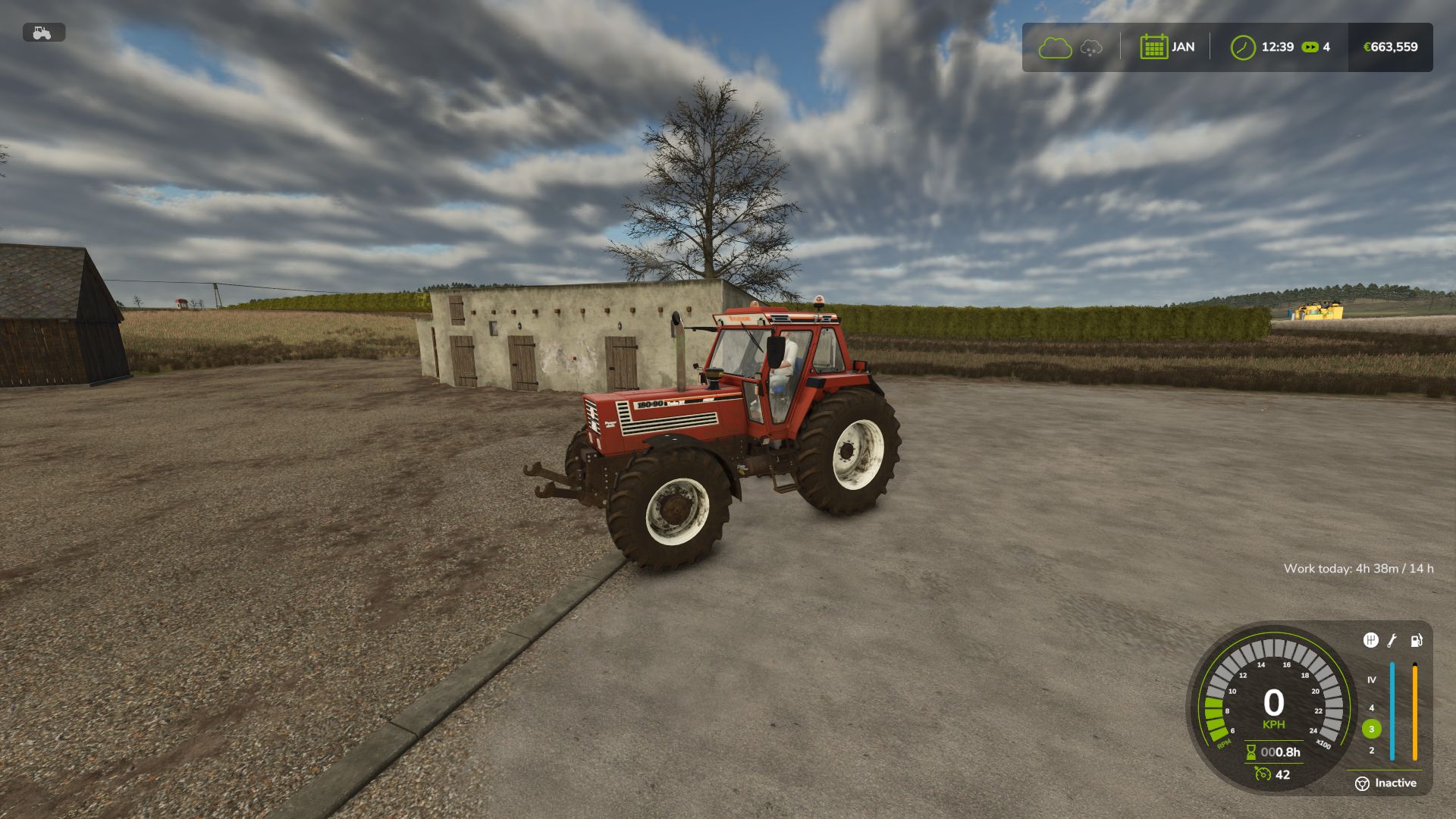


LS25 Mechanic Workshop V1.0.0.0
Repairs shouldn’t be instant. With Mechanic Workshop you take your vehicle to the mechanic and wait for the job to be done.
FEATURES
New “Send to mechanic” button in the workshop menu, next to Repair (click or press M)
The service takes 1 to 2 days, depending on the damage
While at the mechanic, the vehicle is gone: you can’t TAB into it or use it, and dual wheels travel with it
You get a notification when the vehicle is ready, and it comes back right where you left it
In a hurry? “Quick repair” (click or press F) is instant but costs double
The service state is saved with your savegame
Multiplayer supported
HOW IT WORKS
1. Drive to a workshop and open the workshop menu
2. Press “Send to mechanic” for the normal price, or “Quick repair” for double
3. Come back when you get the notification
NOTES
The standard Repair button of the game is replaced by the two buttons of this mod
Service duration and the quick repair multiplier can be changed at the top of scripts/MechanicWorkshop.lua