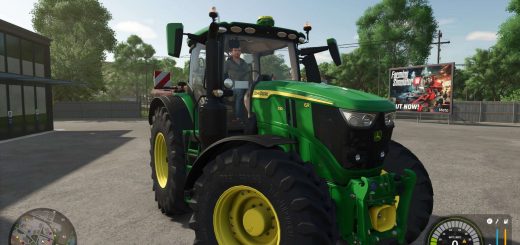
LS25 Master HUD V1.1.0.0

LS25 Master HUD V1.1.0.0
The UI renderer bedrock of the Realistic Farming mod ecosystem. MasterHUD is mod 3 in the load order. It owns the single draw loop that renders every companion mod’s overlay, in a pull model: companions flip a dirty flag instead of rebuilding HUD strings every frame, and MasterHUD calls their fetch callback only when the data actually changed. It also handles menu-suspend, corner stacking, and unload cleanup once for all of them.
There are no settings and nothing to configure. Install it, keep it loaded, and let the companion mods use it.
V1.1.0.0
Hiding all HUDs used to hide everything, including displays you actually need while working, like sprayer rate. That’s fixed.
What’s new:
Hide All HUDs now keeps in-cab tool readouts (sprayer rate and other work-related displays) visible. Only the glance overlays and panels are hidden, so you can hide the clutter without losing what you need while spraying or working a field.
What’s fixed:
Controls could stop responding correctly after getting in and out of a vehicle. The suite’s HUD toggle keys now stay reliable across vehicle entry and exit.
No save migration needed.