LS25 LiveMap Companion App v1.0.0.0


LS25 LiveMap Companion App v1.0.0.0
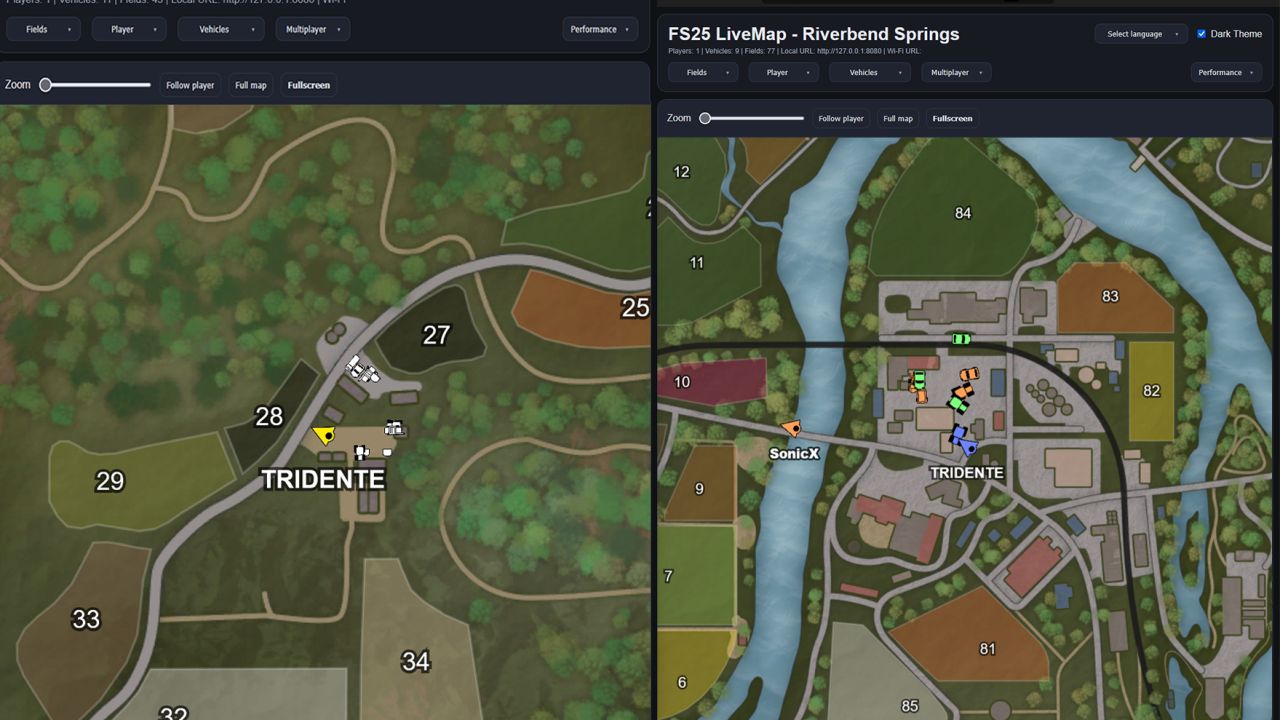
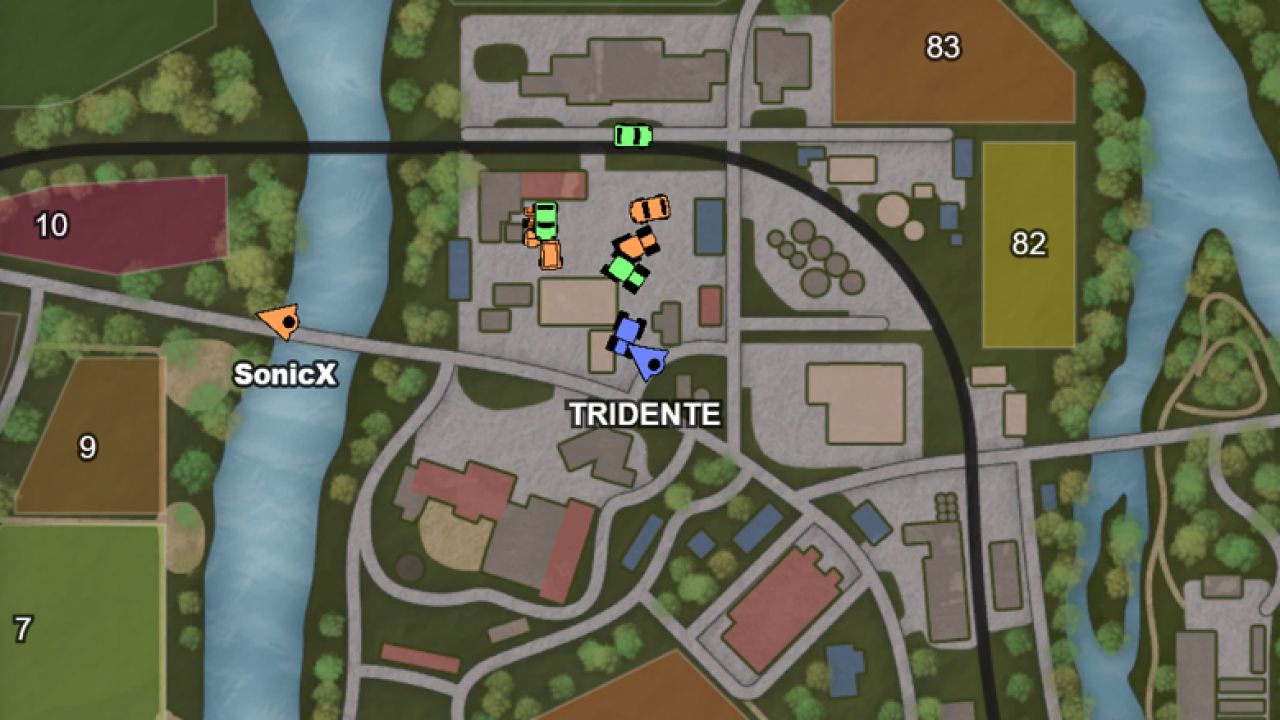
Get the map from the game and display it on your PC, tablet or smartphone: large, clear and customizable.
LiveMap exports live map data from the currently loaded save game and saves it locally in the modSettings folder.
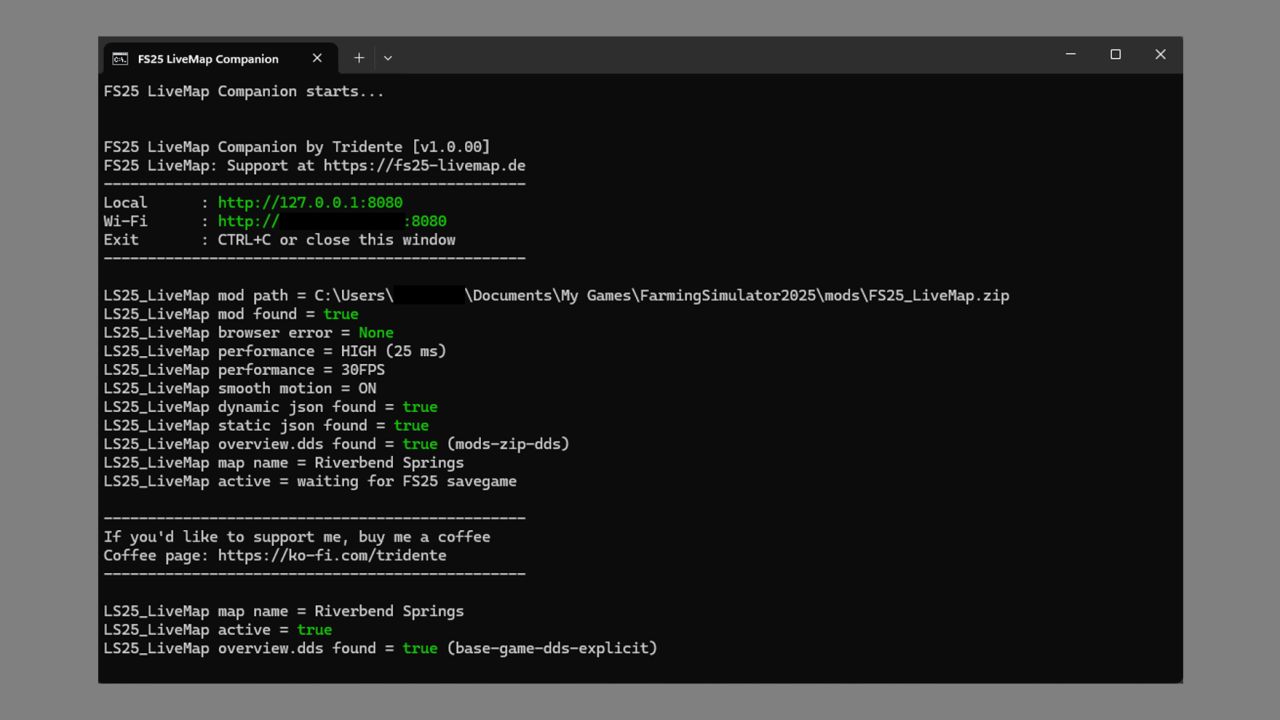
Together with the FS25 LiveMap Companion App (Windows program), this data can be displayed as a live map in the browser on PC, tablet or smartphone.
This allows the small in-game map in the HUD to be hidden and a larger external map view
to be used on a second monitor or mobile device instead.
The project consists of two files:
– FS25_LiveMap.zip for the mod folder
– FS25_LiveMap_Companion for displaying the data in a browser or tablet
Features:
– Live map in browser on PC, tablet, or smartphone
– Display on private local network/Wi-Fi
– Player and vehicle display with custom icons
– Different vehicle icons depending on vehicle type
– Vehicle and player names can be shown or hidden
– Individual vehicle types can be filtered separately
– Multiplayer compatible
– Multiplayer farm colors for vehicles
– Filters for own and other players’ farm vehicles/players
– Fullscreen mode
– Player follow mode
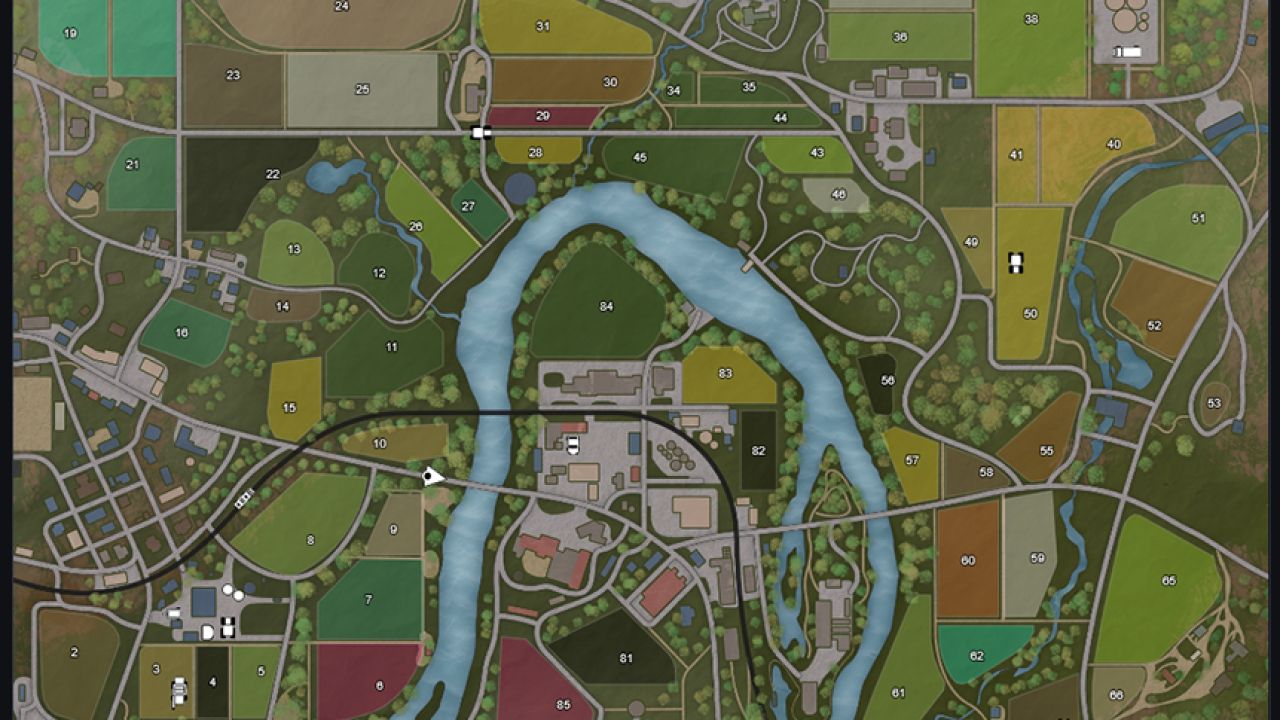
– Full map mode
– Zoom functions in the browser
– Multilingual interface
– Different performance levels for data retrieval
Multiplayer:
The exported files are not saved in the savegame, but locally in the modSettings folder of the respective client.
This makes FS25 LiveMap fully multiplayer compatible. Even when playing on a dedicated server,
the necessary data is generated locally on your own computer and can be used from there via the companion app.