LS25 Interior Build Camera V1.0.0.0
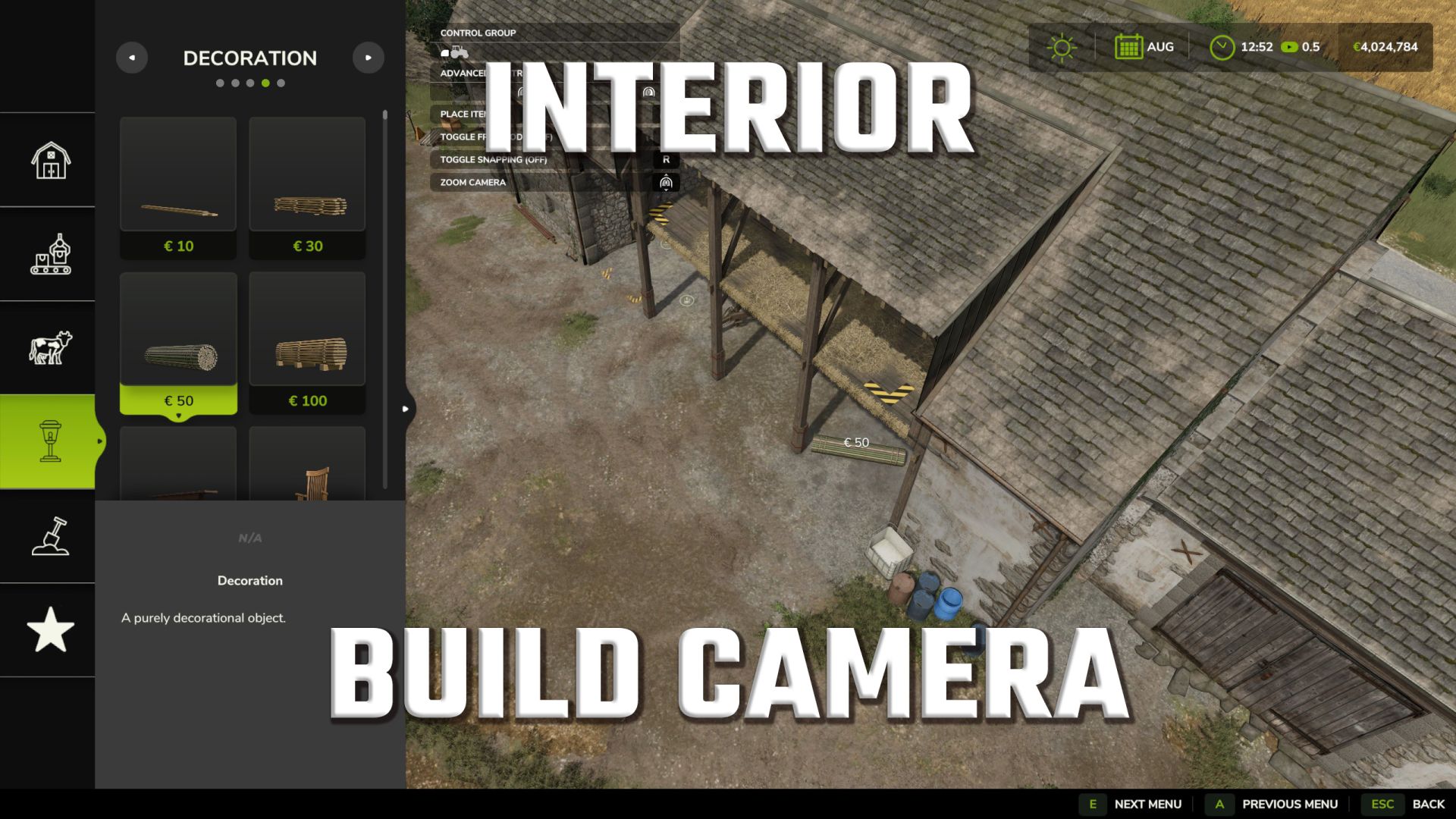

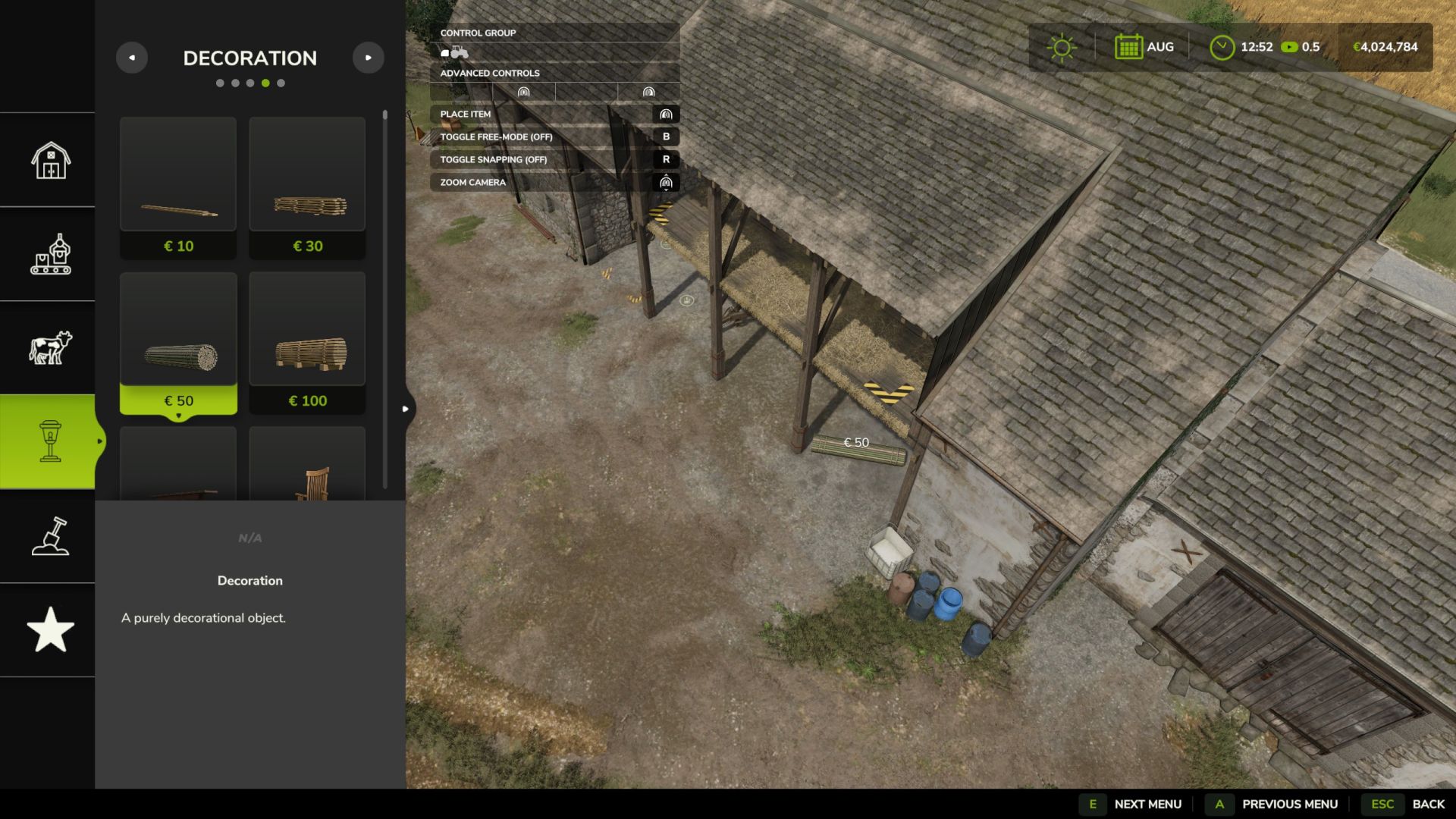
LS25 Interior Build Camera V1.0.0.0
Design the interiors of your buildings!
In the base game, the build camera is pushed upwards and outwards as soon as it touches a roof or wall – meaning you can never truly see inside a building, let alone furnish it. The Interior Build Camera removes this limitation with a single key combination: activate it, and the camera glides directly through walls and roofs down to ground level. This gives you a true eye-level view into every room while building.
How to use:
Switch to build mode as usual.
Press LEFT CTRL + I. A brief message (“Interior camera: ON”) will confirm activation.
Move, zoom, and tilt the camera inside any building—it will now see through walls and roofs and can be lowered to just above ground level.
Place objects and decorations just as you would anywhere else.
Press LEFT CTRL + I again to immediately return to the normal build camera.
Features:
Activated by pressing a button, no menus required – the current status is also displayed in the accessibility settings (F1).
When activated, the camera moves freely through walls and roofs.
It can be lowered almost to ground level for eye-level interior views.
The camera does not sink below the terrain, so you cannot end up below the map.
Works in both build mode and landscape mode.
The button can be freely assigned under Options > Controls (“Toggle interior build camera”).
Good to know:
This is a camera-only mod: Placement rules, save games, and multiplayer data remain completely unaffected.
If an object cannot be placed indoors, this is due to the game’s normal collision detection – not this mod.
It can be safely added or removed at any time without affecting your save game.