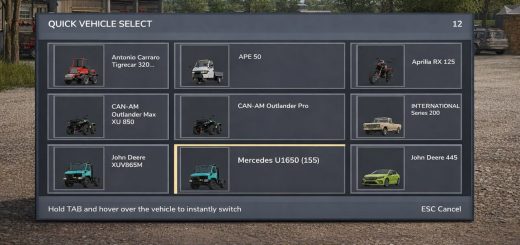
LS25 Icon Tooltips With Name/Description V1.0.0.0

LS25 Icon Tooltips With Name/Description V1.0.0.0
Are you tired of hovering over mysterious little icons in the shop menu, desperately wondering whether that icon means “wheat” or “potatos”? Those dark days are OVER!
Introducing Icon Tooltips — the mod that finally tells you what you’re looking at!
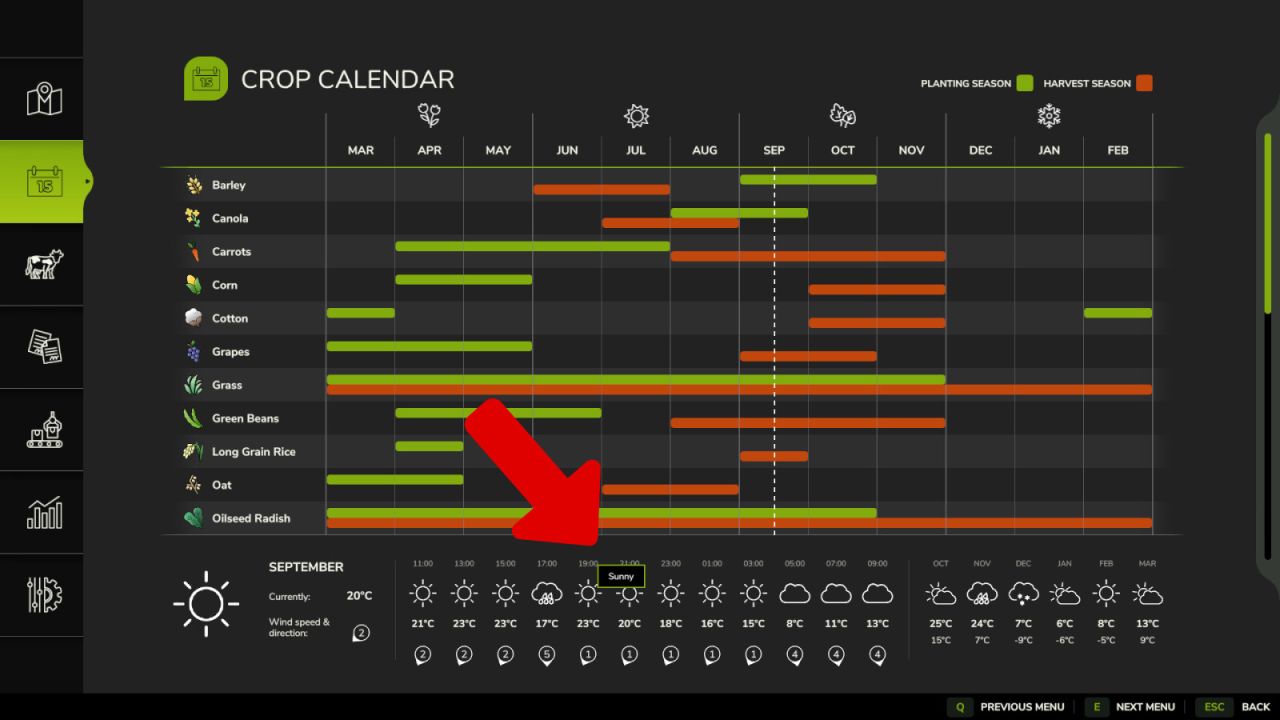
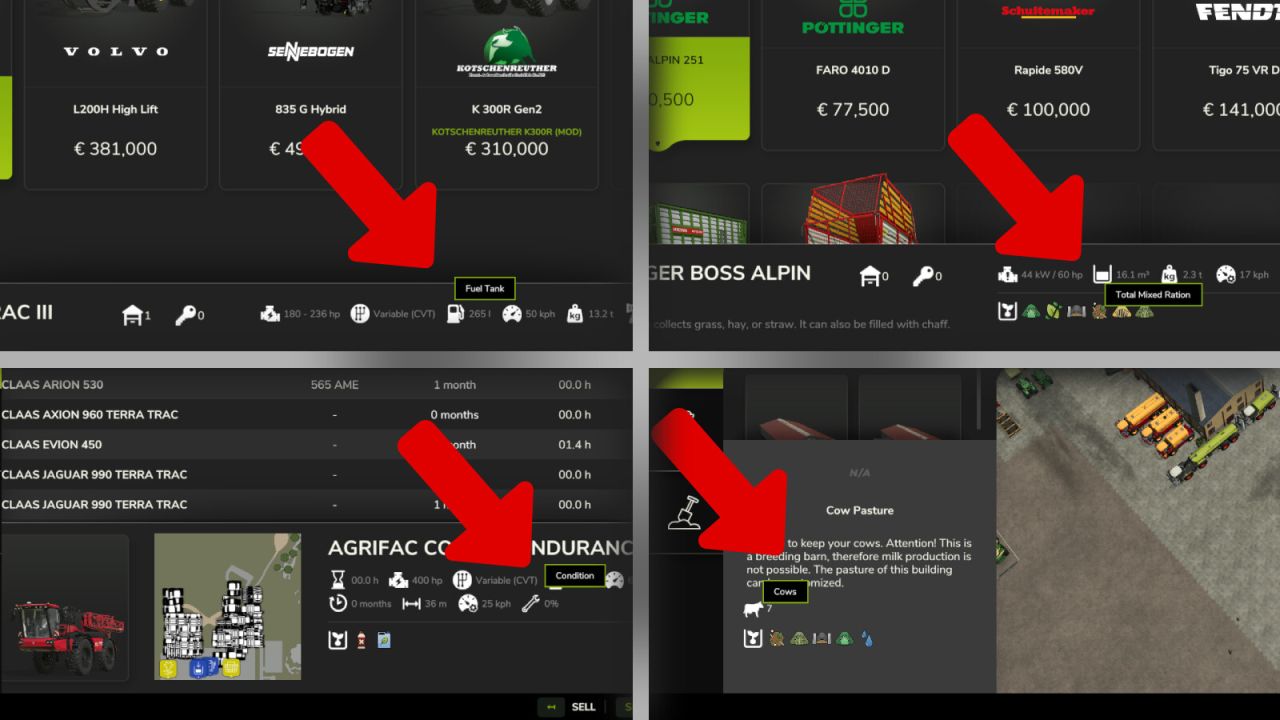
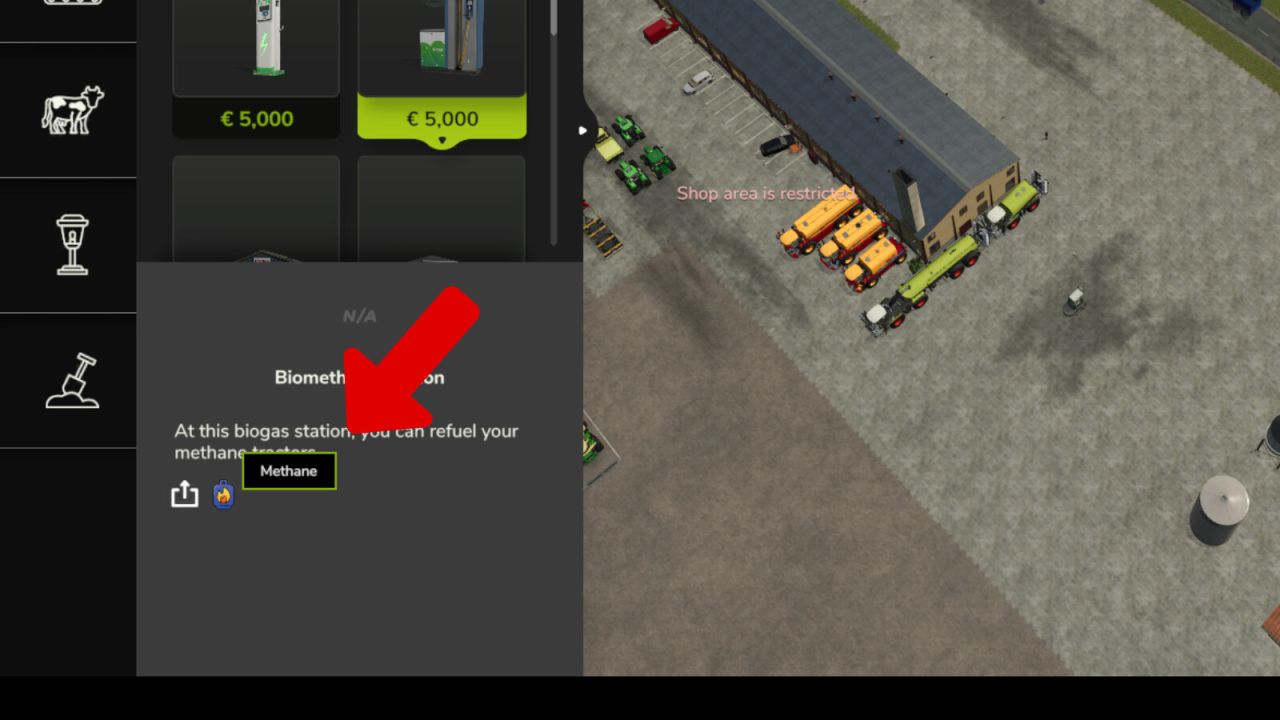
Simply move your mouse over any attribute icon and — like magic — a sleek tooltip appears with the EXACT name of the attribute. No more guessing. No more squinting. No more accidentally leasing a tractor you thought was a bargain because you misread the power icon.
Works everywhere that matters:
– Shop & configurator
– Construction & placeable edit screen
– In-game statistics vehicle list
– Calendar weather forecast
Covers everything: engine power, working width, capacity, fill types, tires, fuel, electric battery, transmission, bale sizes, seeds, slots, winch specs, animal groups, vehicle condition, weather icons and more.
Download now — your farming career will never be the same! (Results may vary. Does not actually make tractors cheaper.)