LS25 Grow Now V2.0.0.0


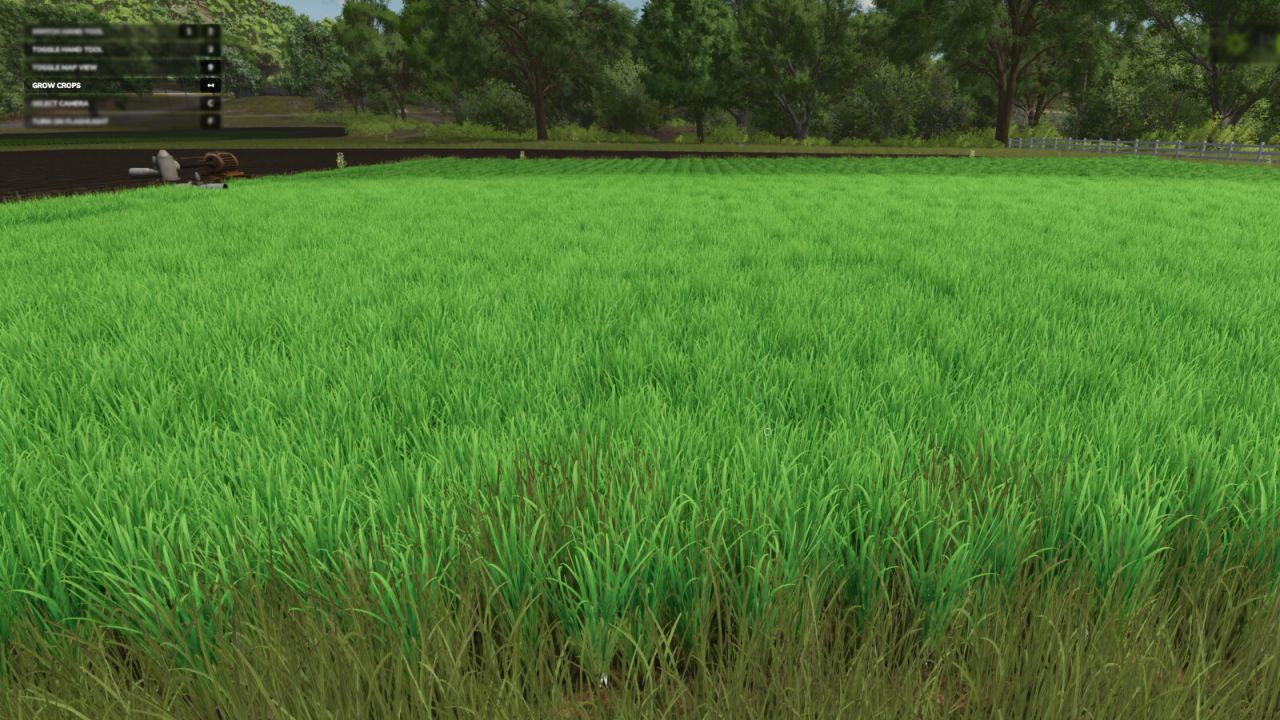

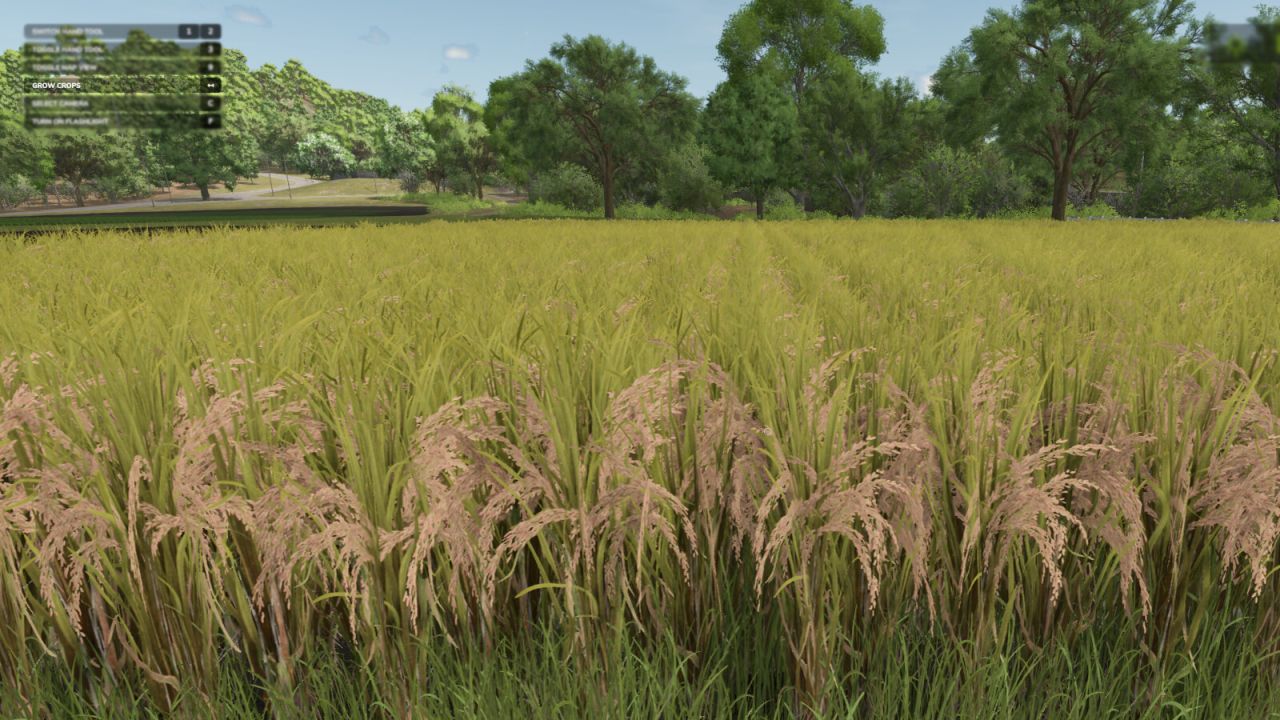
LS25 Grow Now V2.0.0.0
Press a button to advance the growth of your crops or trees.
– There are 2 methods for crop growth as of version 2.0.0.0.
– Method 1 (new) : You can stand in a field or planted area of a field and it will only advance that area, and instantly.
– Method 2: All crops on the map are advanced in growth with a slight delay (as per previous version of mod).
Note: Some crops take two stages (button presses) per visual state advance.
Player must be at least 1 meter from the edge of the desired area for it to be detected.
Seasonal growth setting will be changed to “off” (option 2) when used.
– Default Button for current crop: Backspace
– Default Button for all crops: Left Shift + Backspace
– Default Button for trees: Left alt + Backspace
V2.0.0.0
– Added a new feature that allows you to individually advance the growth stage of a planted crop area you are standing in.
– Added a new feature to advance tree growth.