LS25 GianiShade ULTRAREALISM V1.0.0.0
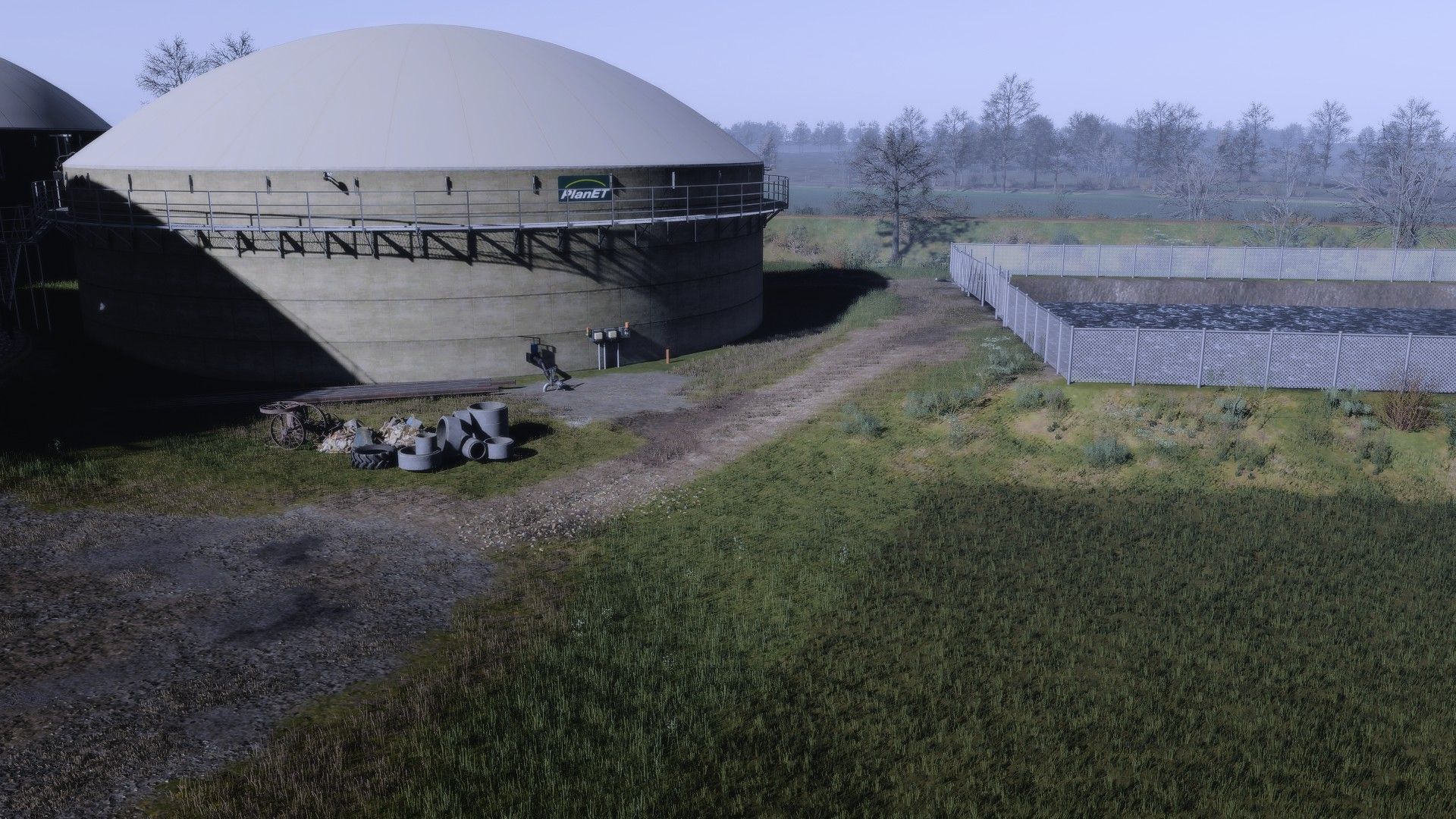

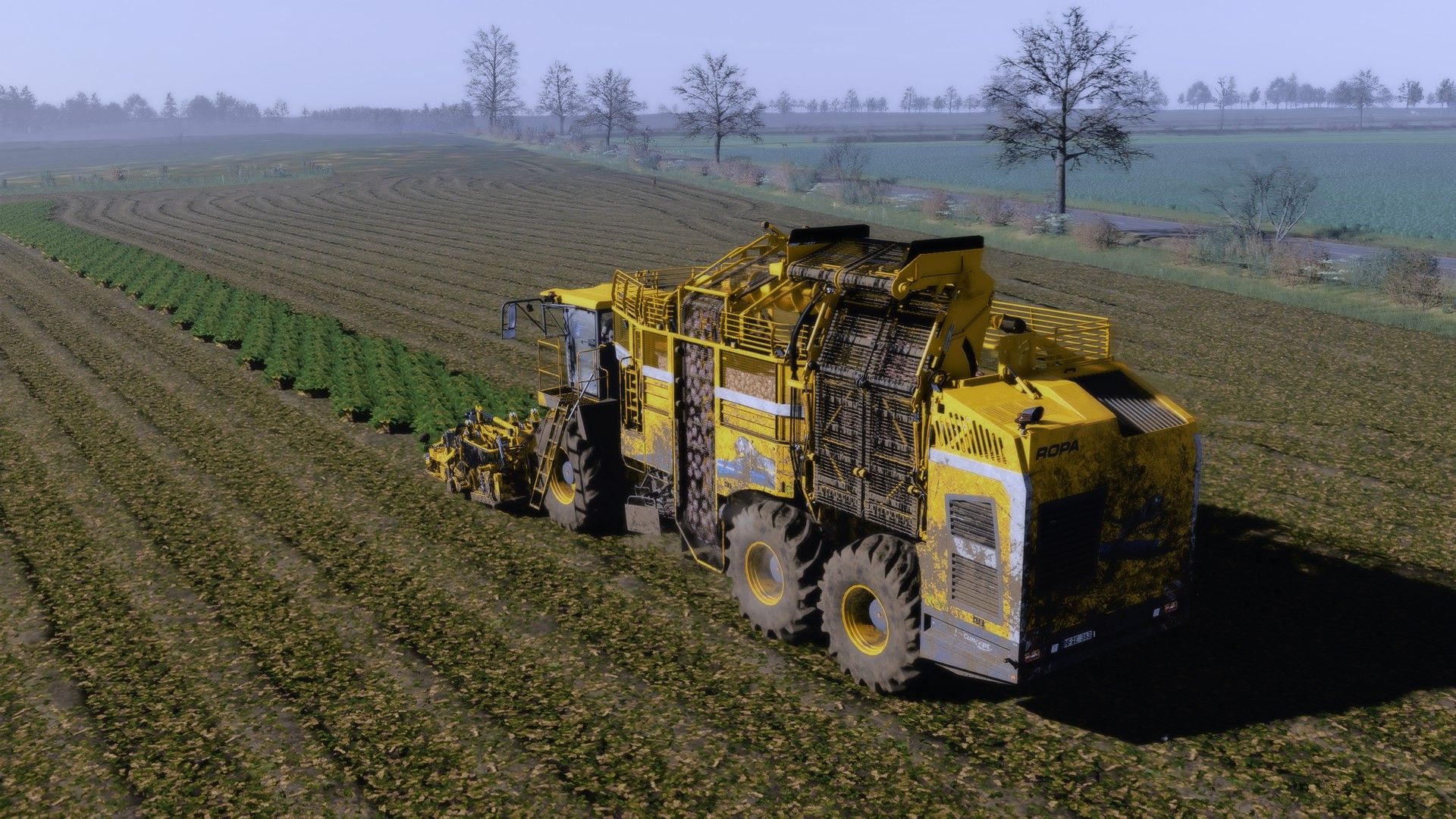
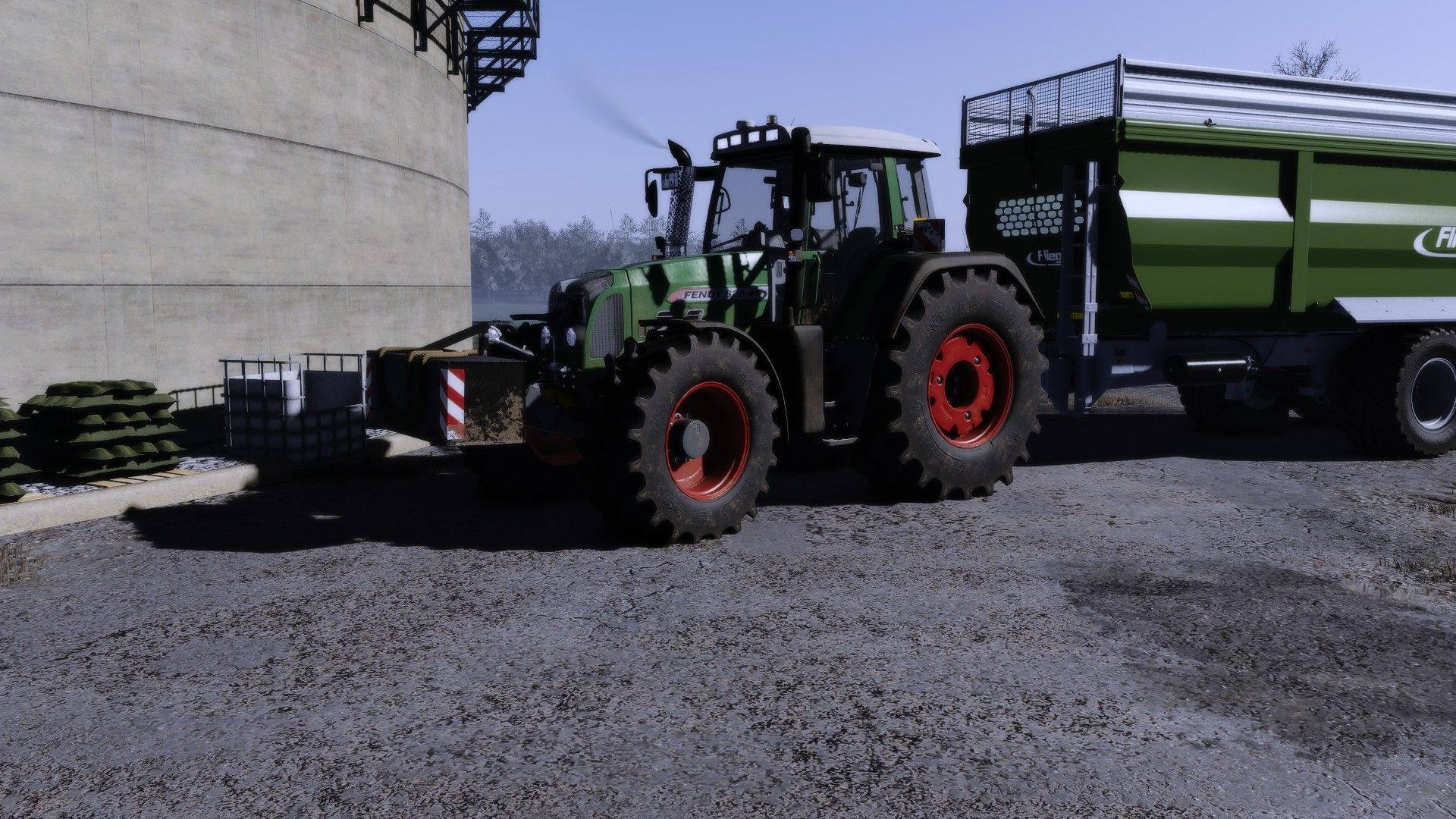
LS25 GianiShade ULTRAREALISM V1.0.0.0
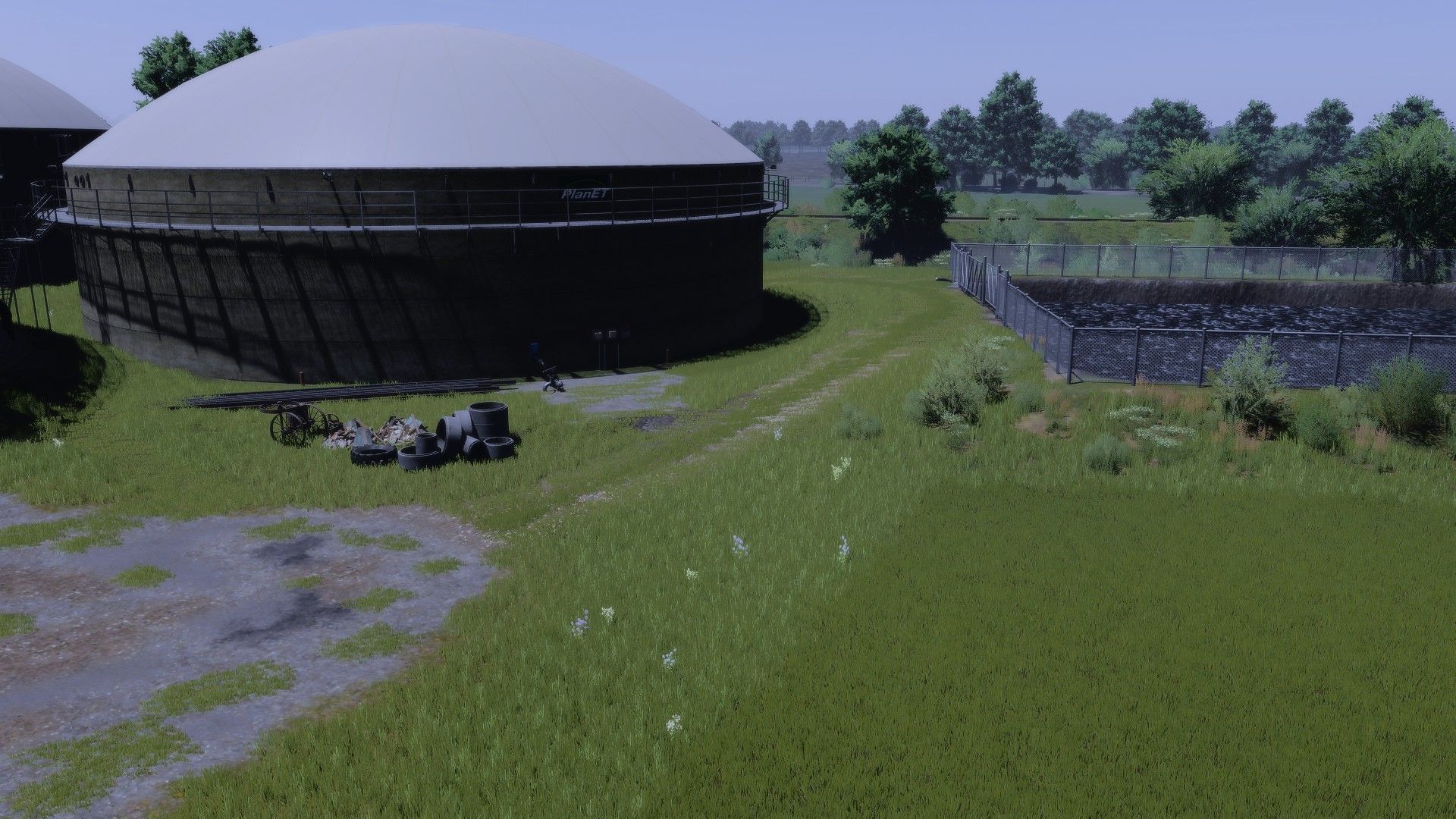
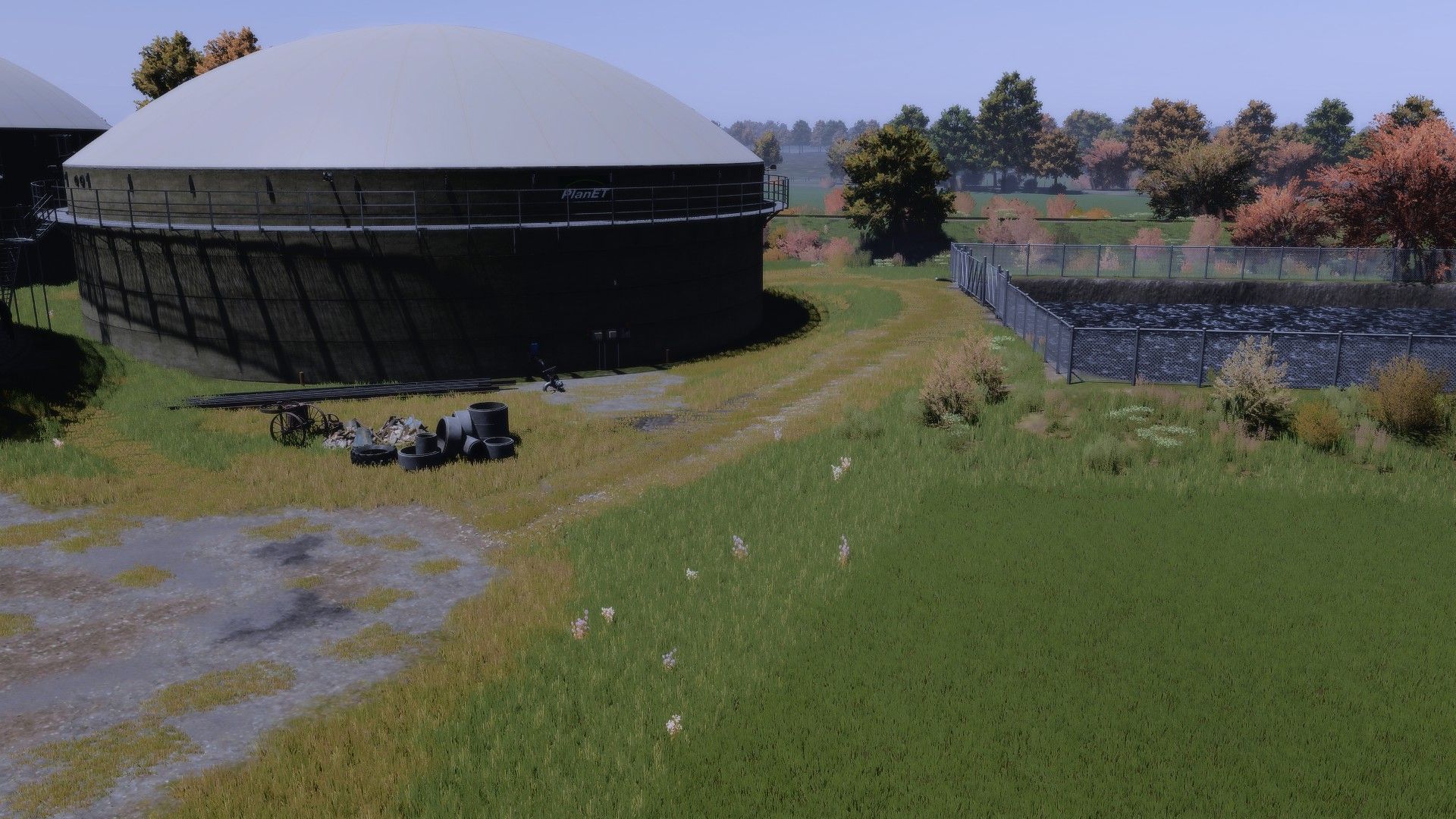
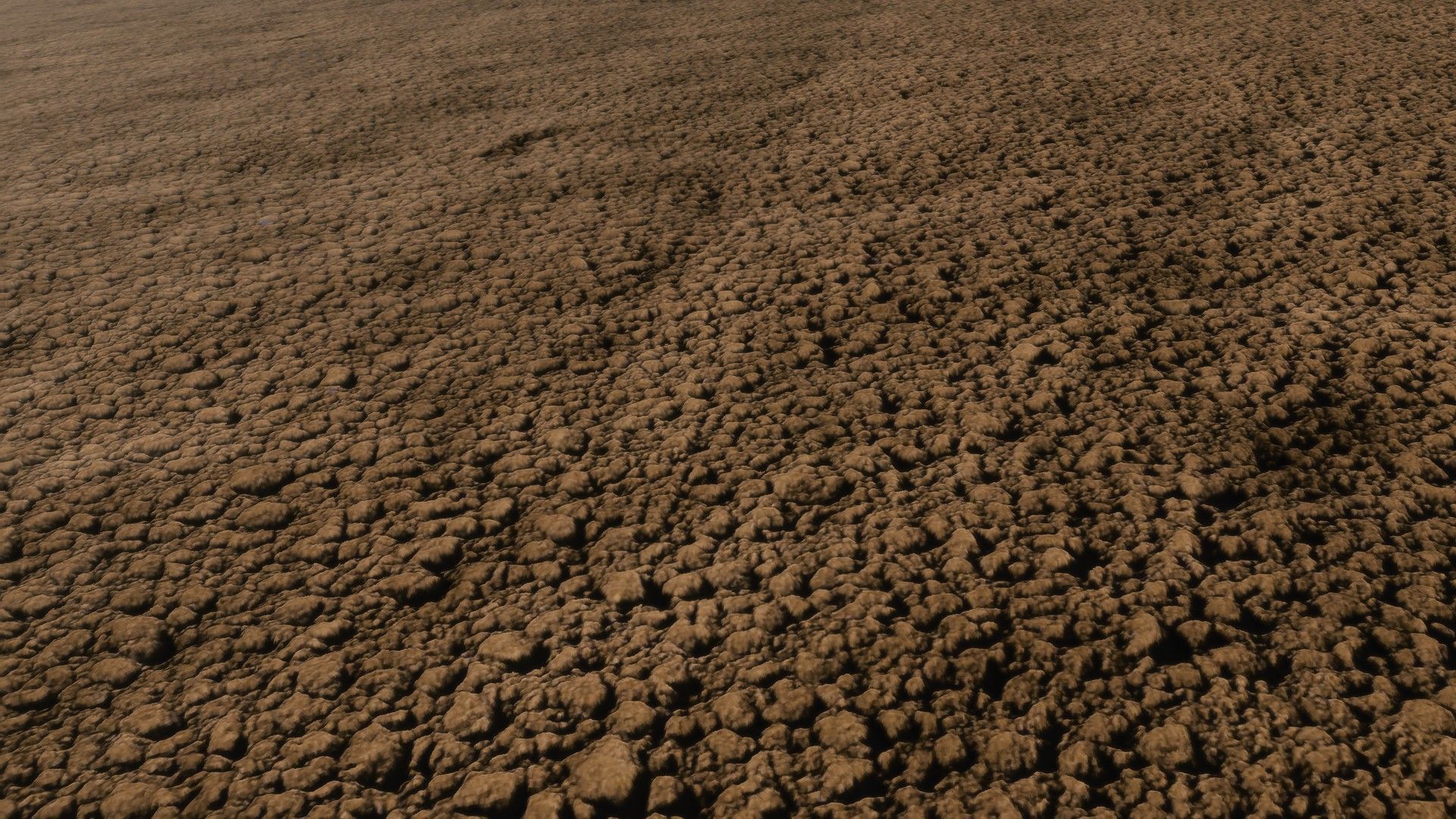
I hereby publish my own shader preset, inspired by the well-known “dnerdy” look – but slightly adjusted and further developed to offer an even more pleasant visual experience.
Features & Features
Natural colors – neither too bright nor too flat
Harmoniously coordinated overall picture
Stronger, more colorful display on vehicles and paintwork
No use of additional effects such as PPFX (SSDO) necessary
Easily compatible with DLSS & similar technologies
Supports upscaling without loss of quality
Smooth performance without stuttering
Note
The preset is optimized so that it is ready to use straight away – without complicated additional settings. Just install and enjoy!
A NOTICE!!! After installing the shader, click on “Extensions” in the reshade menu and remove the tick once (with a mouse click) and then click on the second box from the top to render the shader at the respective graphics setting (1080p, 4k etc.).
Have fun and kind regards, yours