
LS25 Fleet Planner V1.0.0.0

LS25 Fleet Planner V1.0.0.0
FS25 Fleet Planner – Interactive Equipment Loadout Builder for Farming Simulator 25
Plan your perfect farm fleet with this interactive desktop tool. Designed for FS25 v1.21.1.0, it helps you choose the right tractors, harvesters, implements, and trailers – whether you’re starting small or building a mega-farm.
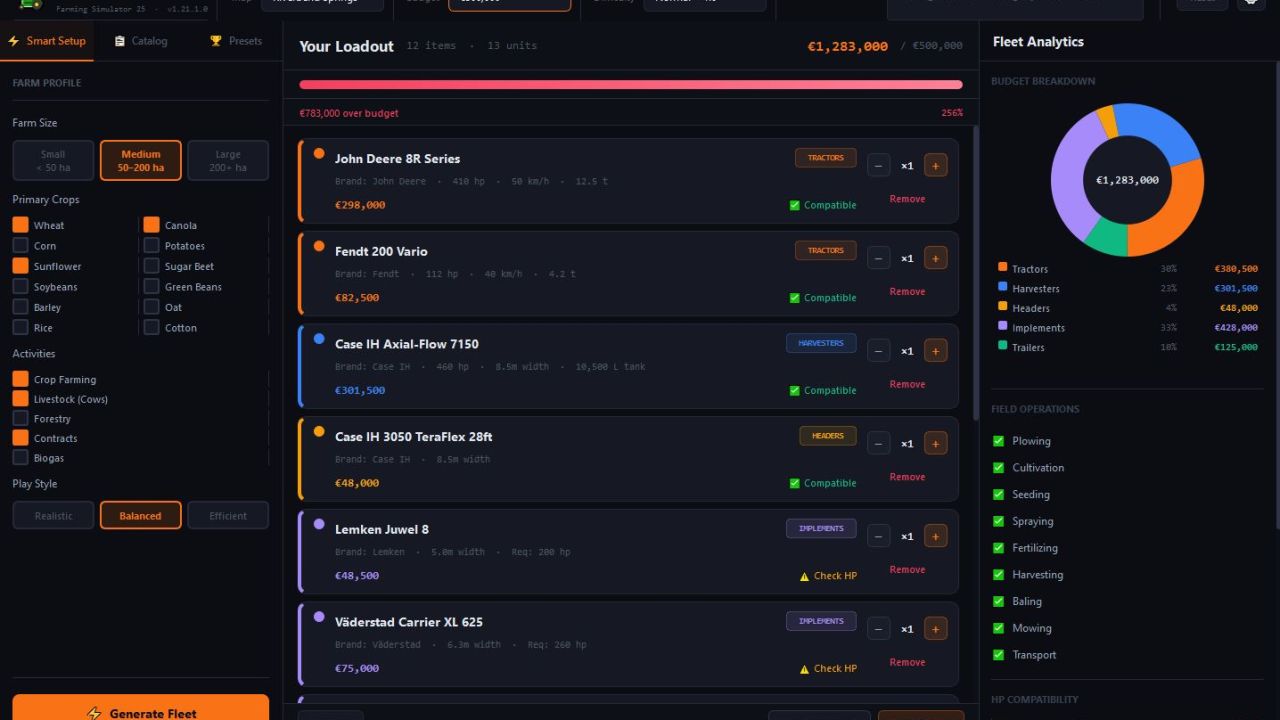
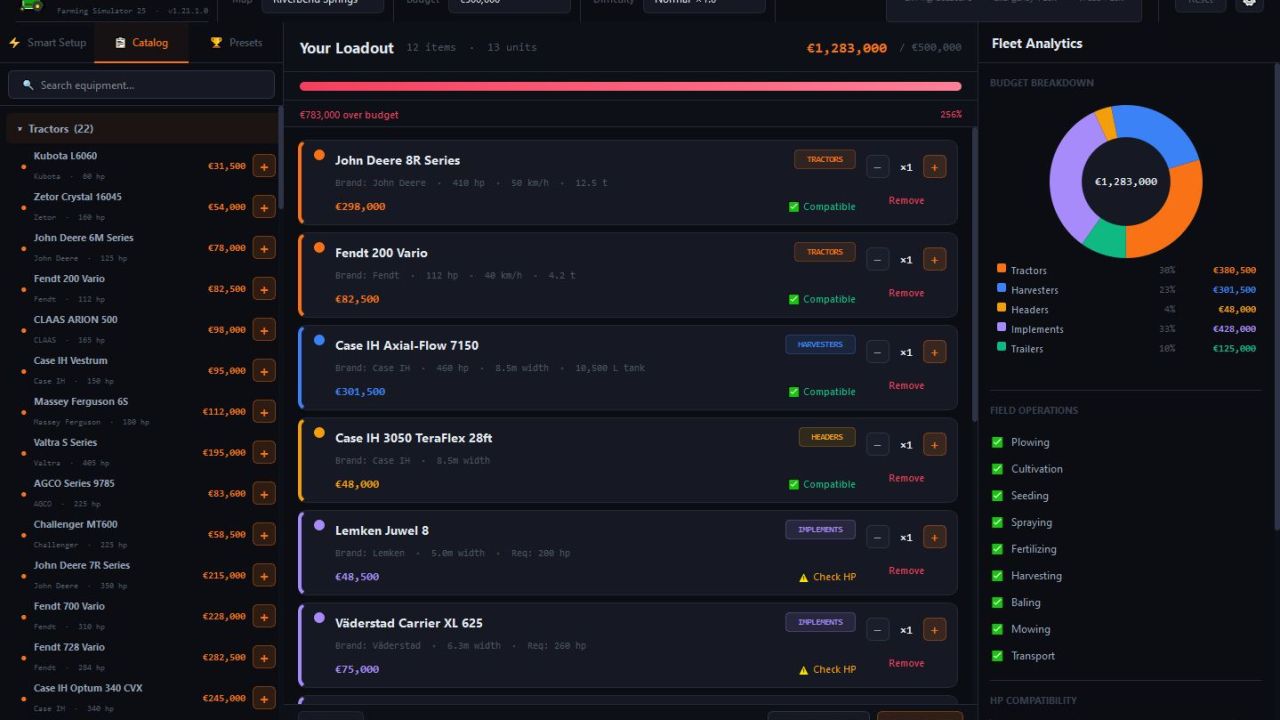
Choose your map, set a budget, and pick a difficulty. Then use Smart Build to get a custom fleet based on your farm size, crops, activities, and play style. Or switch to Manual Build to hand-pick every item from a complete catalog of 22 tractors, 7 combines, 6 forage harvesters, 12 headers, 14 trailers, and dozens more implements.
Watch your budget bar update in real time, check HP compatibility (✅/⚠️/❌), and get detailed analytics: budget breakdown, coverage analysis, performance estimates, and smart suggestions to improve your build.
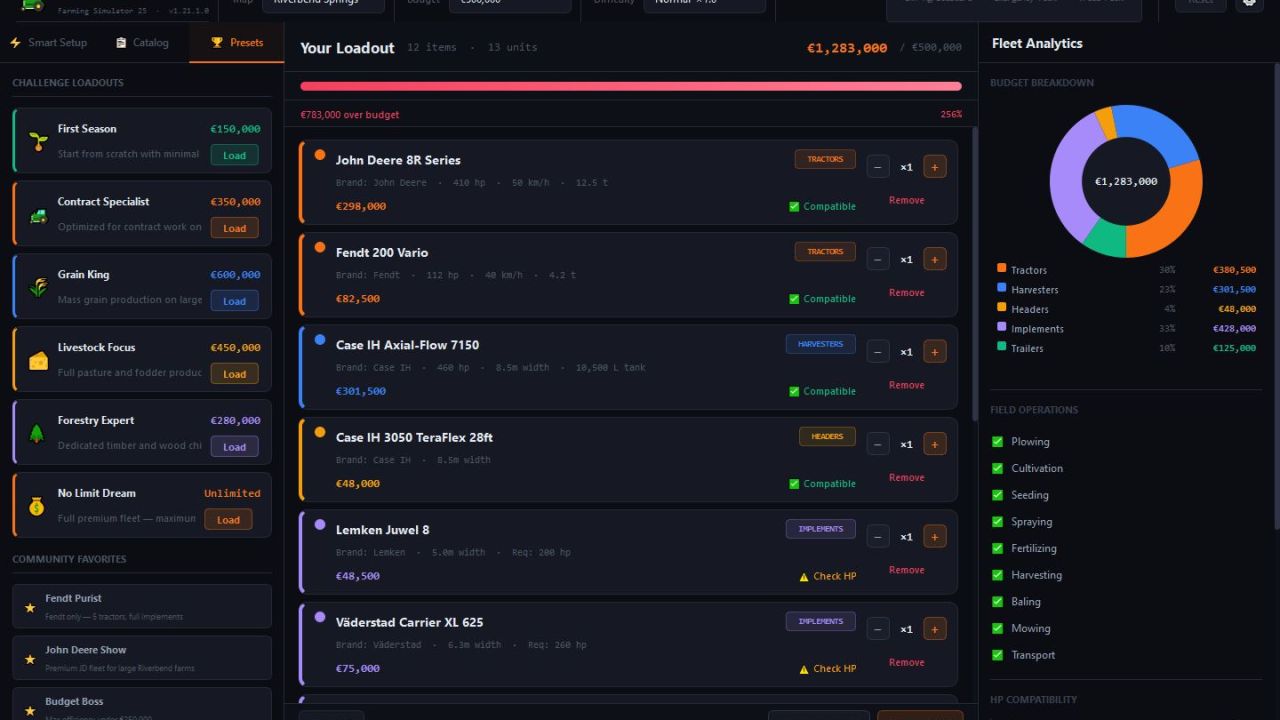
Challenges add extra fun – try “Start from Zero” (€100K), “John Deere Only”, or “European Classics” – and compare items side by side with the Compare mode.
Key Capabilities:
Smart Build (farm profile → recommended fleet)
Manual Build with search and filters
8 built-in challenges with budget/restrictions
Real FS25 equipment data (prices, HP, speeds, weights)
Live analytics: donut chart, coverage, performance, HP matrix, suggestions
Compare mode (right-click → Compare)


