LS25 Enhanced Color Selection V1.0.0.0


LS25 Enhanced Color Selection V1.0.0.0
This mod enhances the color selection options for vehicles by adding additional default colors (e.g. used for “Main Color”) as well as adding some additional options for rim colors.
FEATURES:
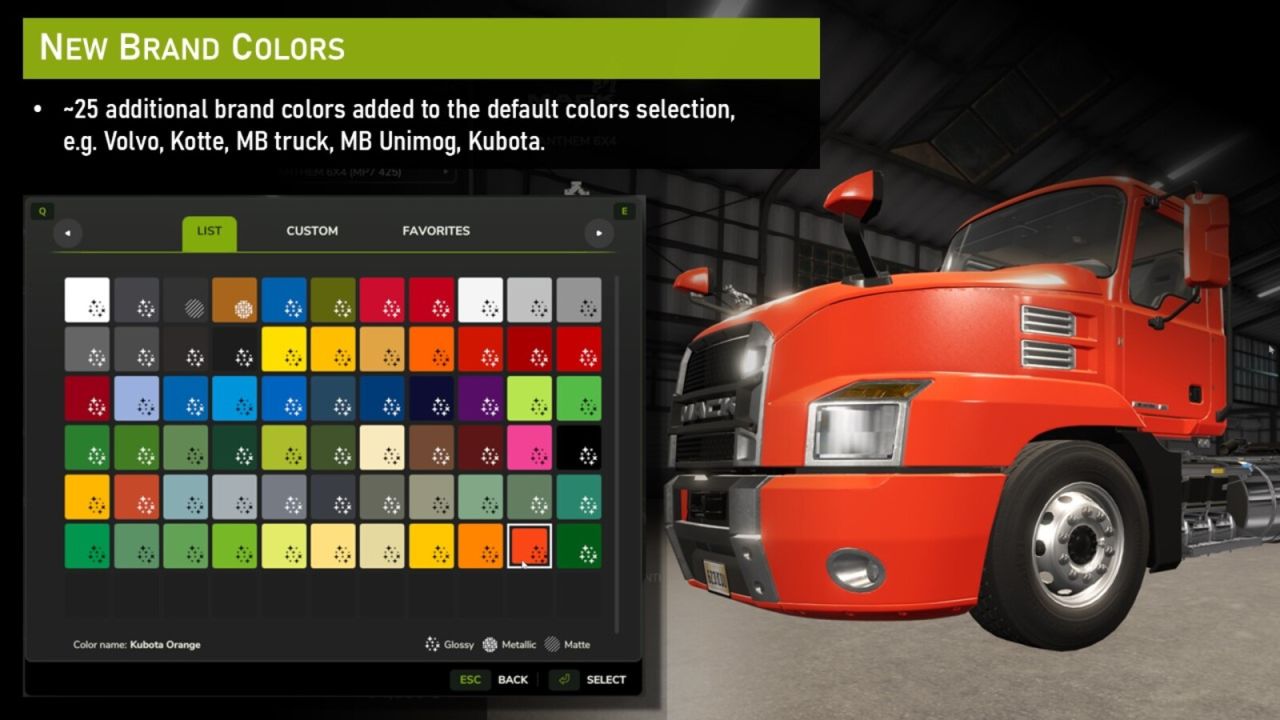
– Adds ~25 missing color to the default color selction (e.g Volvo yellow, Kubota orange, MB truck and Unimog colors etc).
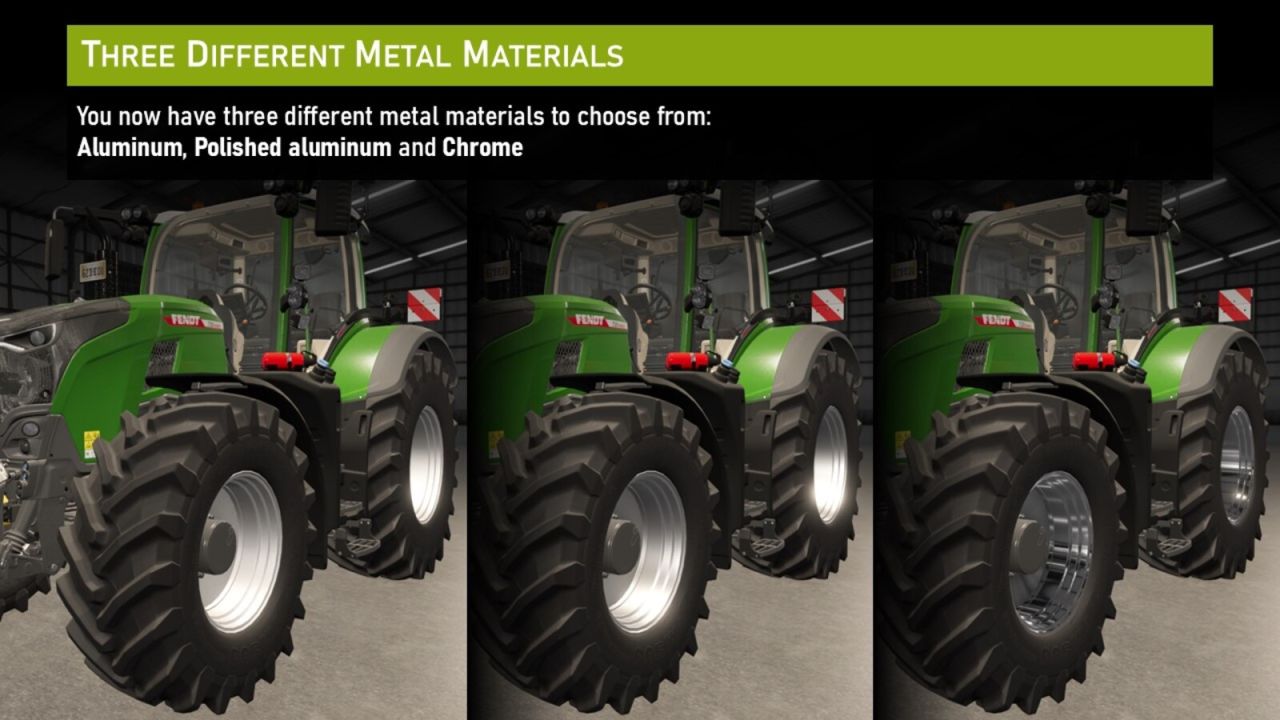
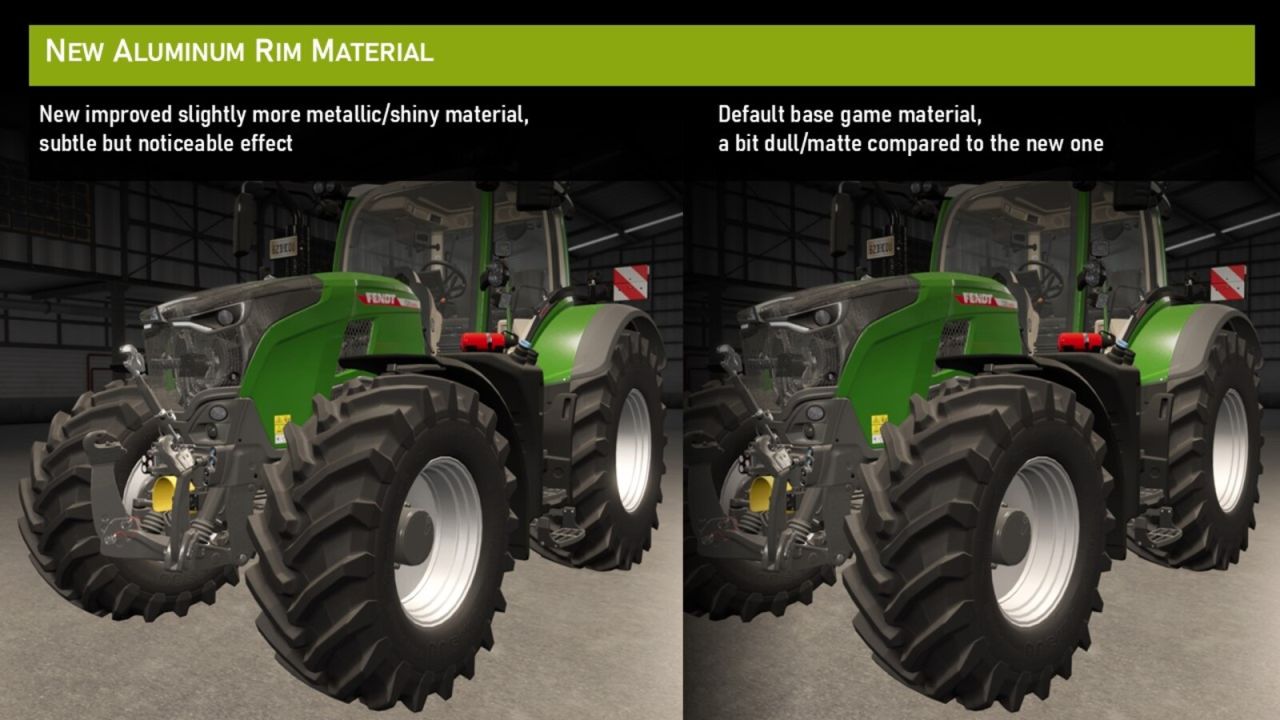
– Tweak the default silver/aluminium rim color to use a slighlyt more metallic/shiny appearance.
– Adds a new polished aluminium rim color option.
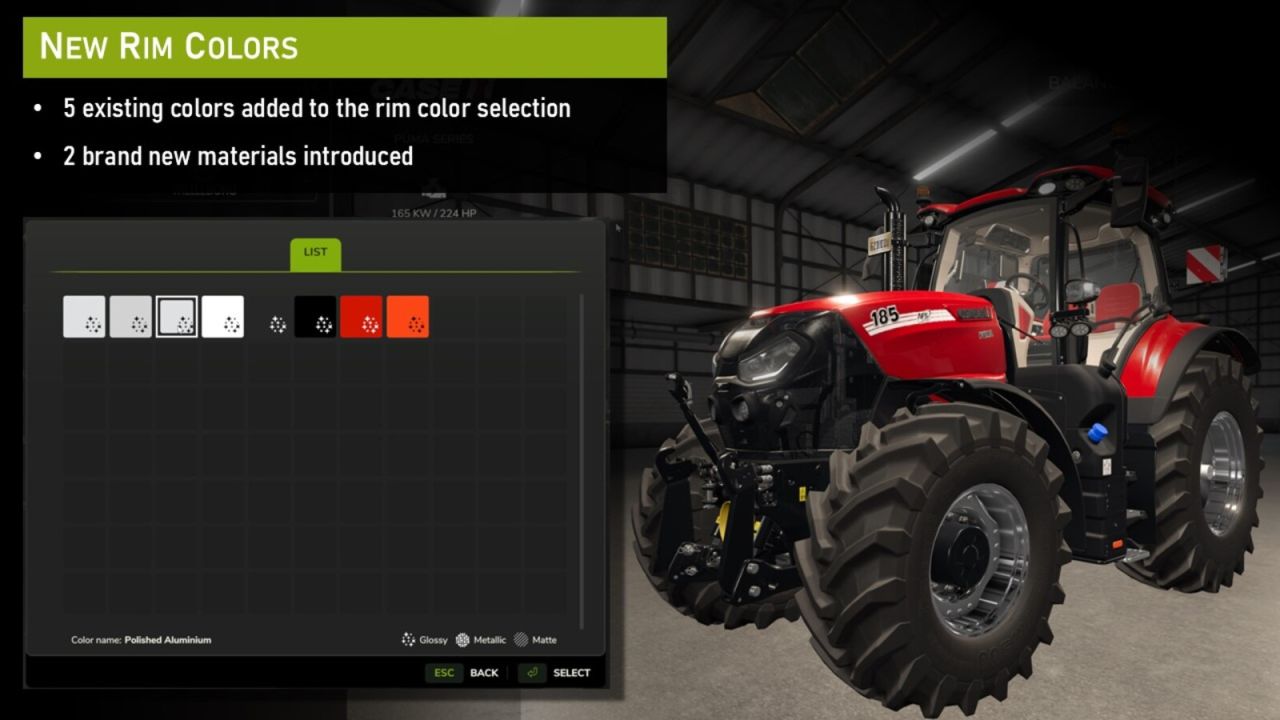
– Automtically extends the rim color options for all vehicles that have rim colors defined (currently adds a handful of colors to the rim colors selection).
– Adds a “pitch black” color option for main colors.
– Makes it possible for you to create your own colors that will be applied globally, see readme.txt for instructions.
If you experience issues with rim colors on certain vehicles, it is possible to change ‘SOFTFORCE_INJECT_RIM_COLOR = true’ to ‘SOFTFORCE_INJECT_RIM_COLOR = false’ on line 15 in the EnhancedColorSelection.lua file. This enables a less intrusive method to add rim colors, but will be applied to fever vehicles as a drawback.
Important note: While being safe to disable the mod at any time, disabling the mod will reset the color choice for any vehicle that uses one of the added colors back to the default color. To avoid this, you can go to the “Custom” color tab and apply the selected color again, doing so will convert the pre-defined color to a custom color making it persistent even after disabling the mod.
FOR MODDERS:
It is possible to use any of the colors defined by this mod in your own mods. You can reference the color by its template name (e.g. “PITCH_BLACK” or “RIM_ALUMINUM_POLISHED”).