LS25 Direct Silo Buying V1.0.0.0

LS 25 Other
LS25 Direct Silo Buying V1.0.0.0
Direct Silo Buying for Farming Simulator 25 (PC, single-player)

Install:
Copy FS25_DirectSiloBuying.zip into Documents/My Games/FarmingSimulator2025/mods.
Enable the mod for your save.

Use:
1. Press Left Shift + B while on foot.
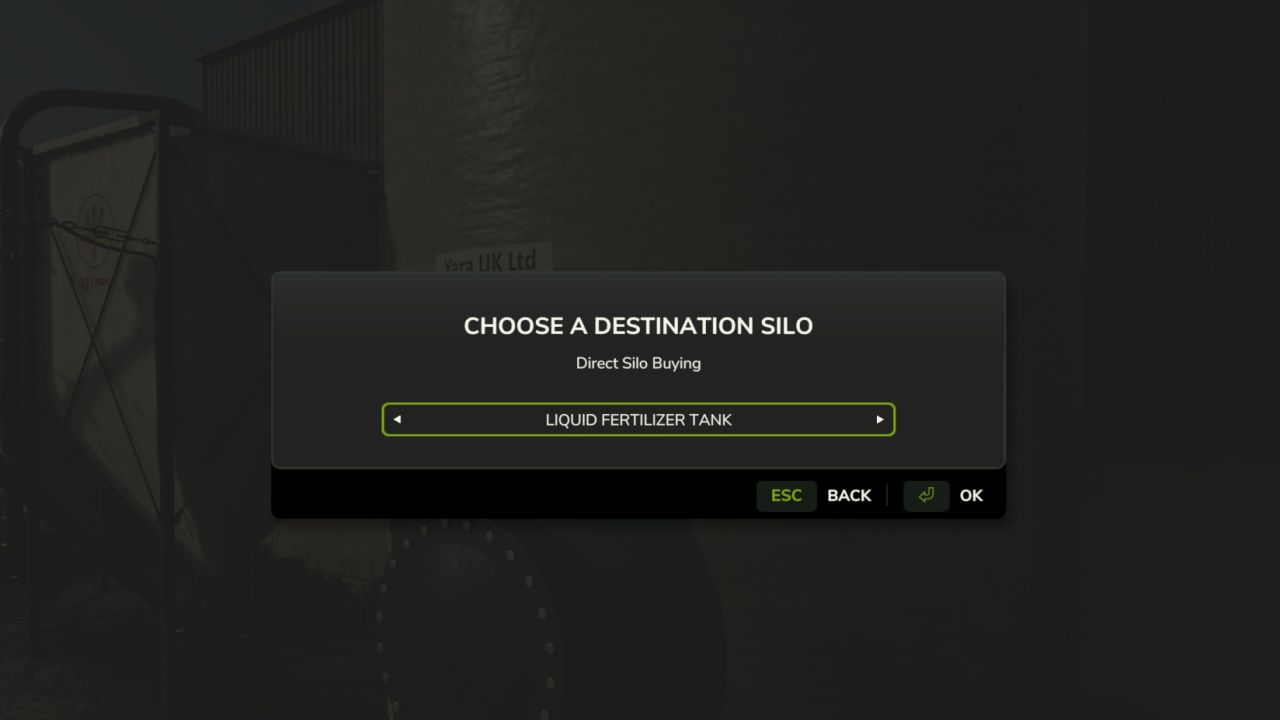
2. Choose an owned destination silo.
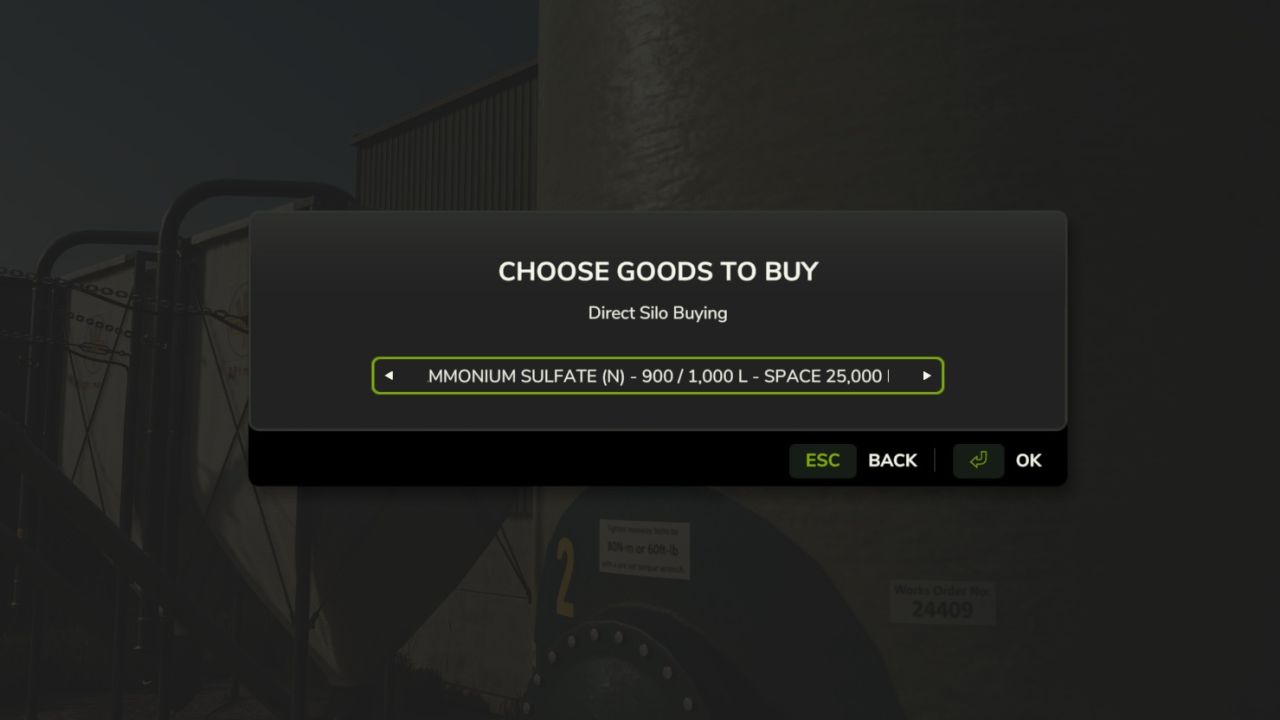
3. Choose any goods supported by that silo.
4. Choose 25%, 50%, all free capacity, or type an exact amount.
5. Typed amounts accept litres or tonnes: 12500 L or 12.5 t.
6. Confirm the cost and purchase.

The price comes from FS25’s current economy price for the selected goods.
The purchase is charged to the active farm and added directly to the silo.
The mod respects silo fill-type support and free capacity.

Developer console alternative:
dsbMenu
Credits:
Melrose

Do you know what Farming Simulator 19 Mods / Farming Simulator 22 Mods are? We bet that you've heard of them! However, if you are one of those people who are still not aware of this great feature, we can explain what it's all about! Downloading FS19 mods / FS22 mods is one of the greatest ways to upgrade your Farming Simulator 19 / Farming Simulator 22 game with just few clicks. All that you have to do is select Farming Simulator 19 mod / Farming Simulator 22 mod Download and supplement your game with it. We can give you a wide variety of all sorts of ingenious modifications so that each of you could find the most suitable solution. However, the best way to see how it works is just to try and to explore these FS 19 mods / FS 22 mods features right now.


You may also like...

Leave a Reply