
LS25 Cub Cadet Outlaw V1.0.1.0

LS25 Cub Cadet Outlaw V1.0.1.0
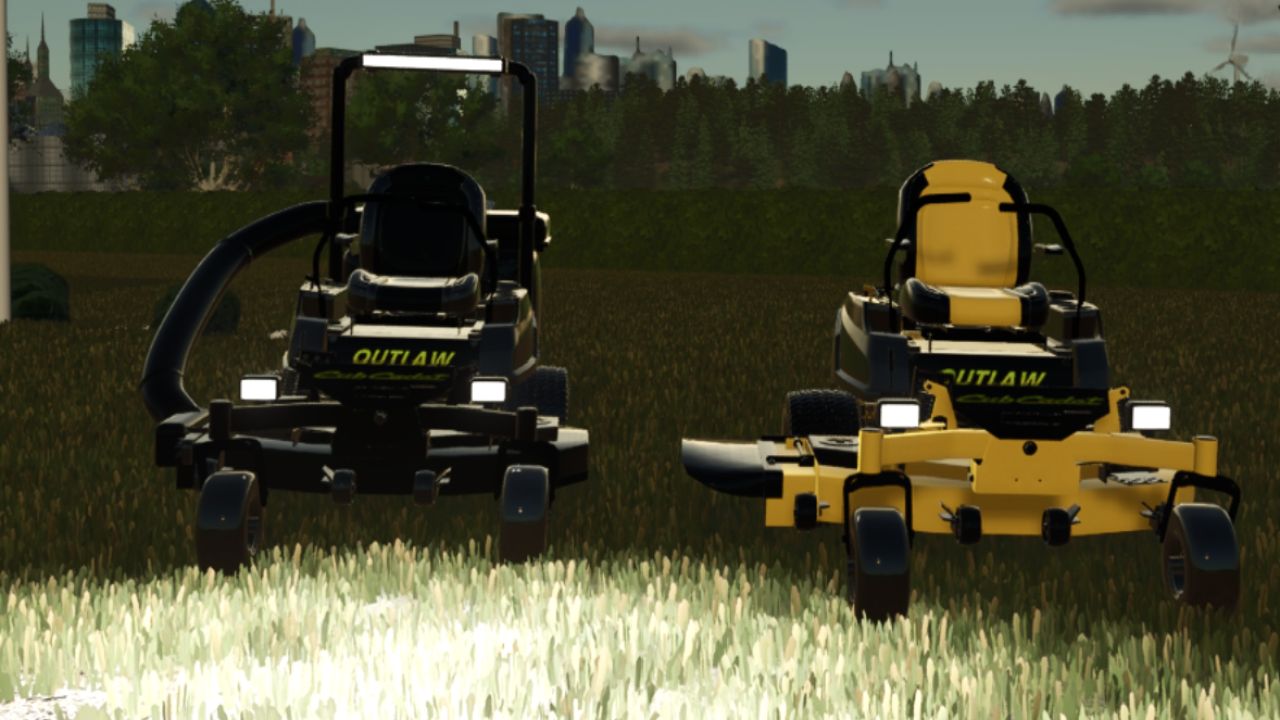
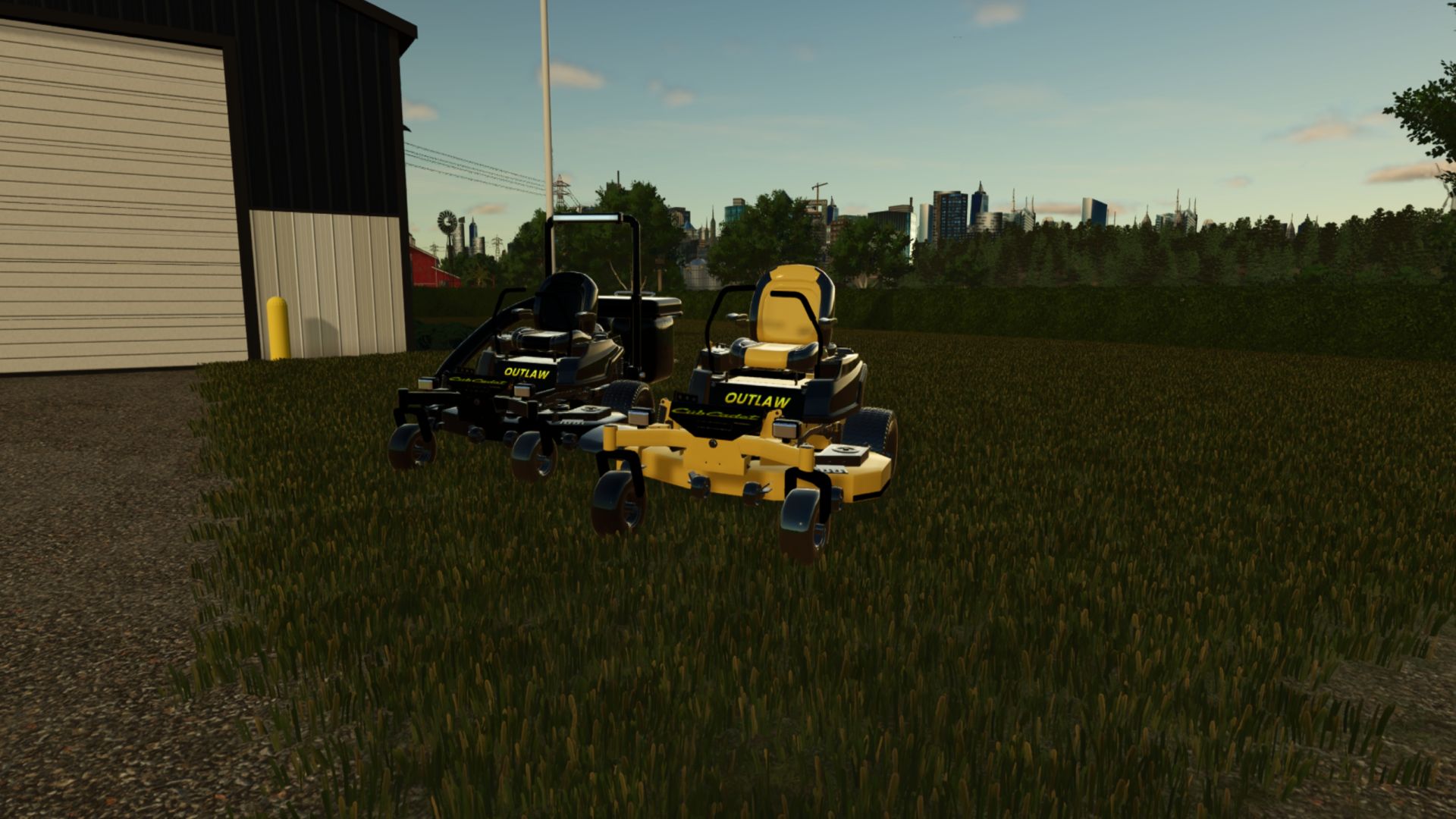
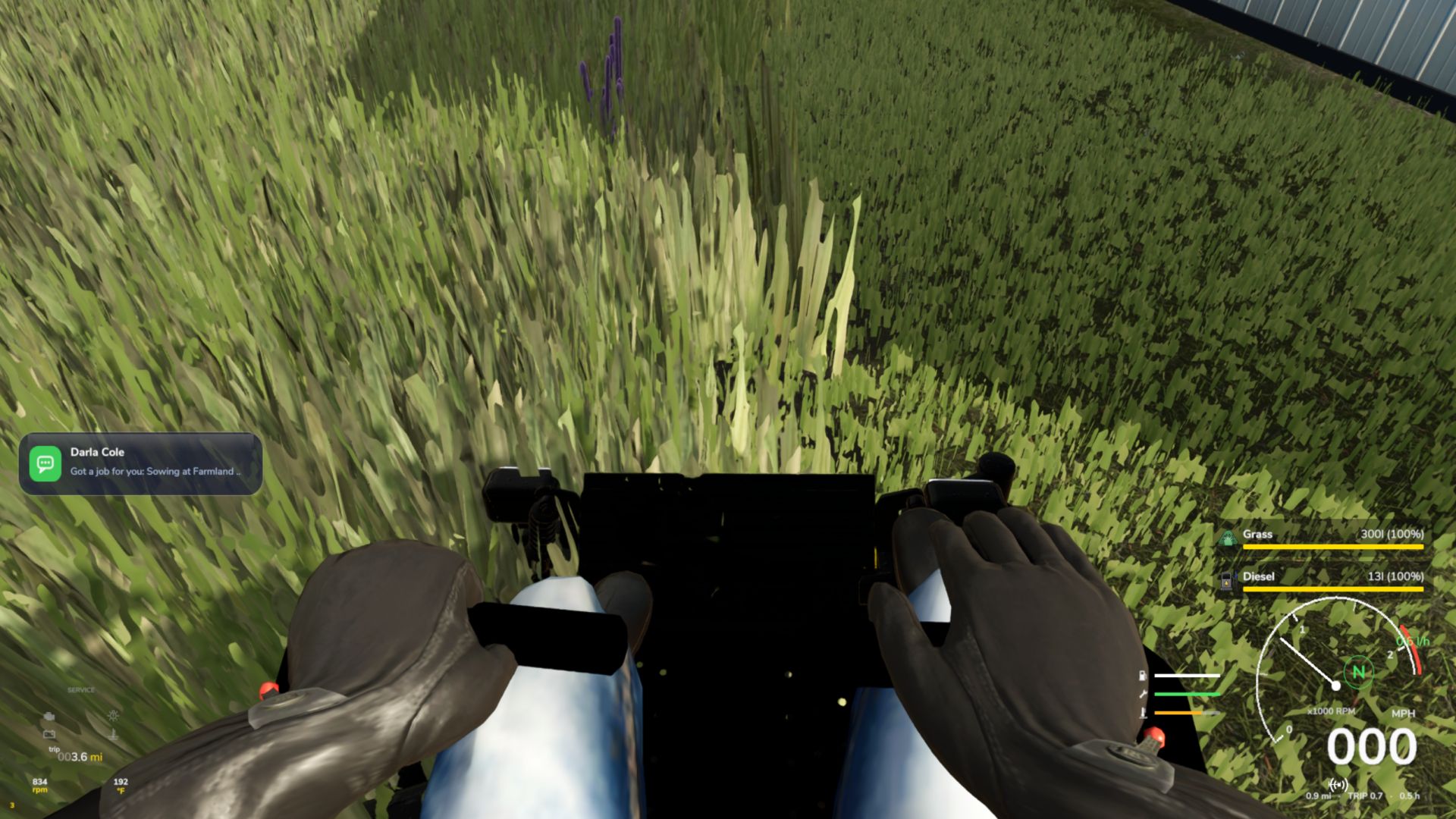
This is my take on the Cub Cadet ZT1 54, built up the way I’d want one in real life. You can pick your paint in the shop: factory yellow, murdered-out black, candy red or gunmetal. Then choose between side discharge or a 300 L twin bagger, add a roll bar with an LED light bar and rear work lights, and throw on front LED pods if you want them. I put a lot of time into the little details. The blades spin up when you turn it on, the engine fan turns, the levers move with your steering, the foot pedal works, and the driver actually sits on it with his hands on the levers. It has its own engine sounds, and the lights come on in three stages: front pods, then the light bar, then the rear work lights.PC only, since it uses a small script for the lever animations.
Made by doobie Hope you enjoy it. Let me know if you run into any problems.
V1.0.1.0
First-person camera: no more staring at the sky, the seat view now sits at the driver’s position
Third-person camera: no more floating away from the mower, it now orbits the mower like the base-game vehicles
Mower no longer turns gray or white from dirt while mowing


