LS25 Courseplay: Unload Me V1.1.2.0


LS25 Courseplay: Unload Me V1.1.2.0
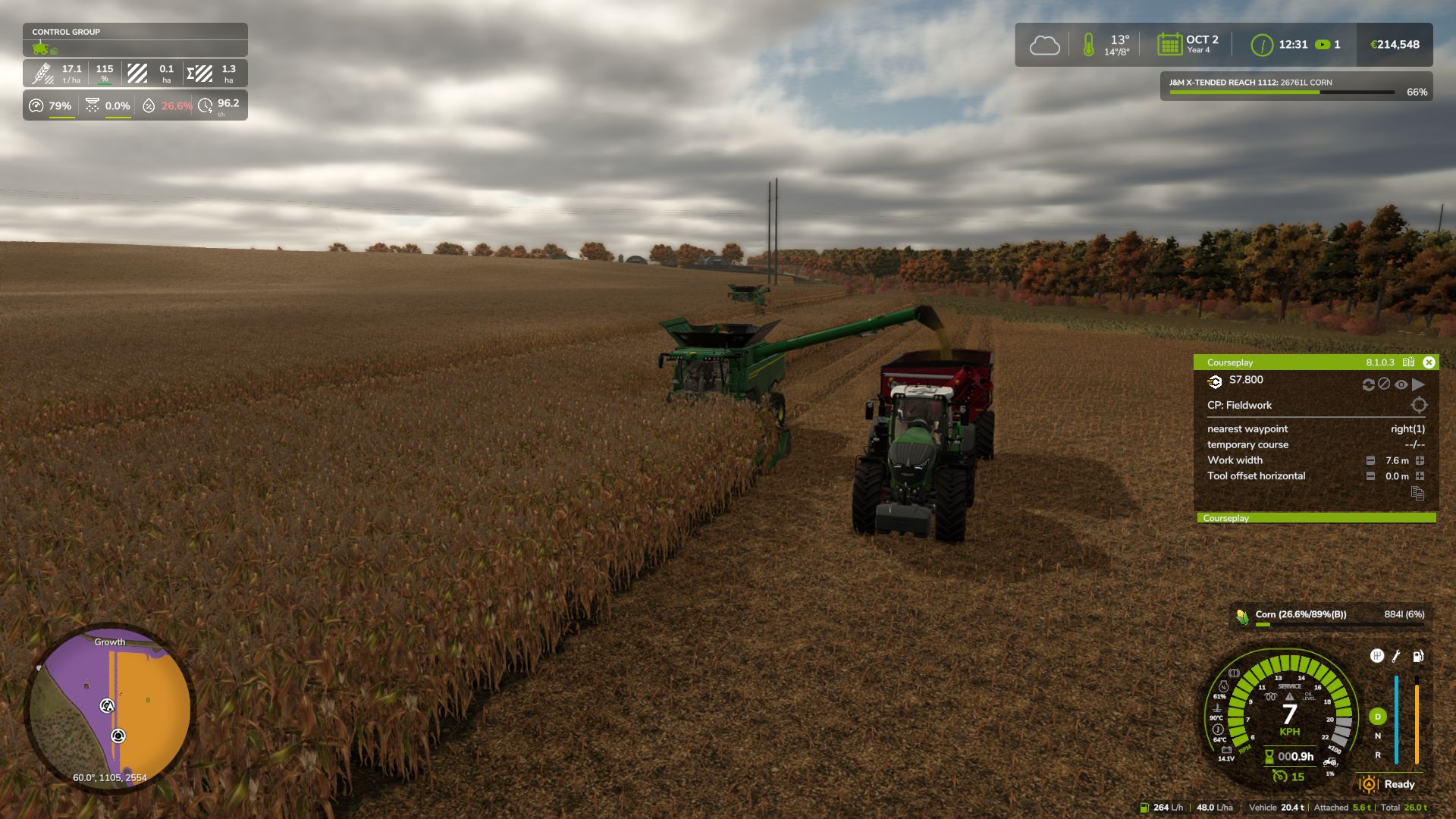
Courseplay: Unload Me enables Courseplay unloader tractors to automatically track, match speed, and unload combines driven manually by the player on the go.
Features:
Unload player-driven combines on the move without hiring Courseplay AI for the combine.
Unloader automatically matches combine speed and aligns trailer under the pipe.
Unfolding the combine pipe automatically summons the nearest idle Courseplay tractor.
Folding the pipe acts as a dismiss command: the tractor safely steers away and departs.
Starting to drive after calling while stopped won’t strand the tractor; it chases and catches up.
Right Shift + U: manually summon the nearest unloader on demand.
Right Shift + I: toggle advance auto-call when tank reaches 80% capacity.
V1.1.2.0
Dynamic Lateral Clearance: Unloader path now dynamically adapts to any attached cutter/header width (from small 4m headers up to huge 15.2m+ cutters), ensuring safe distance from wide headers while centering the trailer directly under the discharge spout.
Headland Turnaround Fix: Unloaders route exclusively behind the combine, eliminating any risk of driving out in front of the header during turns.
Instant Manual Re-Call (Right Shift + U): Re-dispatches already assigned unloaders to your machine’s updated position after field-edge turns.
Realistic Rear Approach Distance: Unloader tractors maintain a comfortable 5-7m safety gap behind the combine’s rear bumper during approach instead of tailgating.
Collision System Tuning: Fixed false collision stops against the player combine and wide headers.
Courseplay Offset Compatibility: Full integration with Courseplay’s in-game “Combine offset X/Z” setting for fine manual adjustments.
Required mods:
CoursePlay