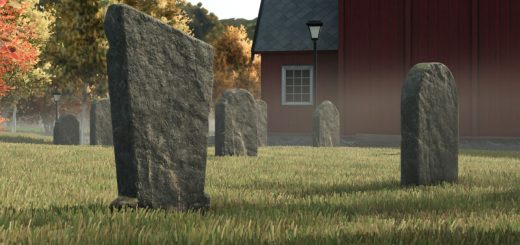
LS25 Color Grading by AgroCarpathia V1.0.0.0


LS25 Color Grading by AgroCarpathia V1.0.0.0
We would like to present the color grading setup used on our virtual farm – AgroCarpathia, refined to perfection by my team.
The installation process is very simple, just move the contents of the folder to the following directory:
/Steam/steamapps/common/Farming Simulator 25/data/maps/mapUS/config – and replace the existing files. (I recommend you back up the original files)
To make it work on maps outside the US region, you need to install the Additional Settings mod from ModHub. After launching the game, go to the new settings category, set Custom Lighting to Riverbend Springs, and you will have the new colors!
In the screenshots, the in-game brightness is set to 0.7. However, since every monitor displays colors differently, this setting is not mandatory and can be adjusted to your preference. Enjoy
Required mods:
Additional Game Settings