LS25 Camera Tool V1.0.0.0

LS25 Camera Tool V1.0.0.0
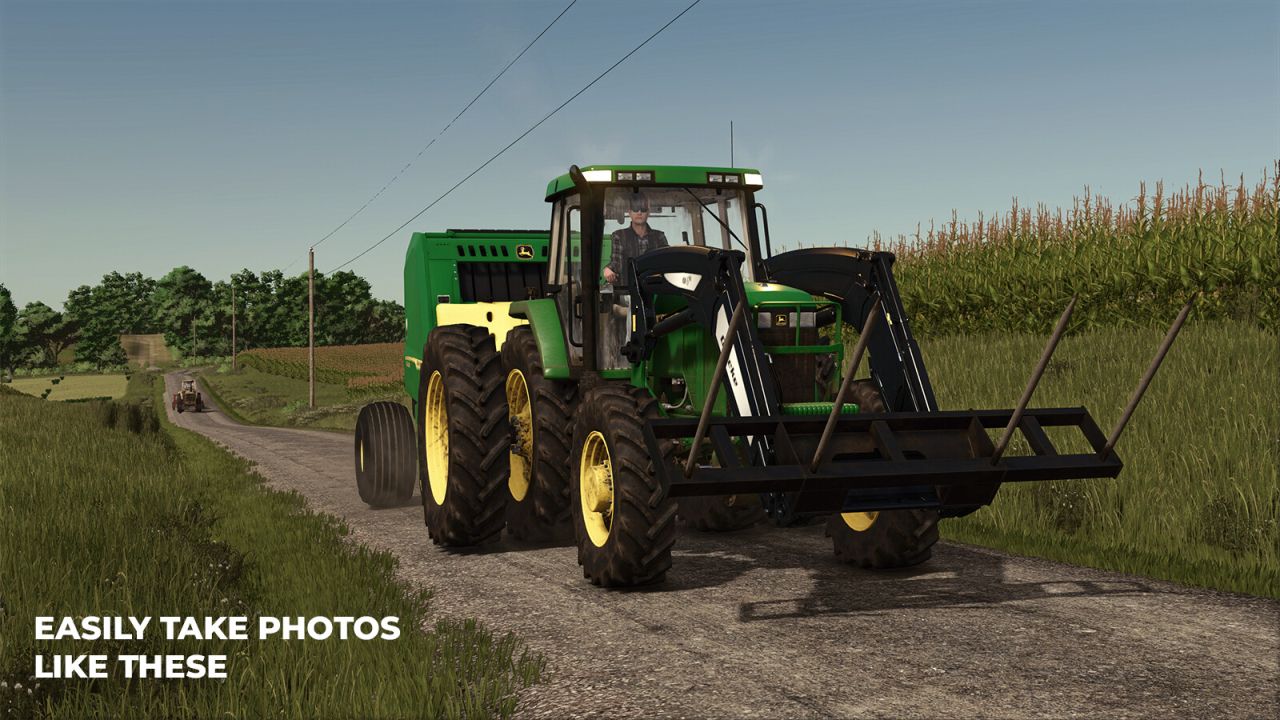
To take a good photo, you need to take your time. Camera Tool lets you pause time, while you set up and frame the perfect shot.
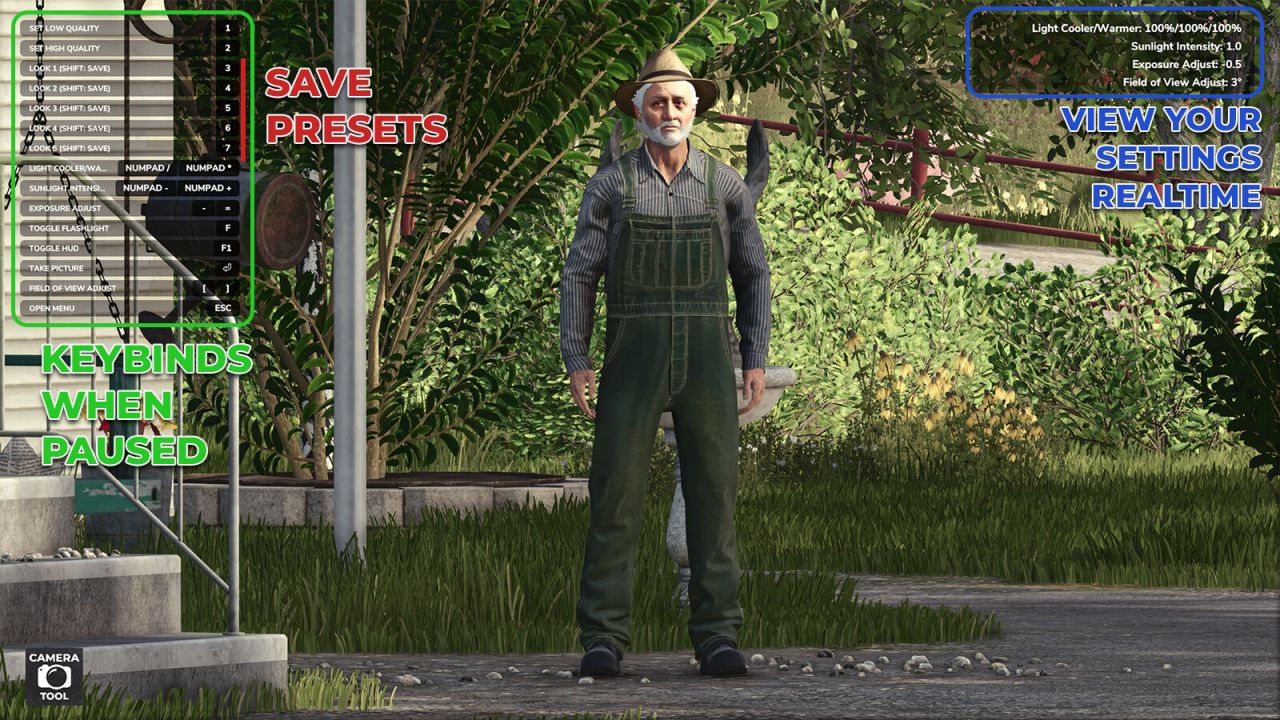
Take screenshots from the Pause screen
Free-fly camera with mouse and keyboard control
Activate High Quality mode
Change the camera exposure
Adjust the Field of View
Adjust the colour temperature and intensity of the sunlight
Rotate the sun with the middle mouse button
Toggle a handheld fill light
Toggle the HUD for clean shots
Save your favourite look to one of 5 presets, then recall it anytime
On-screen readout of your current sun temperature, sun intensity, exposure, and field of view
Features for modders:
Press alt+R to reload the active vehicle. alt+shift+R to reload all vehicles within 10m. alt+shift+ctrl+R to reload all vehicles within 100m
Press alt+P to reload all placeables on the map
Camera Tool is built on the idea and groundwork of Mantrid’s FS22 mod ProShot.