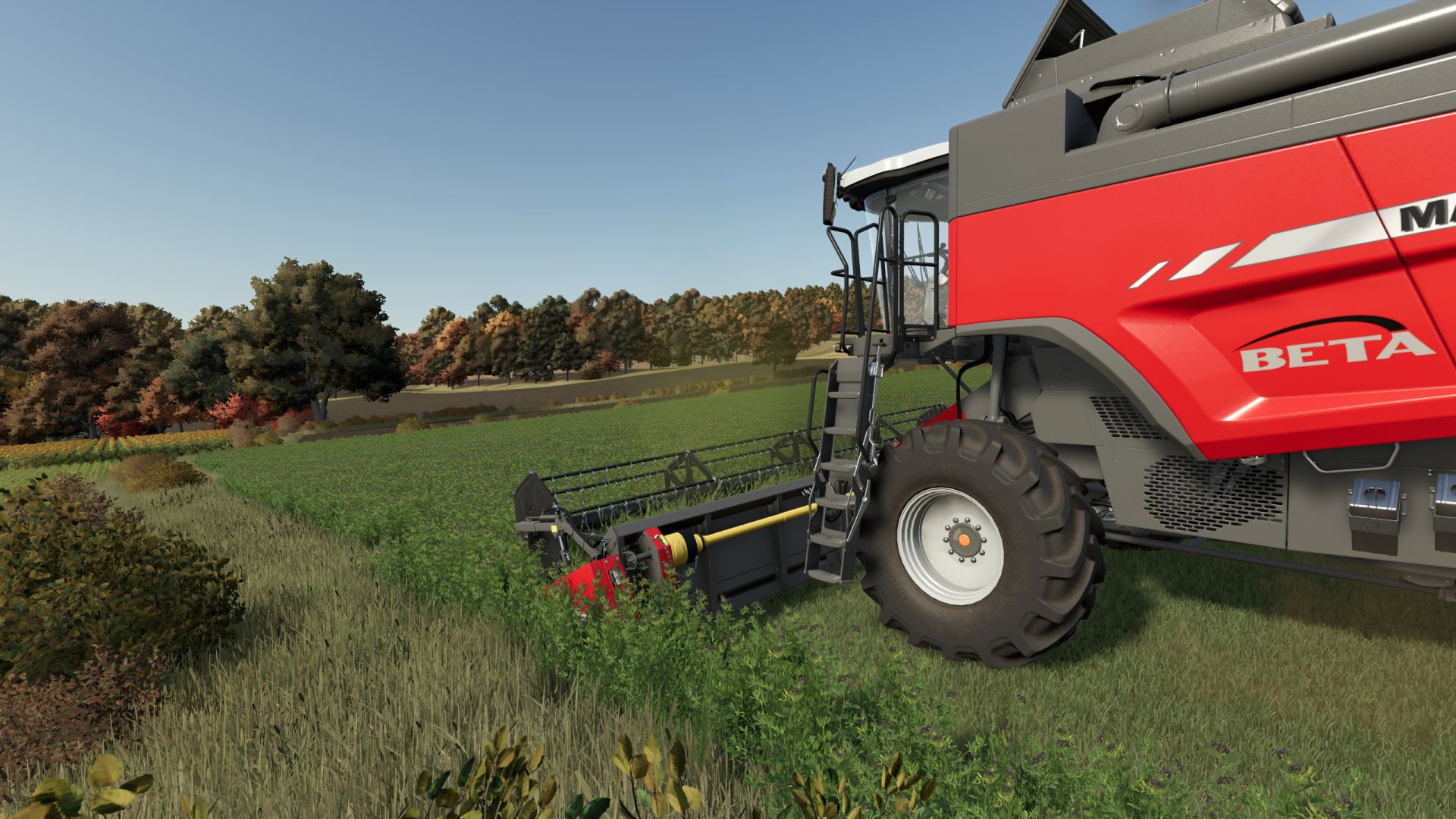
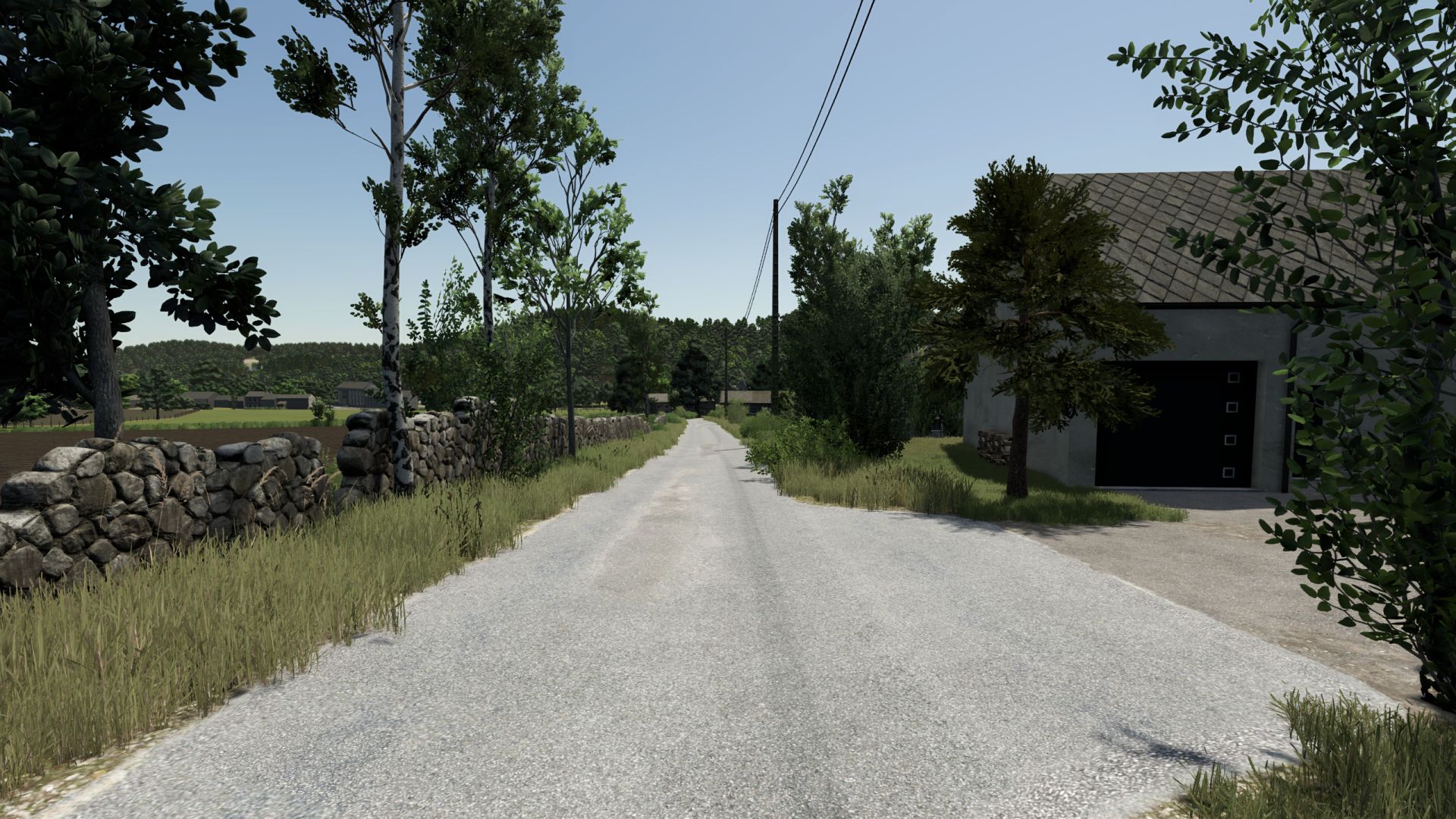
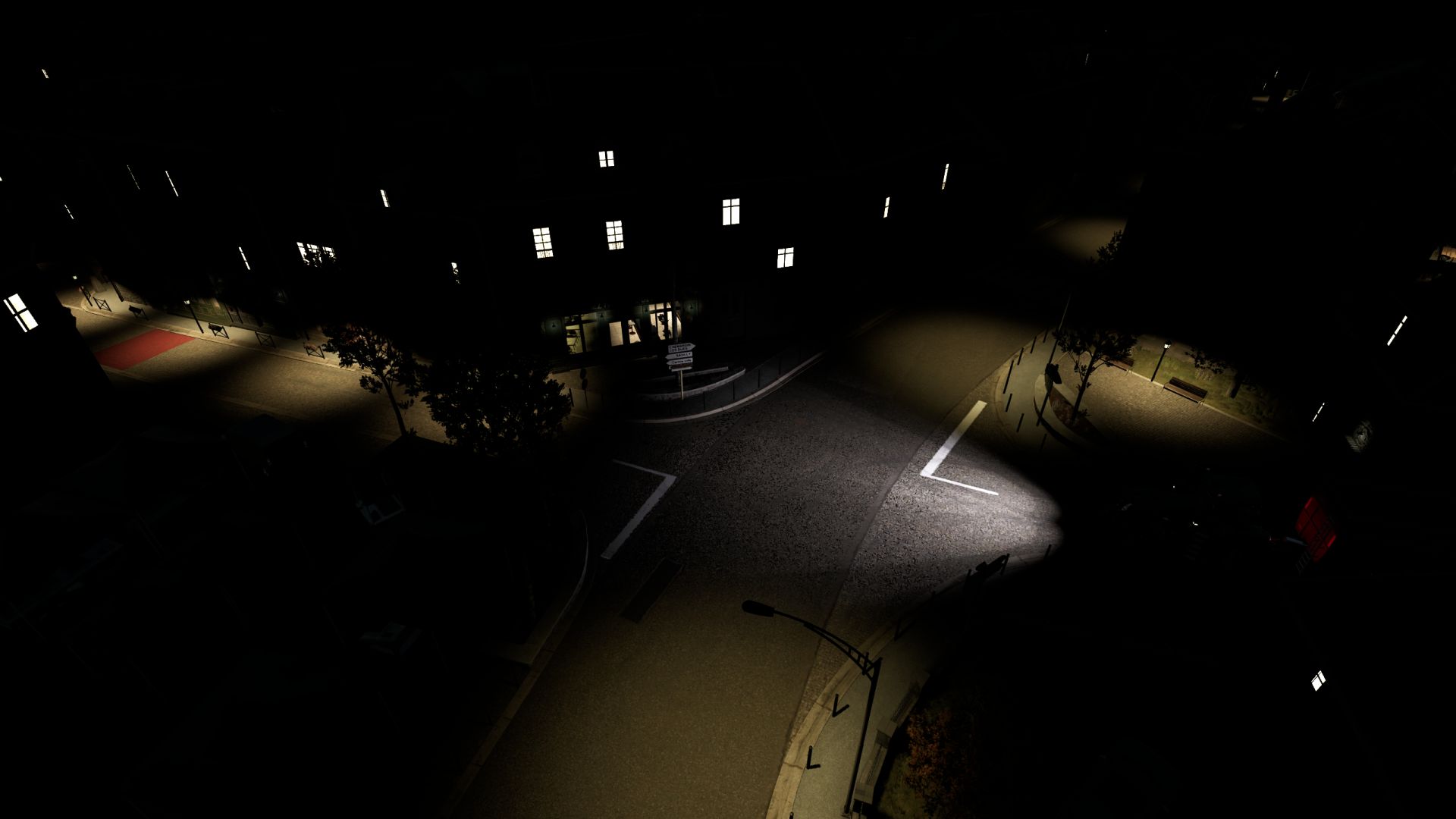
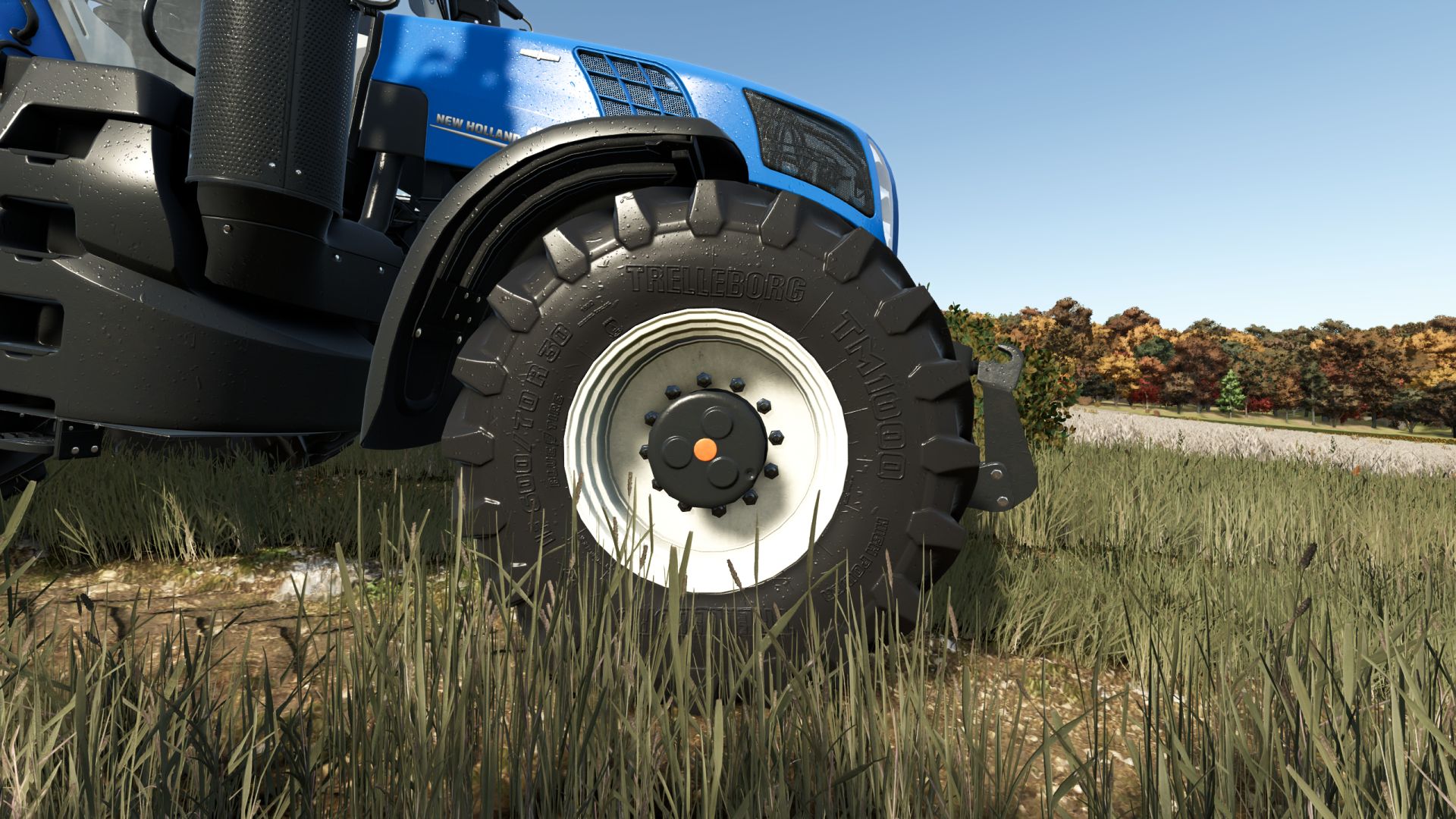
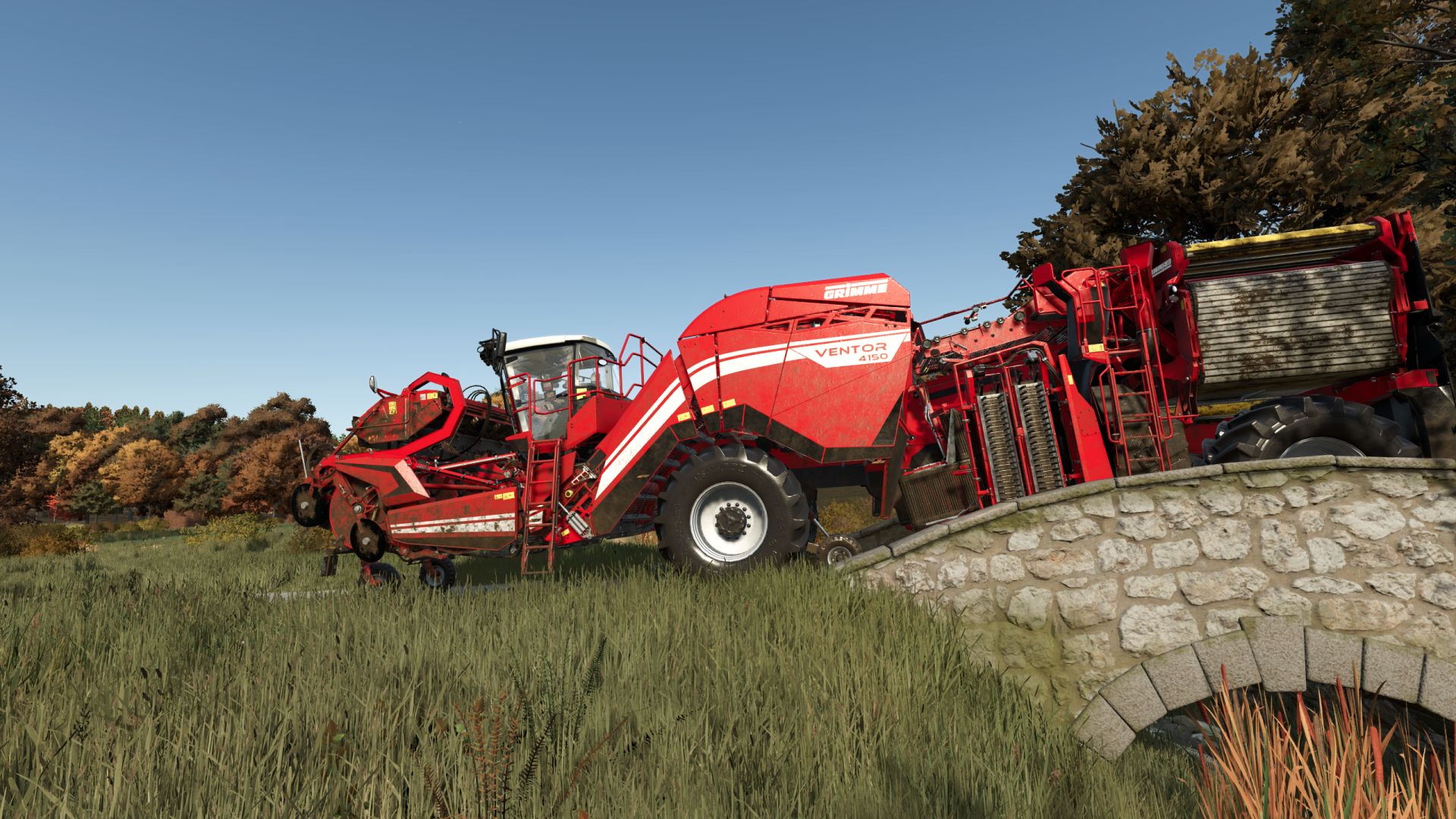
LS25 BetterEye V1.0.0.0

LS 25 Other
LS25 BetterEye V1.0.0.0
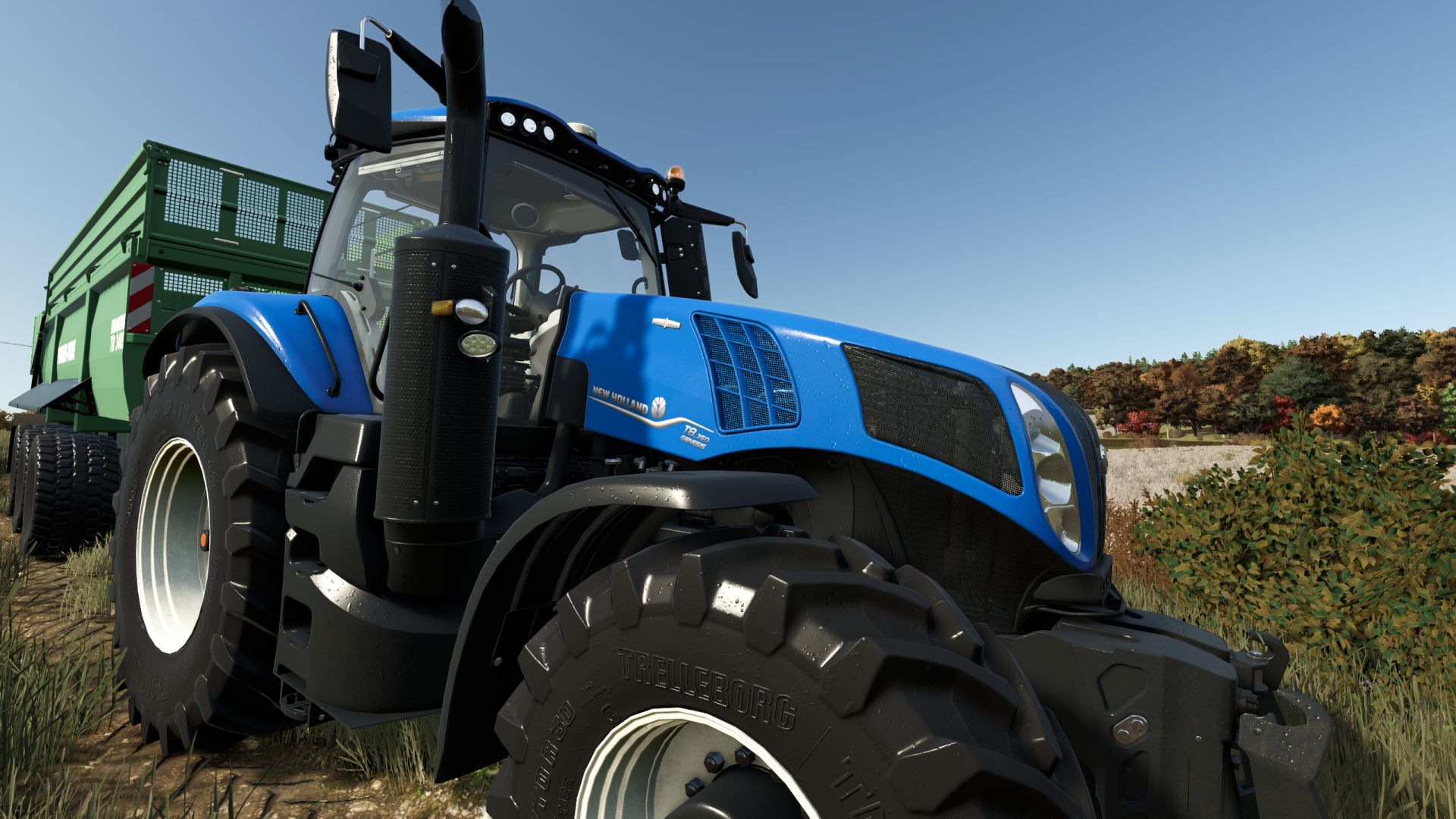
A bit colder palette, more sharpness, little bloom here and there, darker shadows, and a bit more contrast in general

Installation:
1) Unzip the archive
2) Depending on whether or not you have Reshade installed already
3) Copy the contents of the respective folder into …/Farming Simulator 25/x64 folder
4) In the game press HOME to open Reshade menu
5) Select BetterEye preset at the top – drop down menu
OPTIONAL 6) Modify to fit your style/preference

P.S. bundled Reshade version is 6.8.0

Credits:
DotFX

Do you know what Farming Simulator 19 Mods / Farming Simulator 22 Mods are? We bet that you've heard of them! However, if you are one of those people who are still not aware of this great feature, we can explain what it's all about! Downloading FS19 mods / FS22 mods is one of the greatest ways to upgrade your Farming Simulator 19 / Farming Simulator 22 game with just few clicks. All that you have to do is select Farming Simulator 19 mod / Farming Simulator 22 mod Download and supplement your game with it. We can give you a wide variety of all sorts of ingenious modifications so that each of you could find the most suitable solution. However, the best way to see how it works is just to try and to explore these FS 19 mods / FS 22 mods features right now.


You may also like...

Leave a Reply