LS25 Advanced Farm Manager V1.1.0.0



LS25 Advanced Farm Manager V1.1.0.0
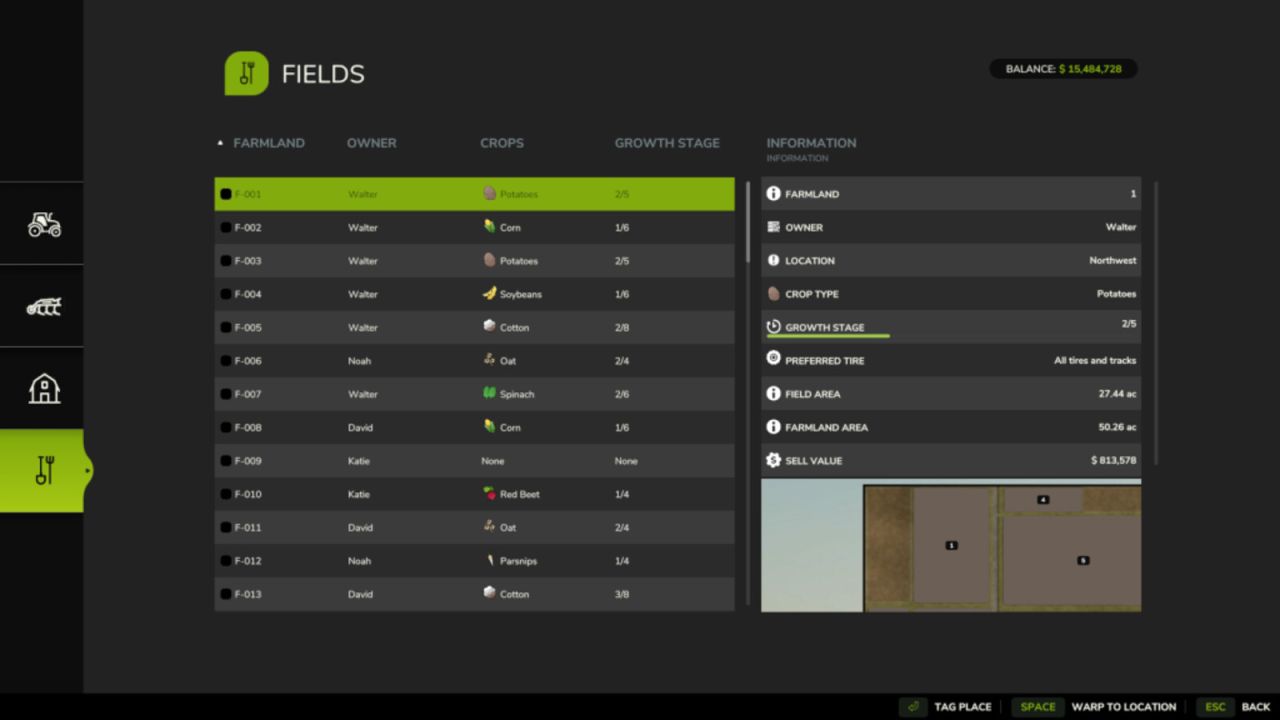
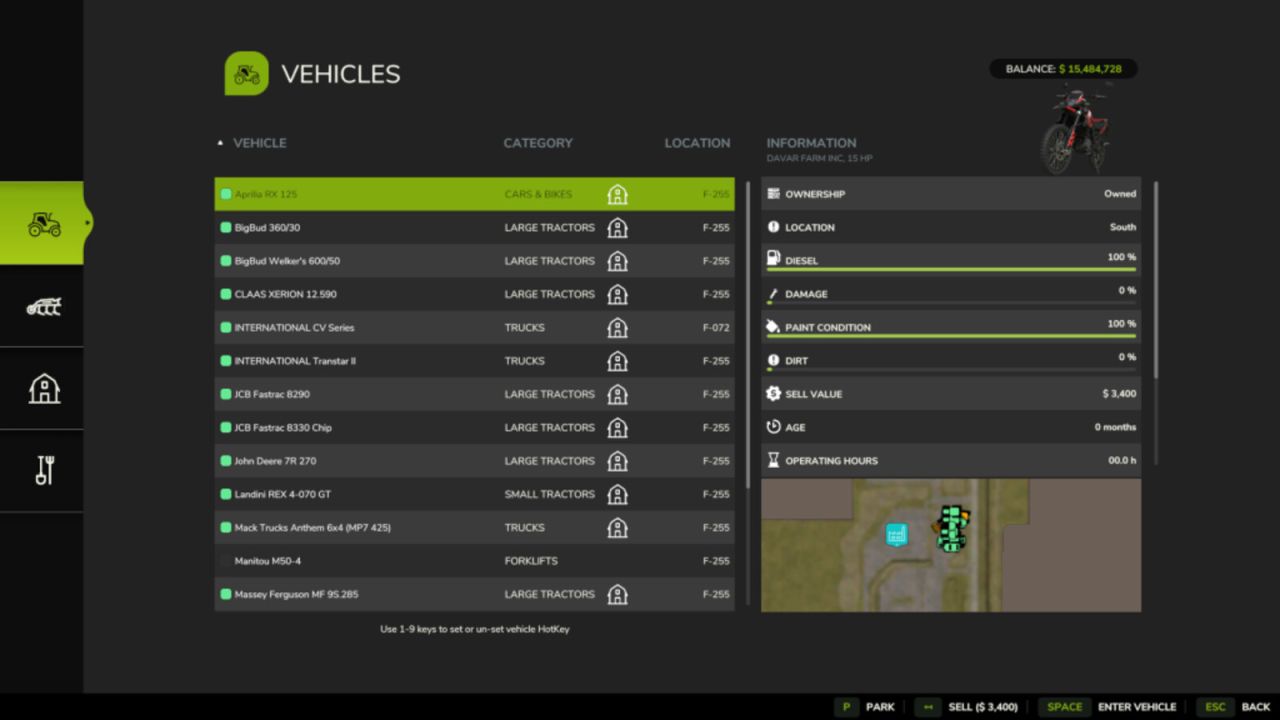
Advanced Farm Manager is a toggle-able GUI that will allow you to quickly manage your vehicles, implements, fields, and placeables.
Jump into, park, sell, clean, repair, repaint, and refuel (diesel, electricity, methane and DEF) enterable vehicles.
Warp near, sell, clean, repair, and repaint implements. Never lose an implement again.
Warp near, tag, and sell placeables.
Warp directly to or tag fields (pre-defined only)
Pricing for Sales, Repair, and Repainting is the same as any mobile shop.
Pricing for cleaning is based on how dirty the vehicle or implement is.
Set hotkeys on vehicles using 1-9 keyboard or number pad keys in the menu
Set nicknames on enterable, motorized vehicles.
Set vehicle switching (tabbing) to be all enterable vehicles, or just hotkey vehicles
Parking, number assignments, and nicknames are saved per player and per vehicle in single player and multiplayer. Only your own settings affect your view and vehicle switching.
Key Bindings:
Left_Shift + Key_Slash (/) – Open Menu
Mouse Button 4 – Open Menu
Right_Alt + Number Pad 0 – Toggle between limited vehicle switching and all vehicle switching
Right_Alt + Number Pad 1-9 – Jump to hotkey marked vehicle #
V1.1.0.0
Parking, number assignments, and nicknames now persist per player across saved sessions and multiplayer reconnects.
Personal vehicle settings are independent of other players and synchronized only with their owner.
Fixed out-of-sequence vehicle tabbing.
Fixed animal sale values to match the in-game values, including the fee.
Fixed hotkeys in multiplayer.