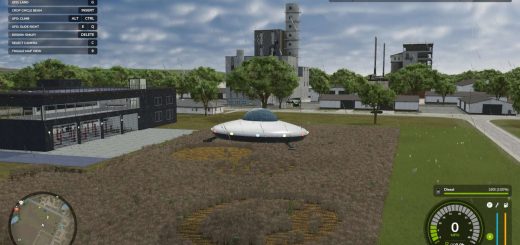
LS25 Adjust Storage Capacity V0.6.0.0
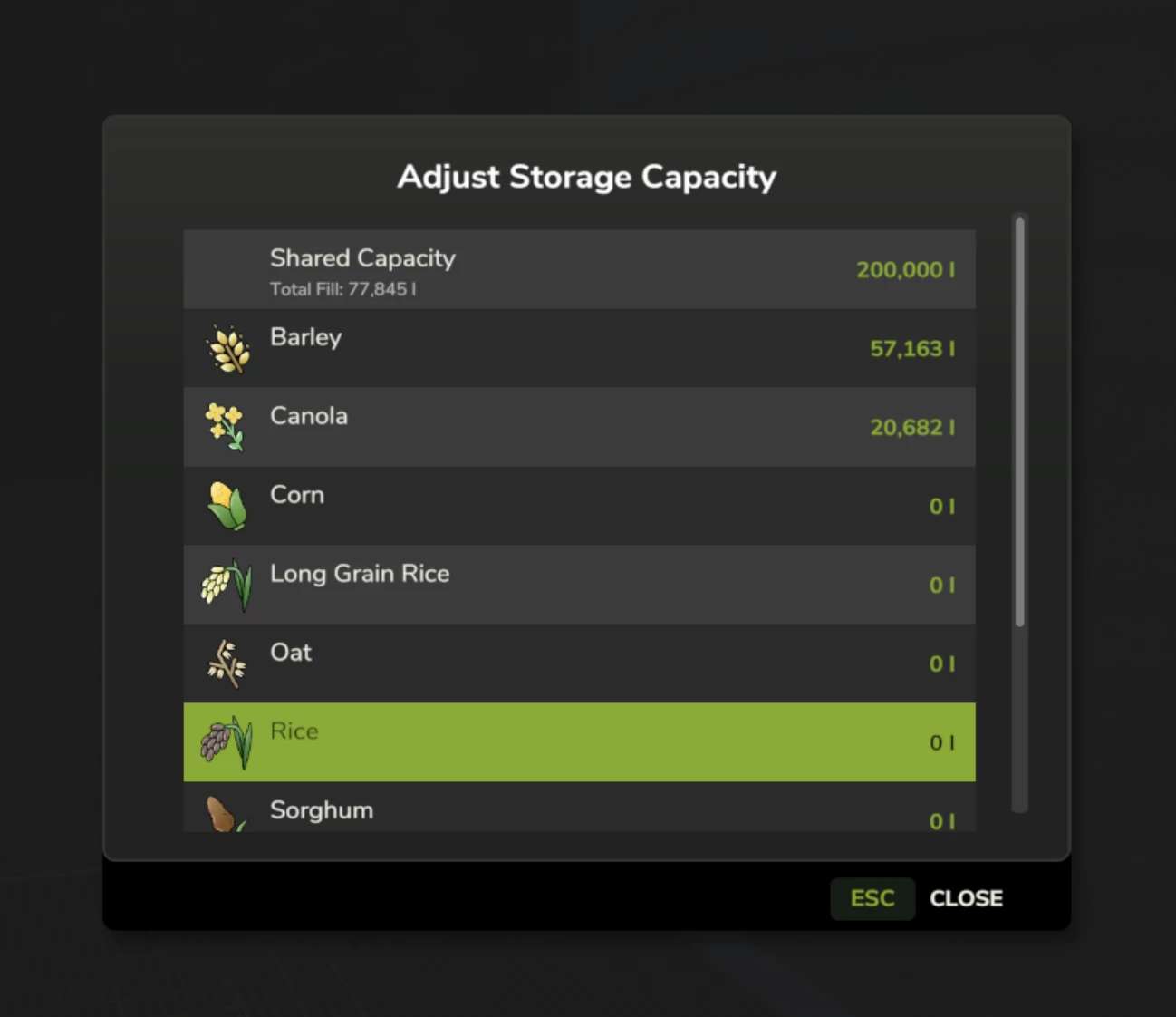

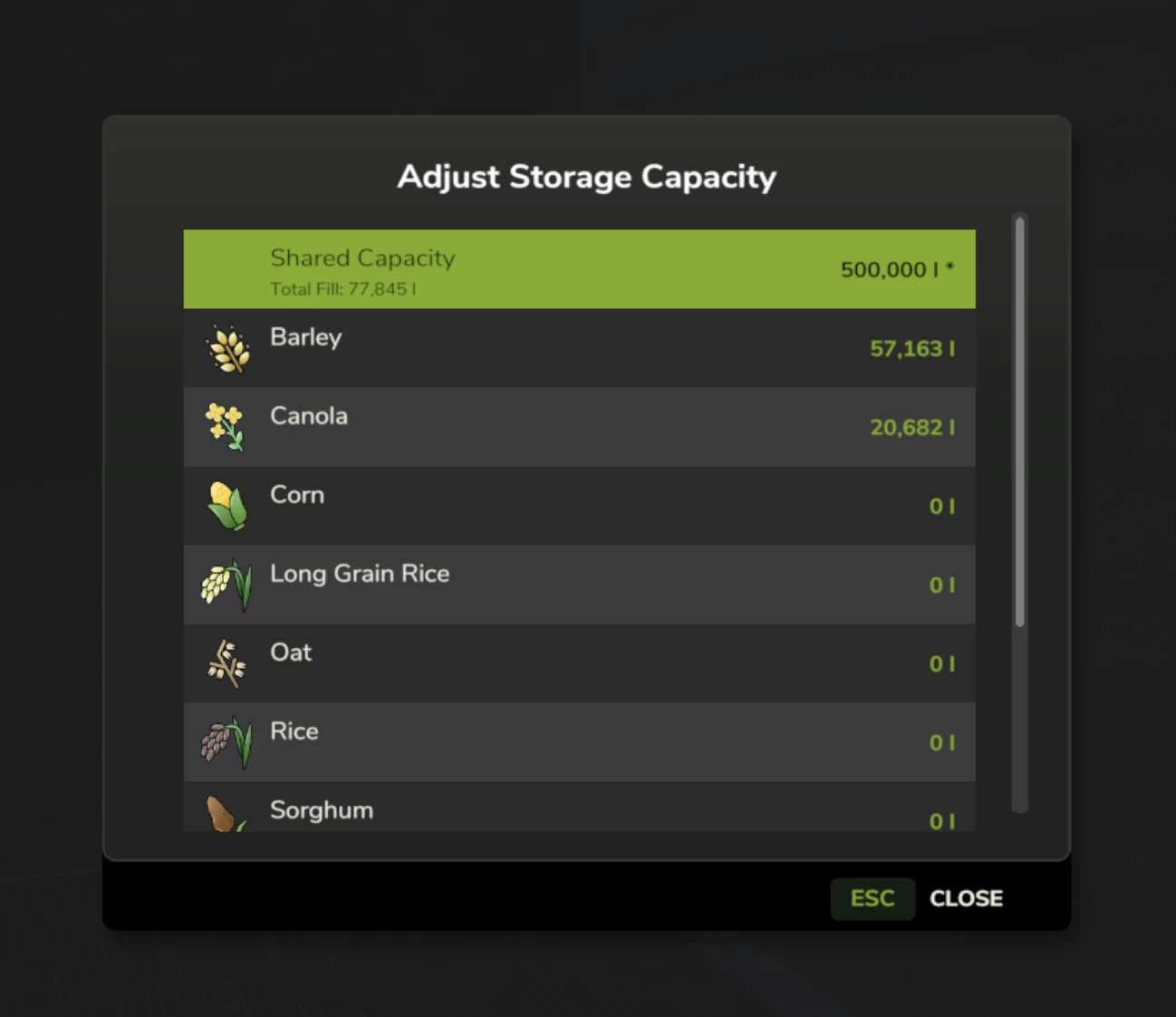
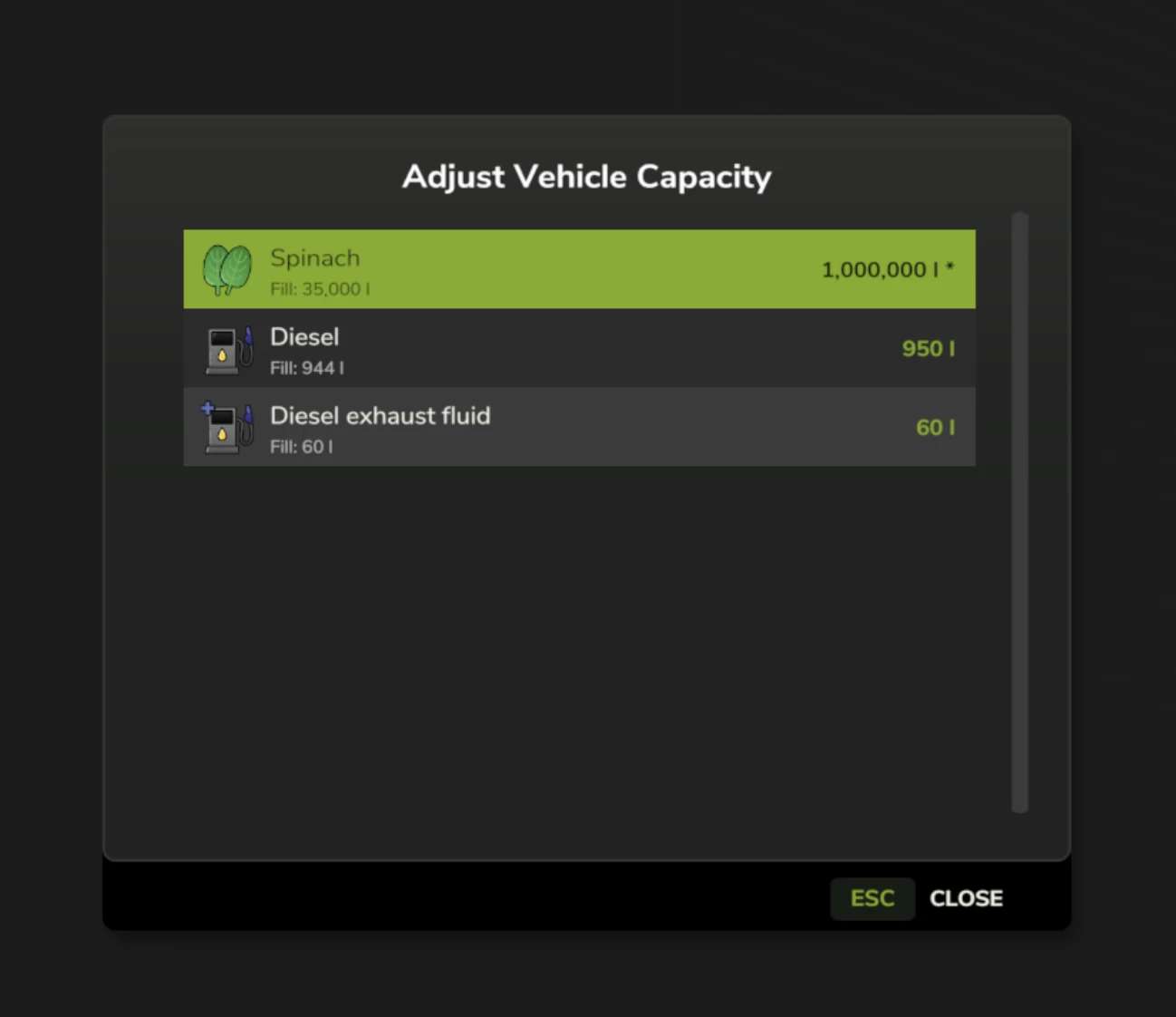
LS25 Adjust Storage Capacity V0.6.0.0
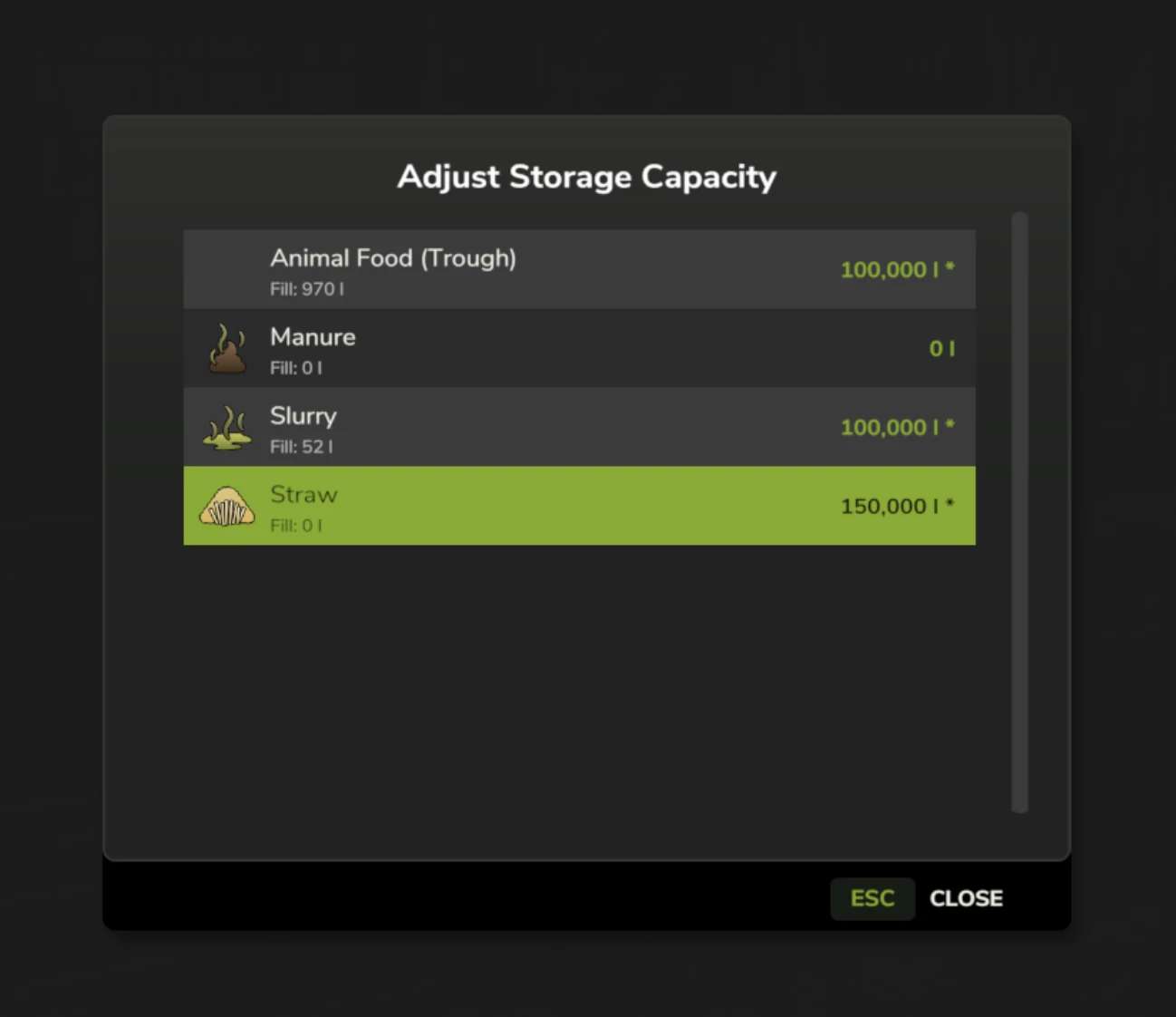
Need more room in your silos or trailers? Or want to limit storage for a more challenging gameplay? This mod lets you customize storage capacities for silos, production facilities, animal husbandries, and vehicles – all without editing XML files.
What’s changed 0.6
Added in-vehicle capacity adjustment: press K while driving to adjust capacity of your vehicle and attached implements
Added auto-scale vehicle mass setting: keeps expanded vehicles drivable by scaling weight to original capacity
Added “Reset All” button (X) to storage and vehicle capacity dialogs to restore original capacities
Fixed multiplayer client not resetting all storage capacities when using reset
Added auto-scale speed setting: controls whether load and discharge speed scales proportionally with capacity changes
0.5.0.0 (Beta)
Added K button to Workshop/Repair screen for vehicle capacity adjustment
Added K button to Construction mode placeable info dialog
Added setting to hide trigger shortcuts (K at placeables/vehicles) – menu access always available
V0.3.5
Fixed the fix for K keybind. It stole priority from animal trigger etc
V0.3.3
Fixed fill levels being lost when loading savegames with expanded capacity
Supports multiplayer with permission system.
Warning
This is a beta release. Both singleplayer and multiplayer functionality are tested and stable.
Features:
Adjust capacity for silos, tanks, production storage
Animal husbandry storage (food troughs, input/output)
Vehicle capacities (trailers, harvesters, sprayers, tankers)
Access from storage/vehicle OR from in-game menus
Configurable key binding for opening dialogs
Multiplayer support with permissions
Limitations:
Bunker silos not supported (terrain heap-based)
Pallets and bales not supported (object storage)
Vehicle pallets/big bags not supported (products, not containers)
Leveler fill units excluded (internal buffers)
Usage:
Press K at any supported storage or vehicle, or use K in the Production/Animals menu.