LS25 Texture Streaming Budget Optimizer v1.1.0.1

LS 25 Other
LS25 Texture Streaming Budget Optimizer v1.1.0.1
Changelog 1.1.0.1
Hotfix for error in Log Info

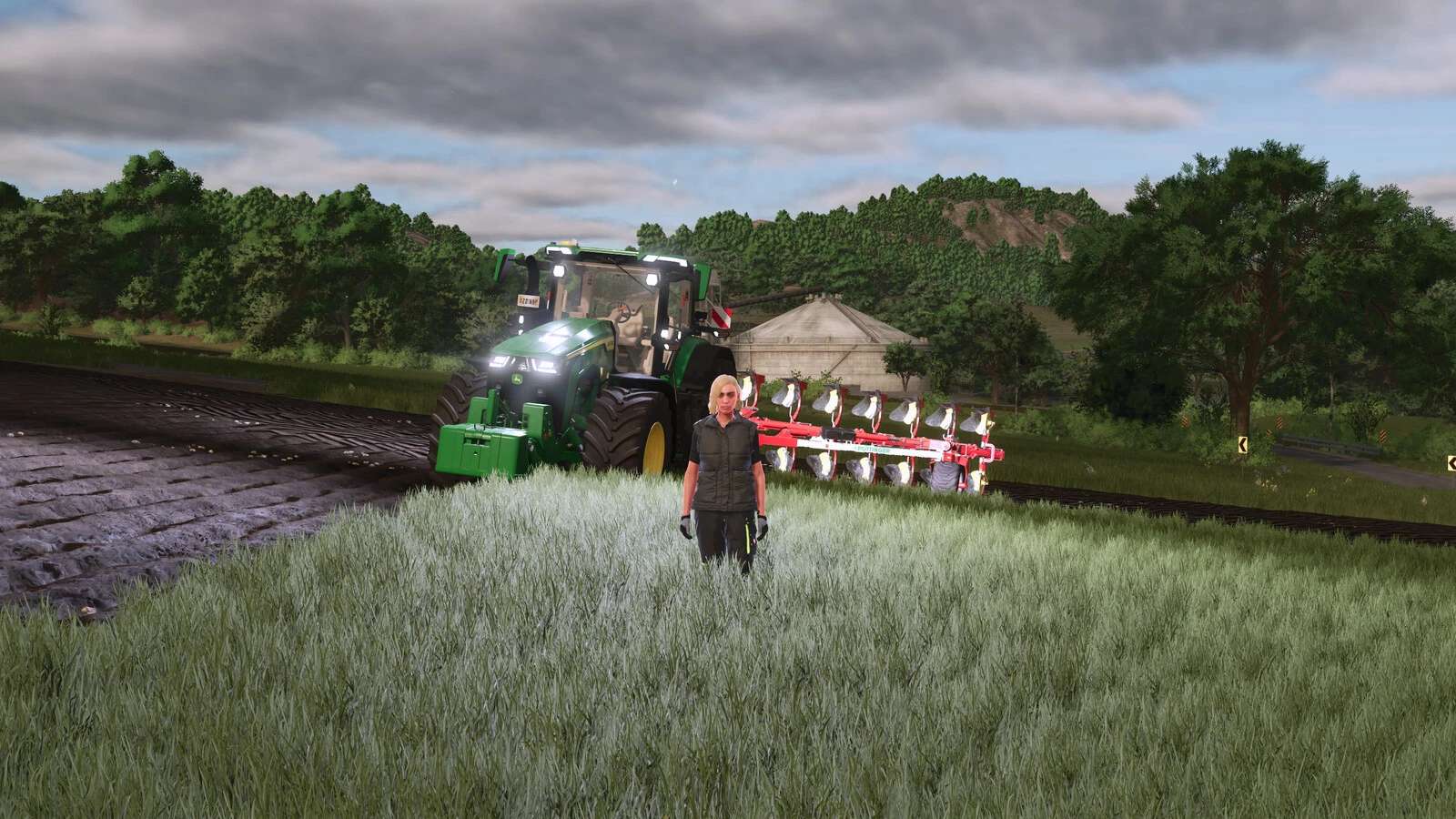
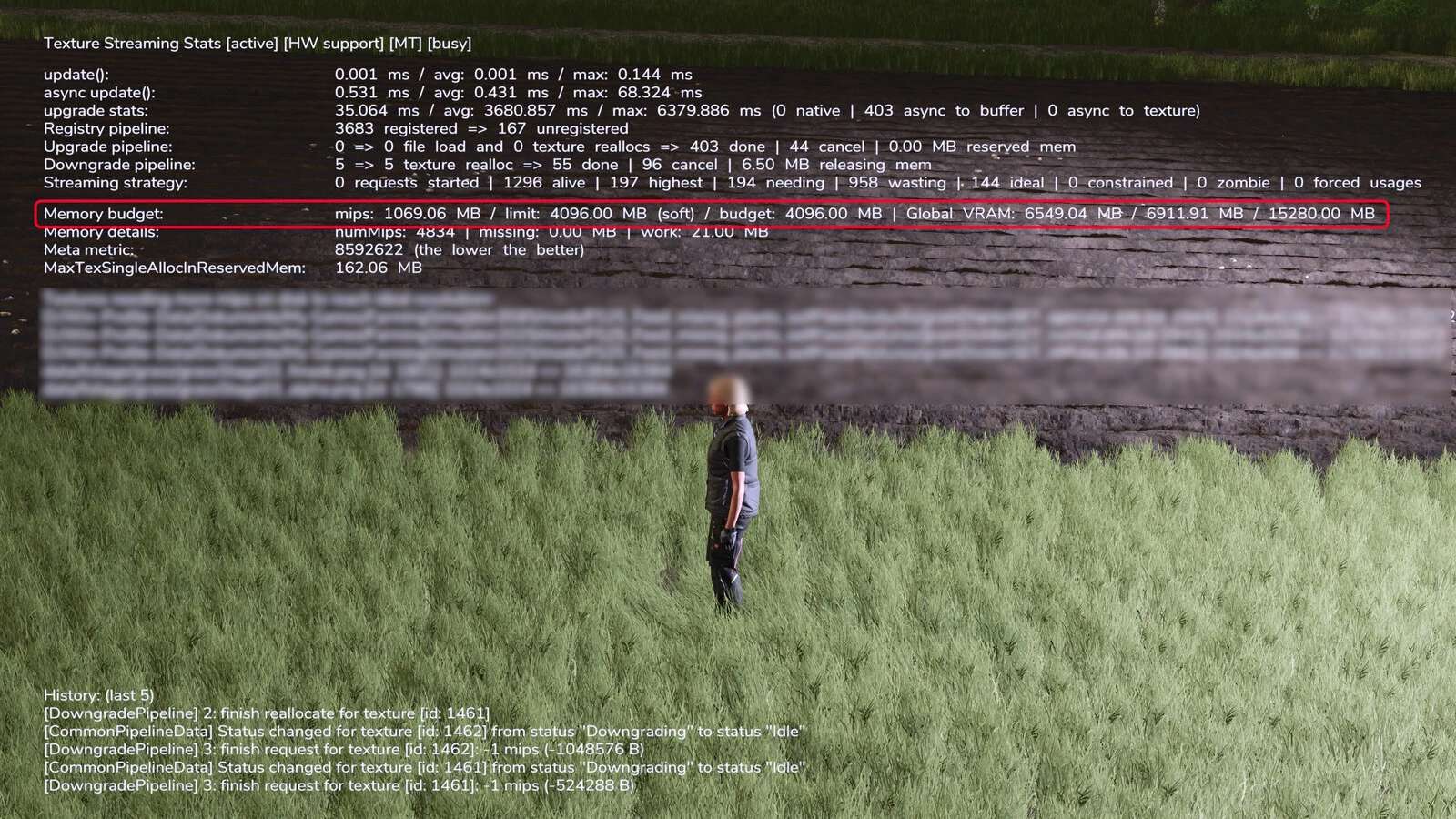
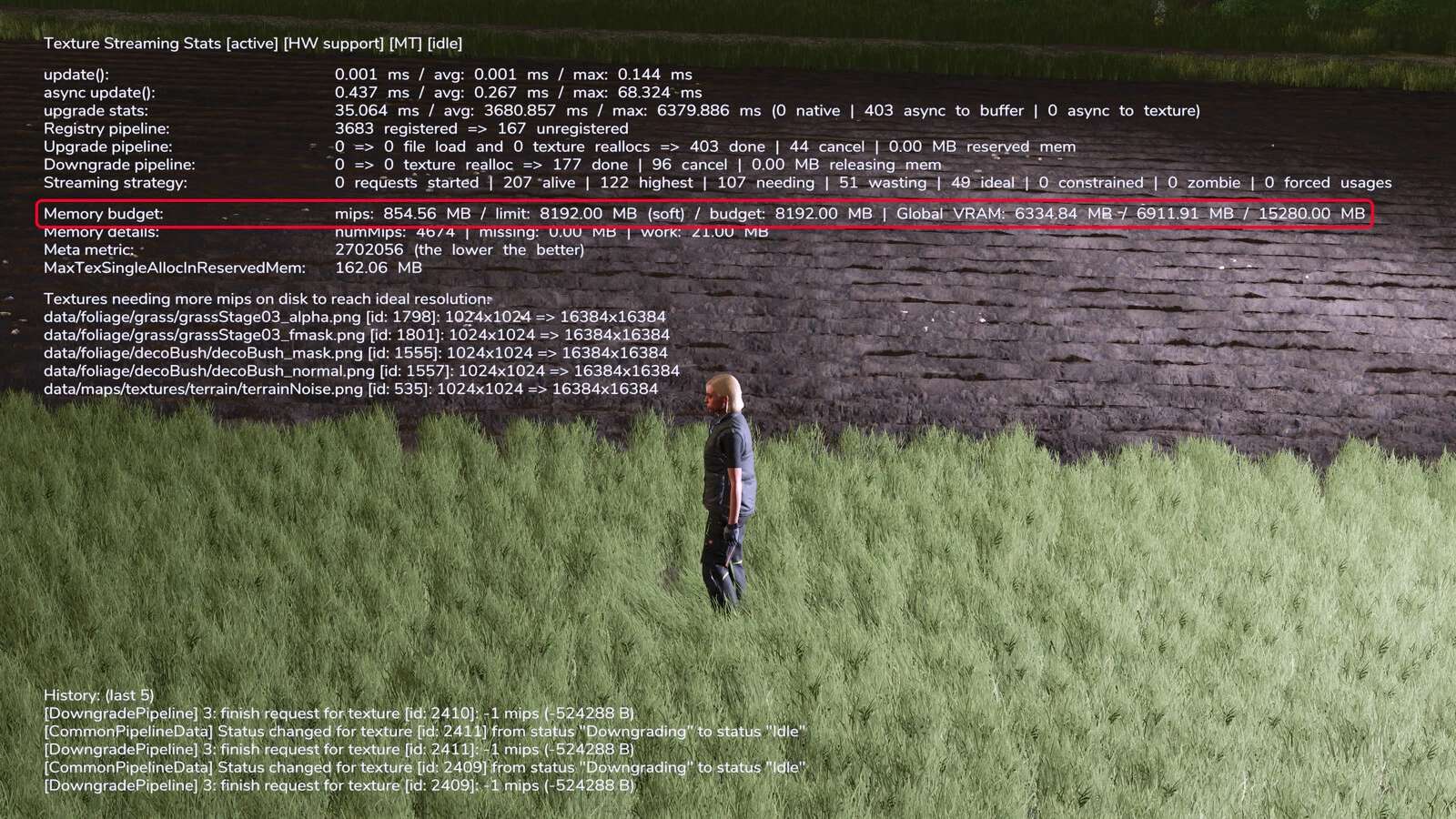
By default, the game uses a maximum of 4GB of graphics card memory to store high-resolution textures. As soon as you turn away from a building in the game, for example, its textures may be discarded from memory in order to load other textures.

If you turn back toward the building, it may “flicker” briefly because only the low-resolution
textures are visible and the game then reloads the high-resolution textures into memory.

This mod “resets” the limit of the texture memory used from the default 4GB to the available memory (VRAM) of the graphics card.

Therefore, this mod should only be used if your graphics card has more than 4GB of memory.
Credits:
Helfer B.

Do you know what Farming Simulator 19 Mods / Farming Simulator 22 Mods are? We bet that you've heard of them! However, if you are one of those people who are still not aware of this great feature, we can explain what it's all about! Downloading FS19 mods / FS22 mods is one of the greatest ways to upgrade your Farming Simulator 19 / Farming Simulator 22 game with just few clicks. All that you have to do is select Farming Simulator 19 mod / Farming Simulator 22 mod Download and supplement your game with it. We can give you a wide variety of all sorts of ingenious modifications so that each of you could find the most suitable solution. However, the best way to see how it works is just to try and to explore these FS 19 mods / FS 22 mods features right now.


You may also like...

Leave a Reply