LS25 Rearrange Placeables v1.0.0.0


LS25 Rearrange Placeables v1.0.0.0
This mod allows you to reposition placed objects. It supports movement on all 3 axes (X, Y, Z) as well as rotation on all 3 axes.
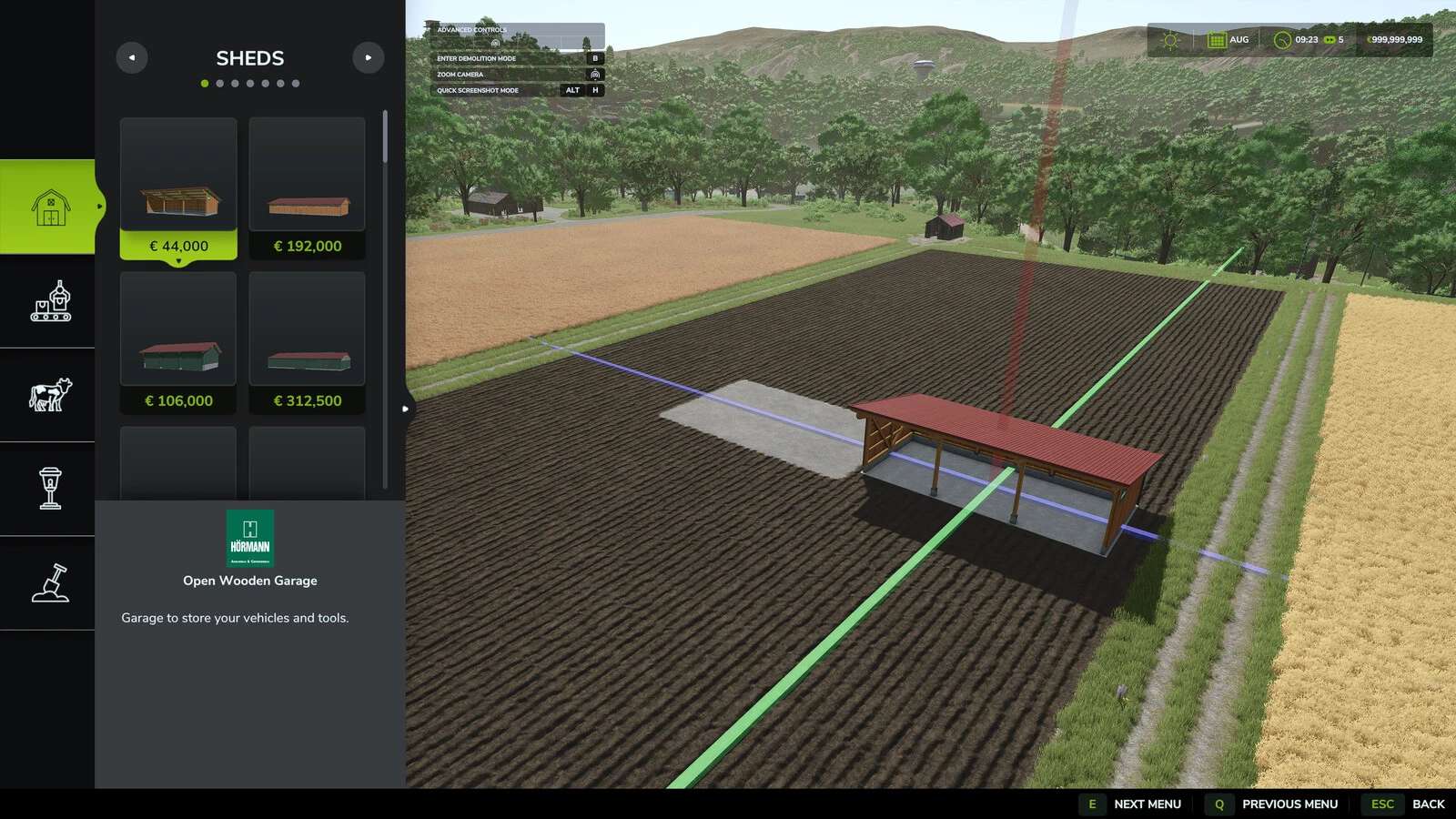
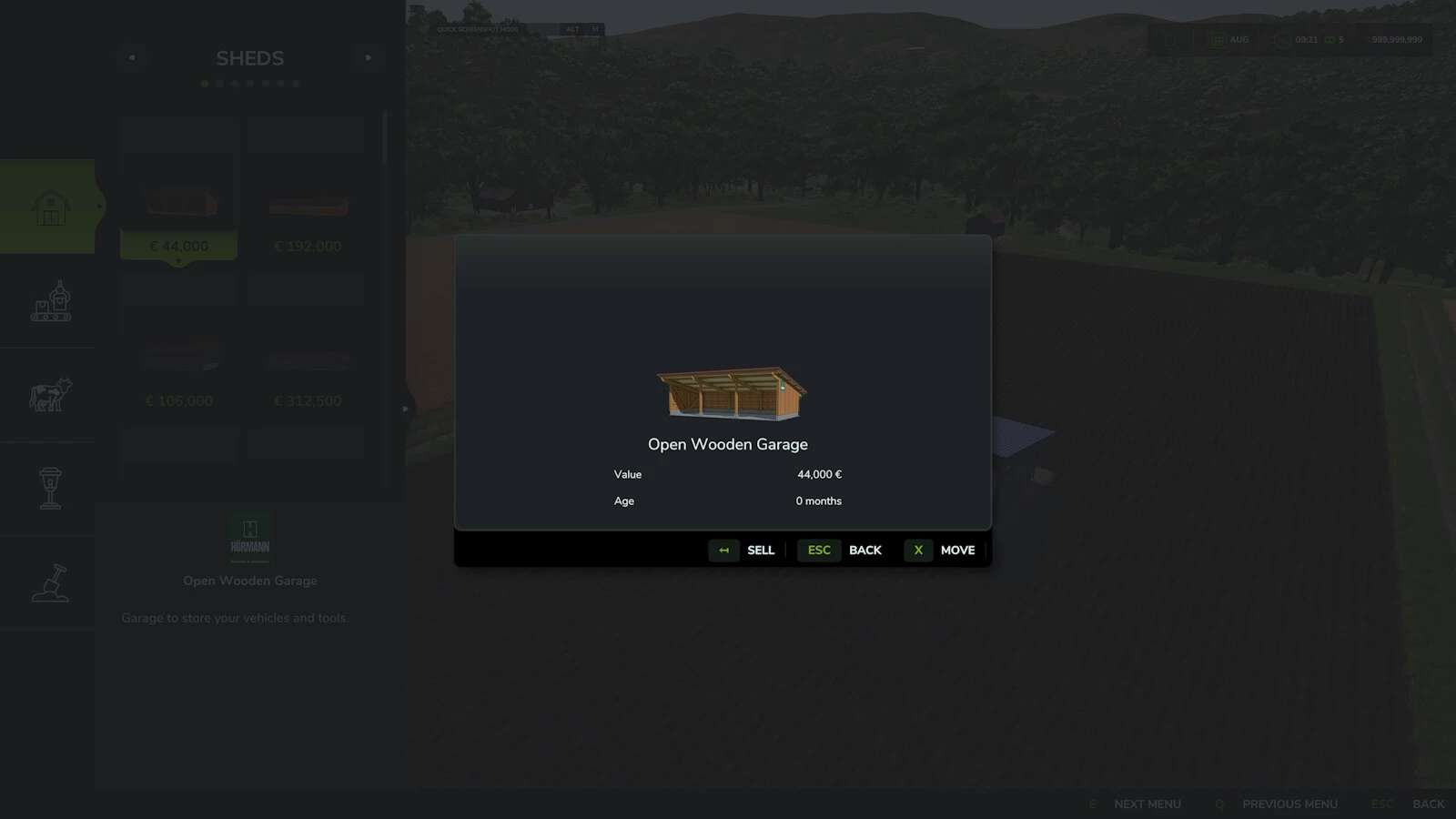
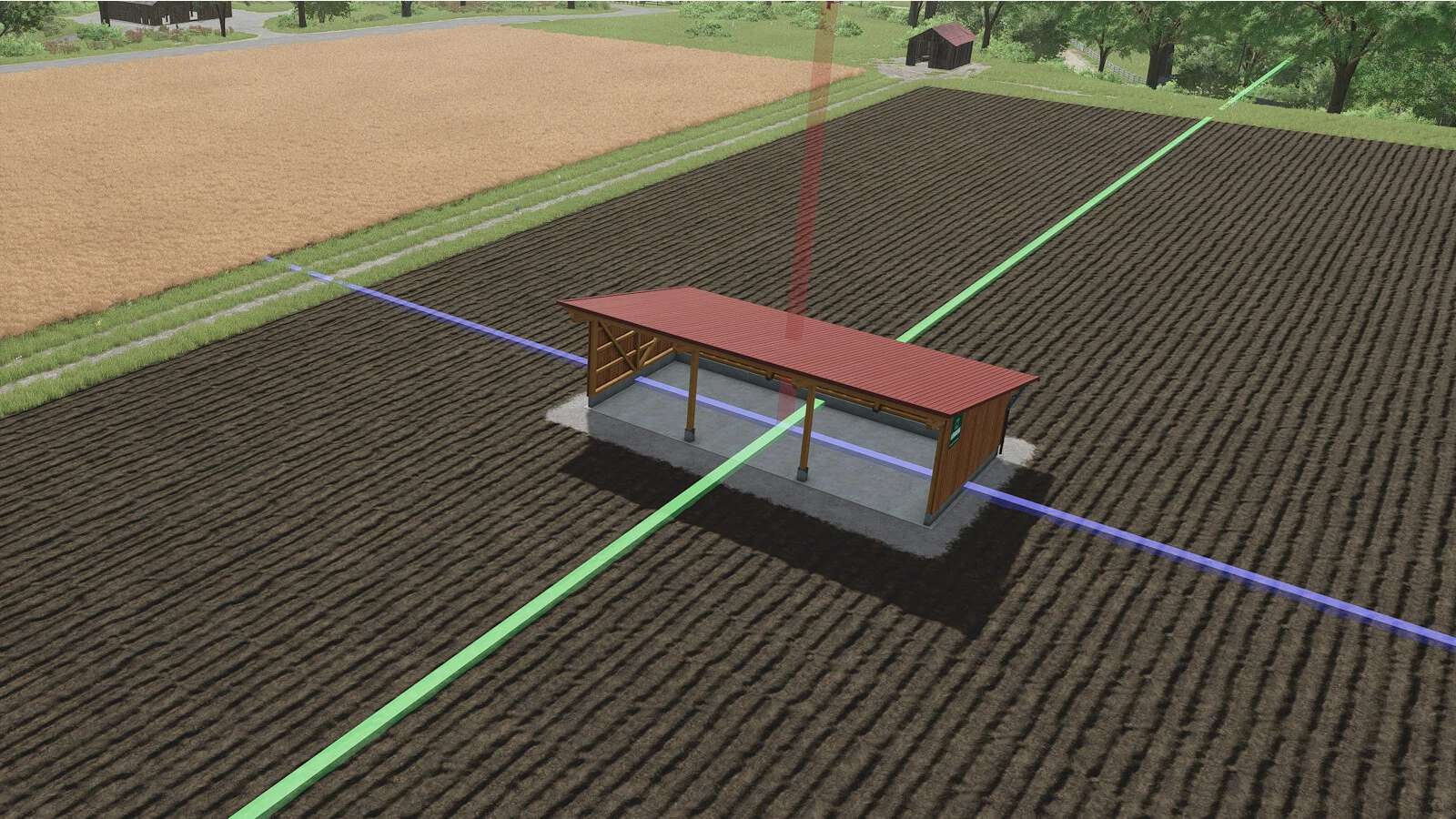
Usage: Open the build menu, select the object you want to move on the map, and click the “Move” button next to the “Sell” button. Three different axis markers will now appear, which can be selected for modification by left-clicking or right-clicking.
Left click: Move on the respective axis.
Right click: Rotate on the respective axis.
Completing the repositioning: Click on the building or press the Escape key. A prompt will appear asking you to save, including the costs, or to cancel, reset the object.
This mod is based on the FS25_MovePlaceables mod, which is no longer available in the game due to an error. However, the original author does not respond to error reports or attempts to contact him, so the mod itself has been updated and optimized in the process.
The gizmos (the colored axis markers) are now smaller and more transparent, making it easier to move small placeables such as lamps.