LS25 Outfit Saver BETA 2 v1.0

LS 25 Other
LS25 Outfit Saver BETA 2 v1.0
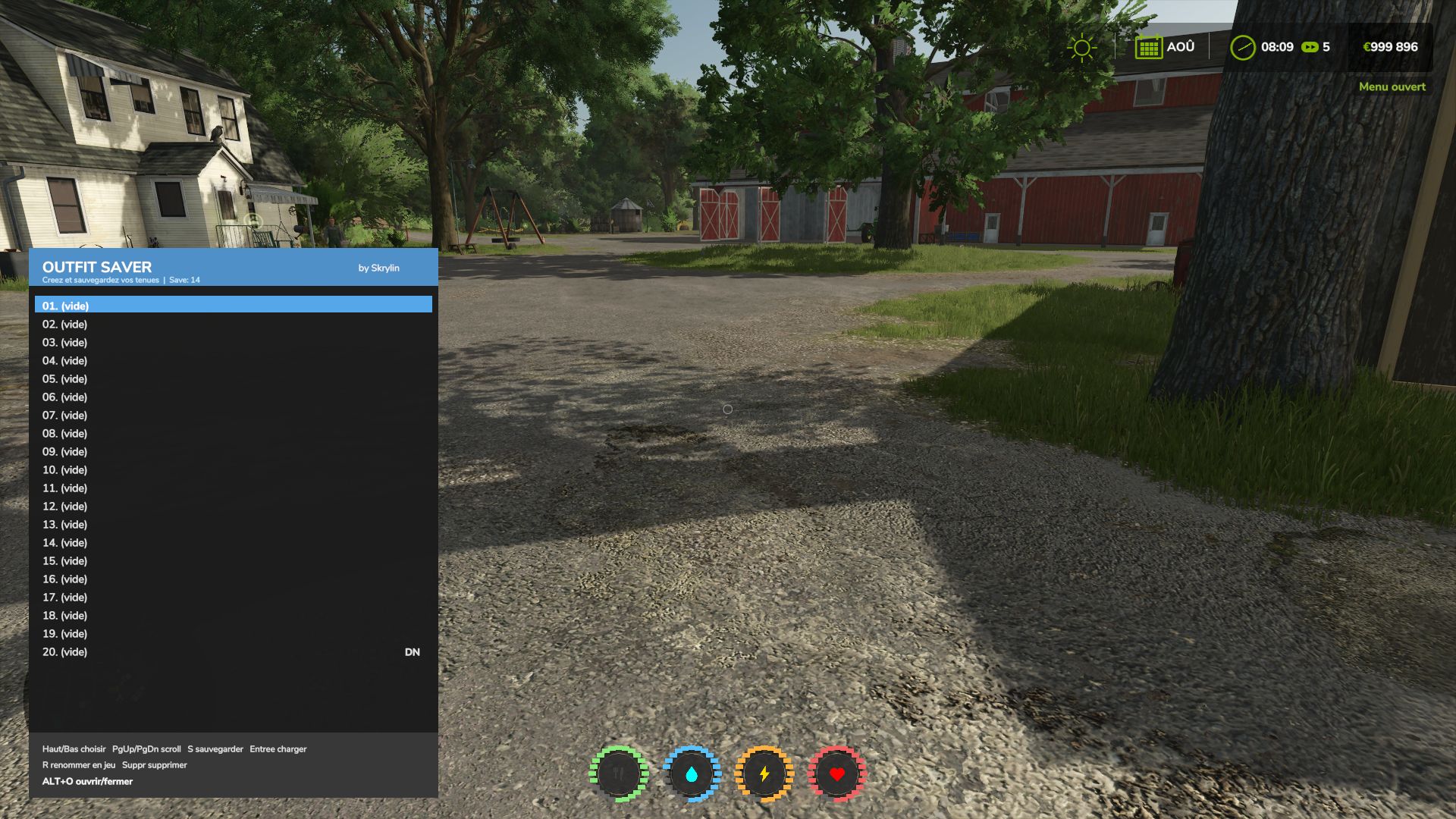
BETA 2
Fixed the save system, which was no longer working.
New shortcut: Alt + O.
Added mouse control.
Outfits can now be clicked to select them from the list.
Once an outfit is selected, you can use the buttons at the bottom to save, rename or delete the outfit.
Clicking on an outfit does not equip it directly.

Allows you to save 30 outfits for RP gameplay or simply so you don’t have to recreate outfits.
Shortcuts: Alt G + O
Thanks for your feedback 😉

Credits:
skrylin

Do you know what Farming Simulator 19 Mods / Farming Simulator 22 Mods are? We bet that you've heard of them! However, if you are one of those people who are still not aware of this great feature, we can explain what it's all about! Downloading FS19 mods / FS22 mods is one of the greatest ways to upgrade your Farming Simulator 19 / Farming Simulator 22 game with just few clicks. All that you have to do is select Farming Simulator 19 mod / Farming Simulator 22 mod Download and supplement your game with it. We can give you a wide variety of all sorts of ingenious modifications so that each of you could find the most suitable solution. However, the best way to see how it works is just to try and to explore these FS 19 mods / FS 22 mods features right now.


You may also like...

Leave a Reply