LS25 Kaka537 Preset V1.1.0.0

LS25 Kaka537 Preset V1.1.0.0
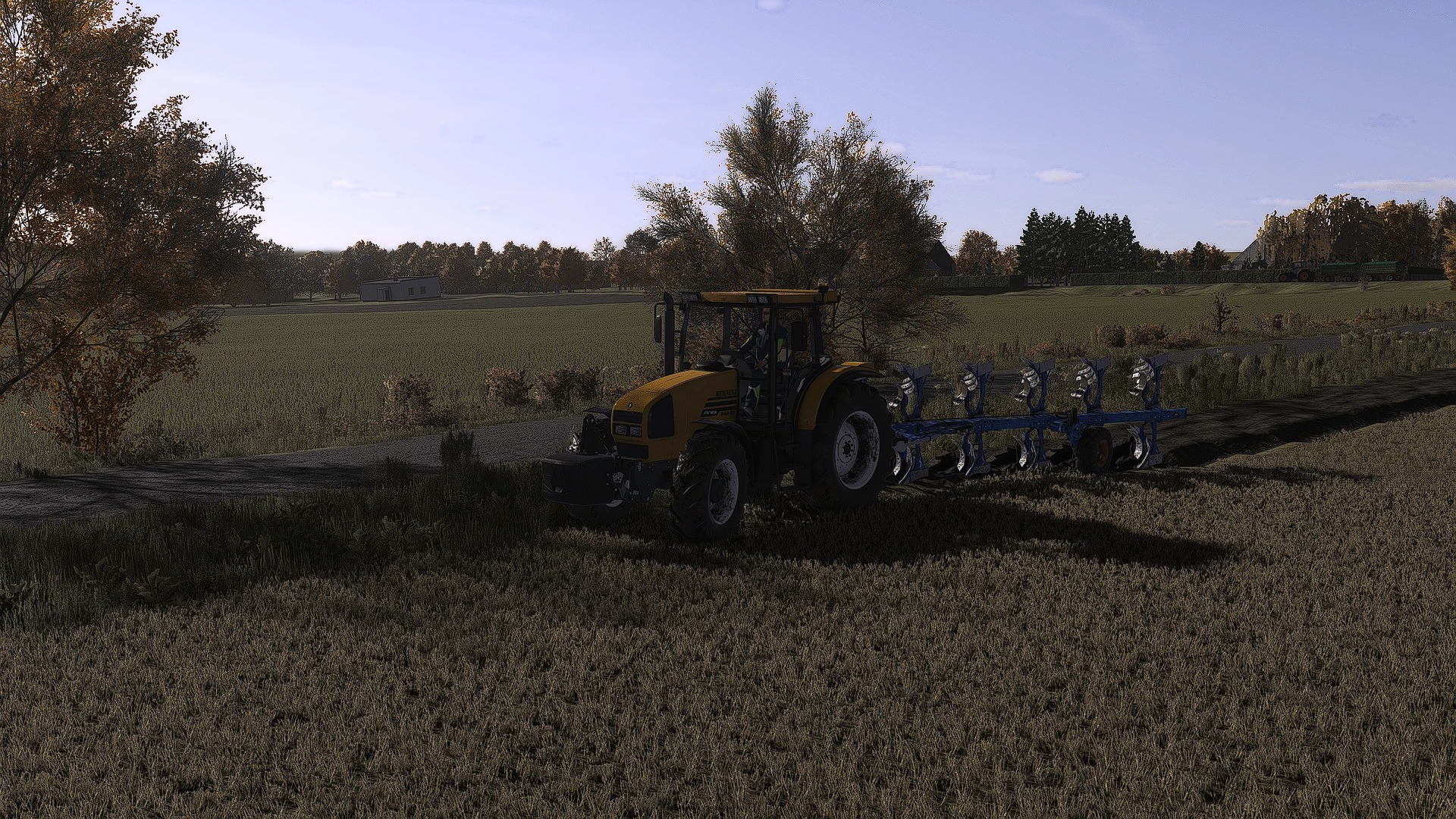
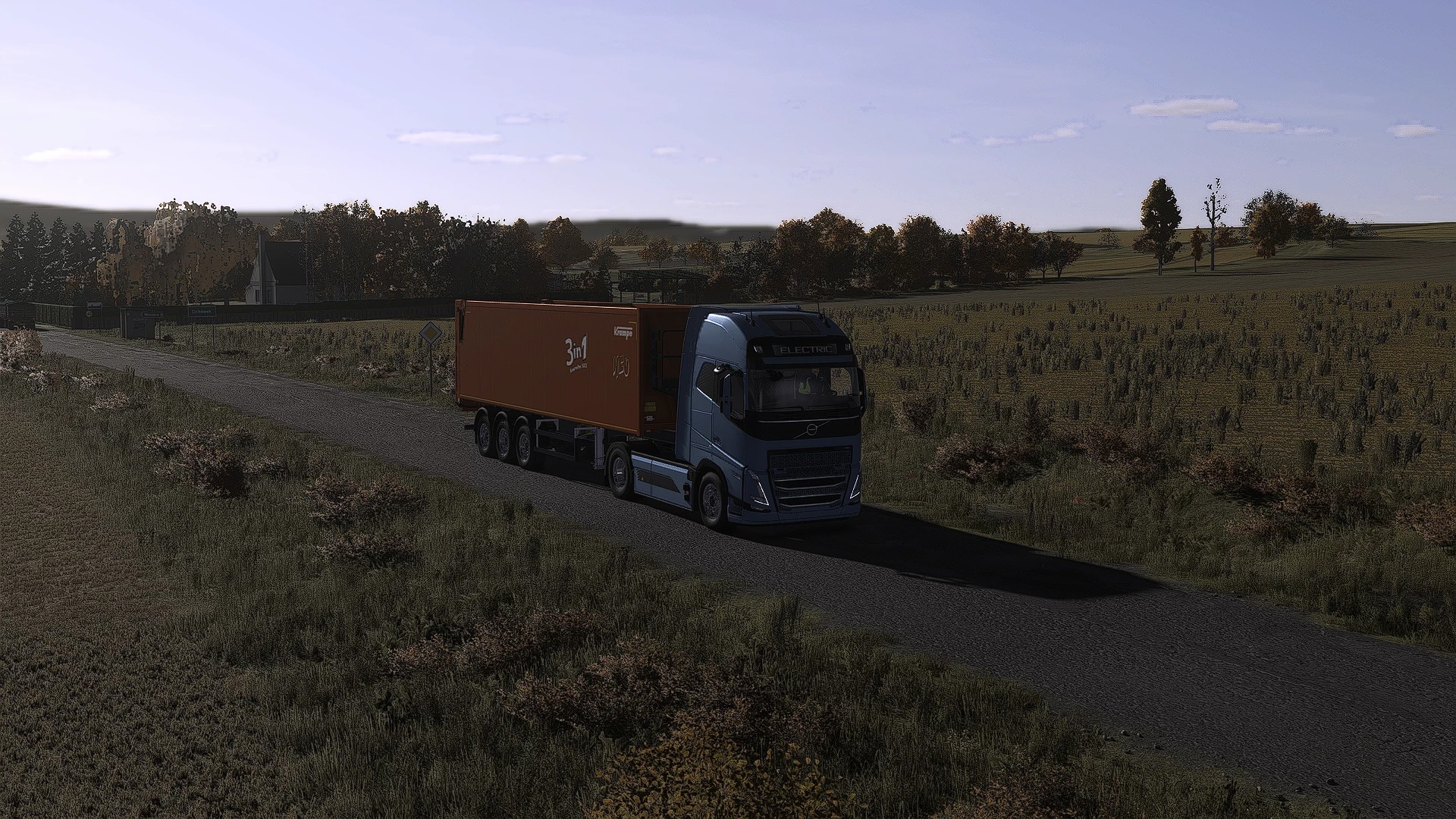
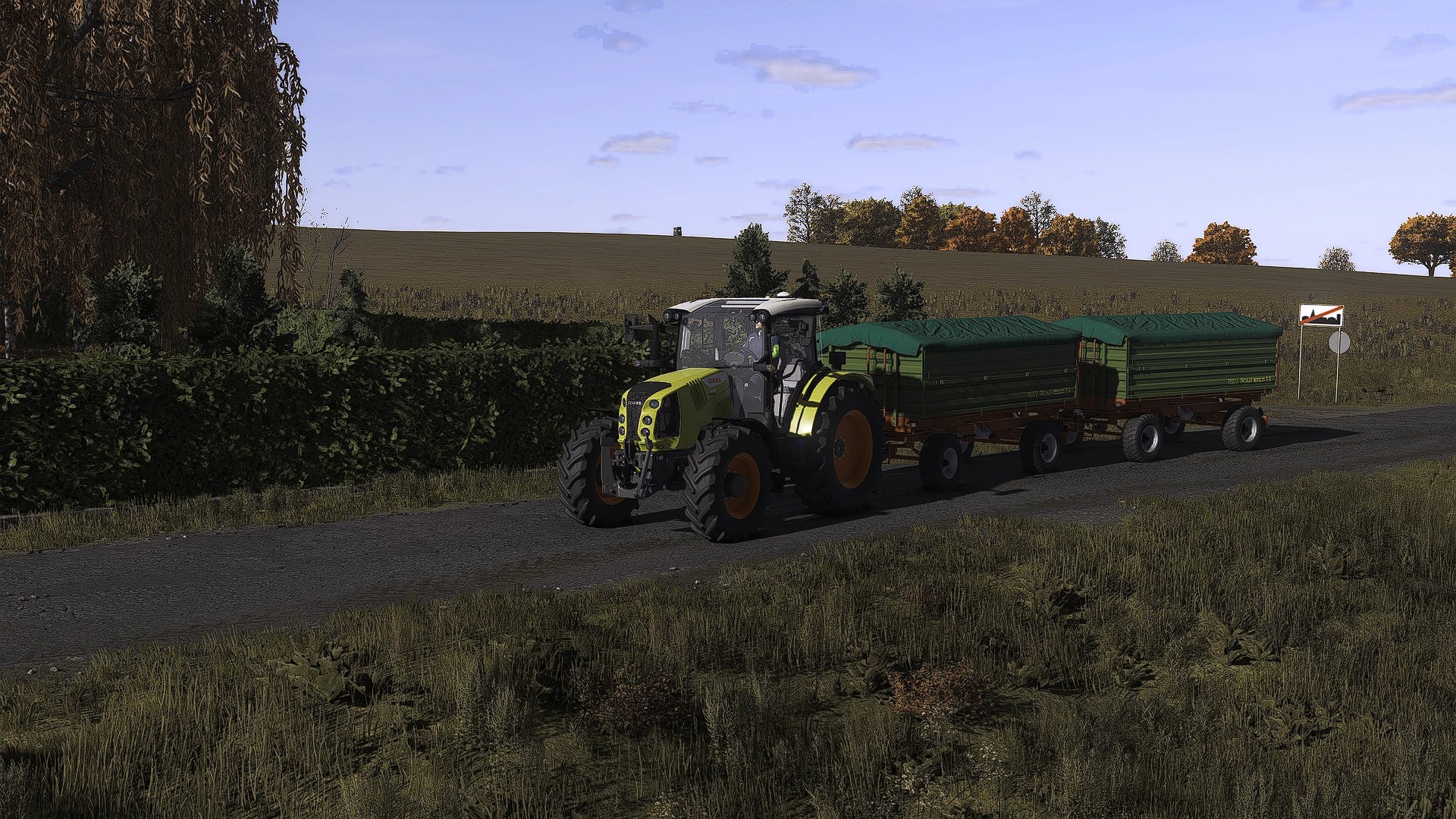
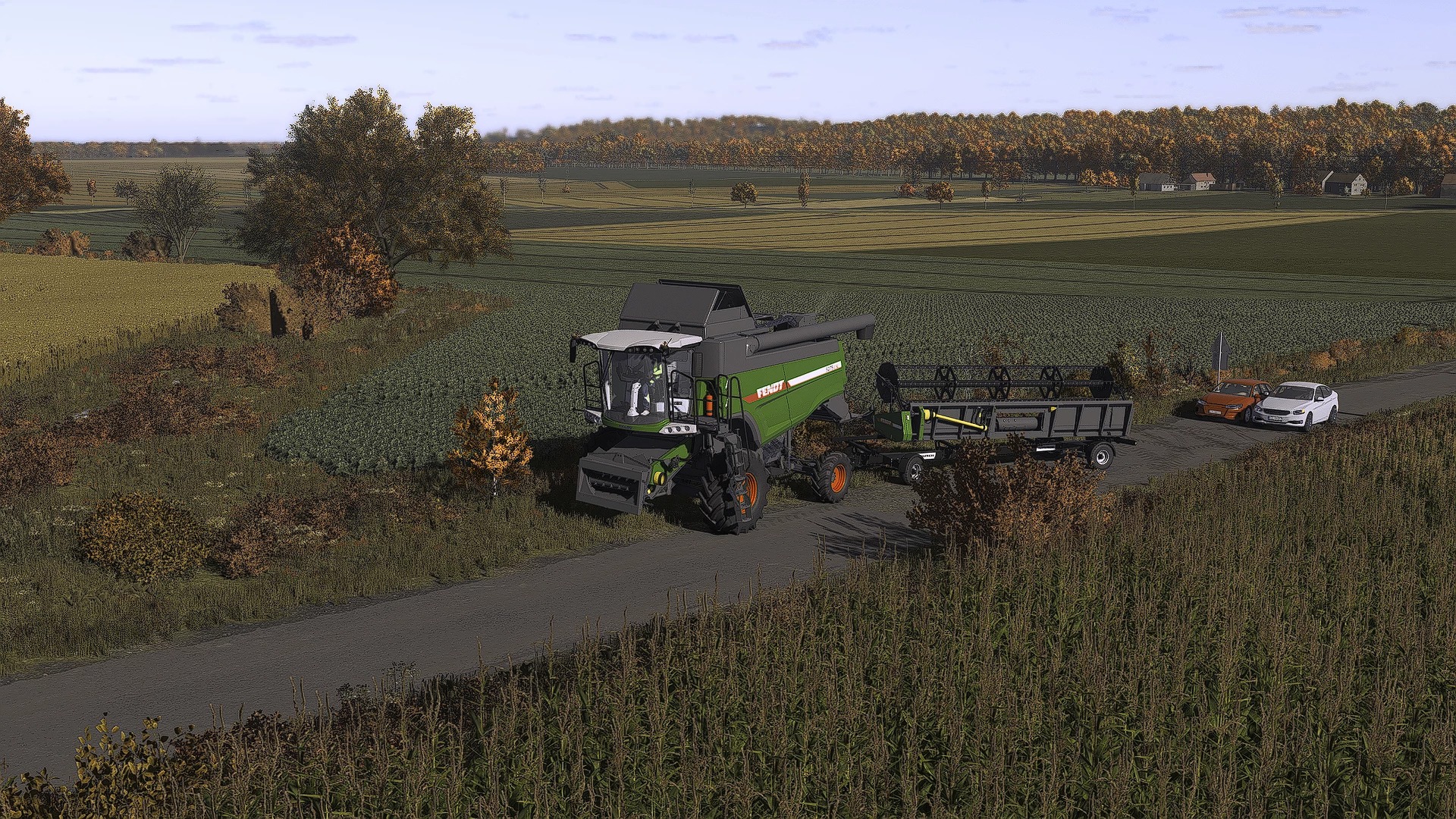
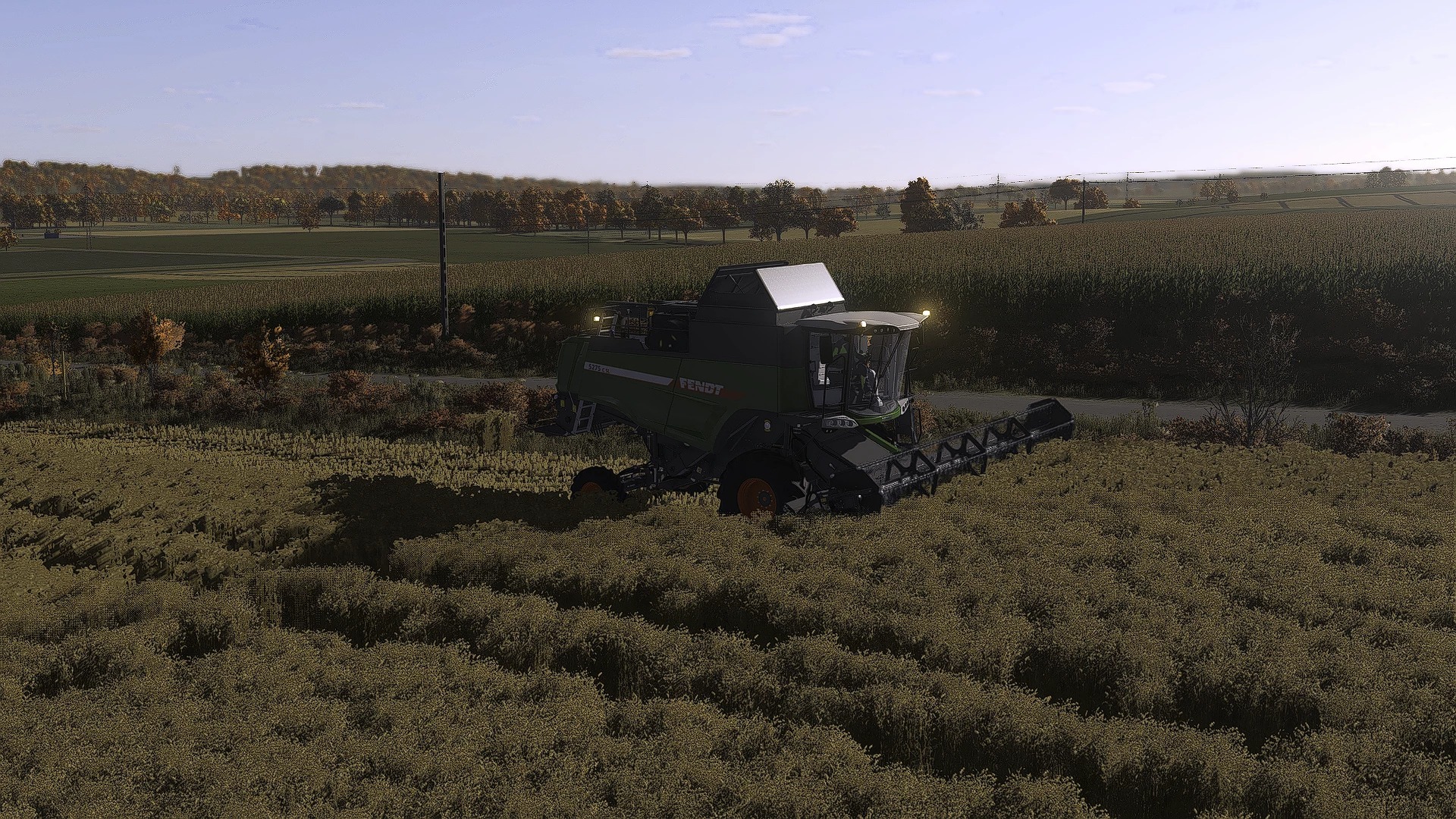
I actually created this preset for myself and realised it looked good, so I decided to publish it. It might not be to everyone’s taste, but I use it myself. Please note: when I took the screenshots, the date was set to November and the time to 12:00, and when I look at them now, they do indeed look slightly different from how they appear in the game.
How to install:
To install and use the shaders, first scroll down and click the DOWNLOAD button. Once you’ve downloaded the .rar file, extract it (WinRAR is recommended); in the extracted folder, locate the .ini file and place it in the `x64` folder, which is located in the game’s installation directory (the .rar file also contains lighting files and a ReShade folder — it’s recommended that you use them). Next, visit reshade.me and download the latest version. Install it, select FS25 and your preferred options, then click the ‘Finish’ button. Once the game has launched, press the HOME key on your keyboard to open the ReShade menu, then select the installed preset ‘Kaka537Preset.rar’.
Now all that’s left to do is enjoy the effects.