LS25 Keybind Inspector V1.1.0.1


LS25 Keybind Inspector V1.1.0.1
FS25 Keybind Inspector is a read-only in-game utility for Farming Simulator 25 that helps you understand and manage your keybindings without changing your controls.
Features include:
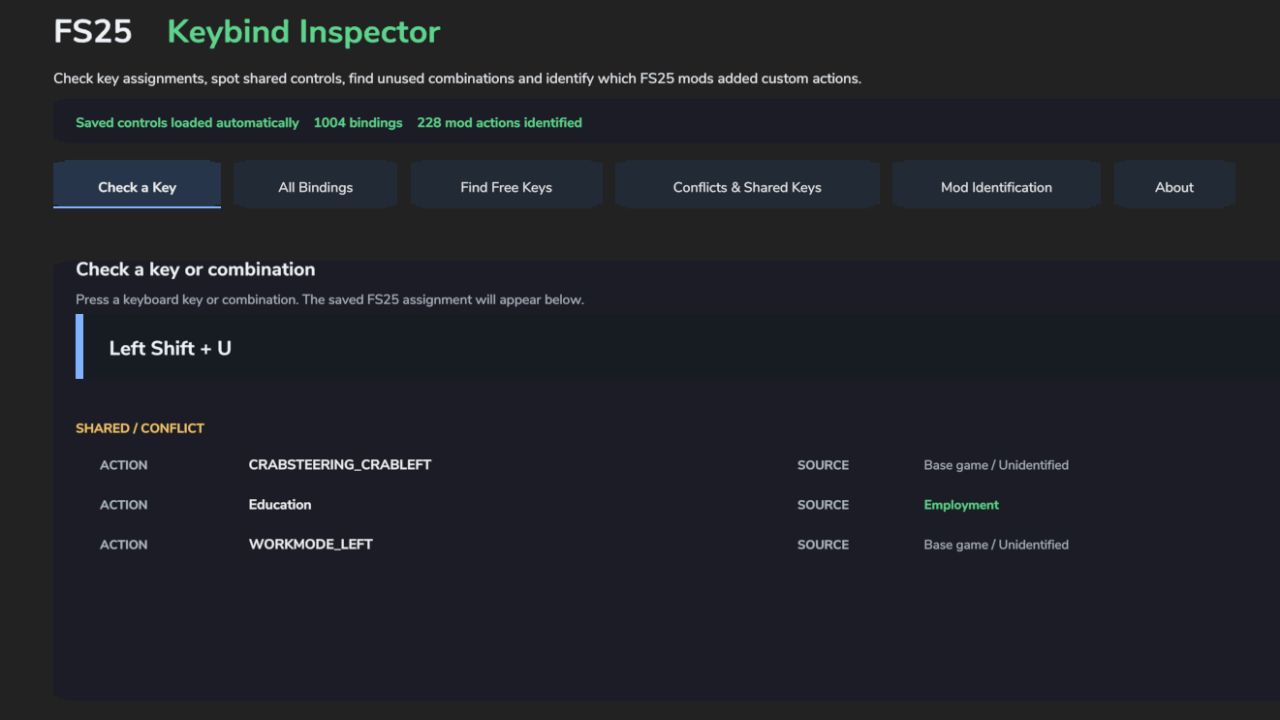
Check whether a key or key combination is already assigned
Capture a key combination by simply pressing it
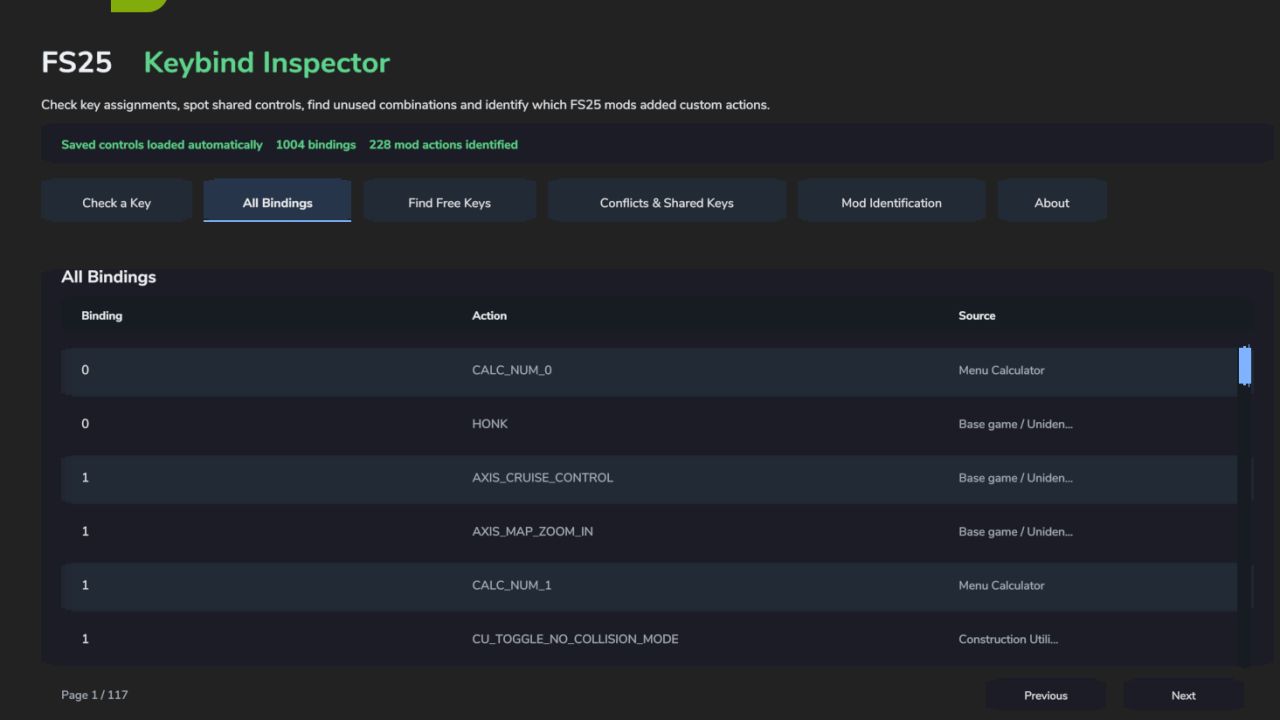
Browse all keyboard, mouse and gamepad bindings
Find unused keyboard combinations
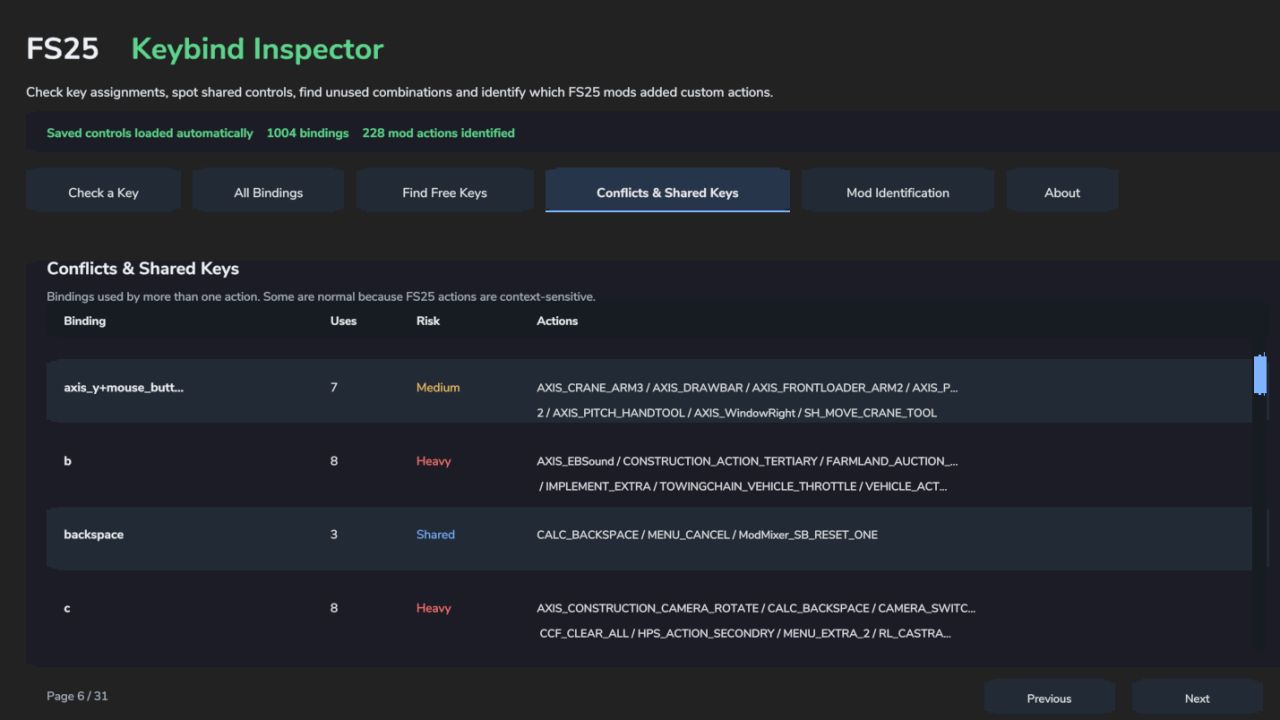
Identify conflicts and shared keybindings
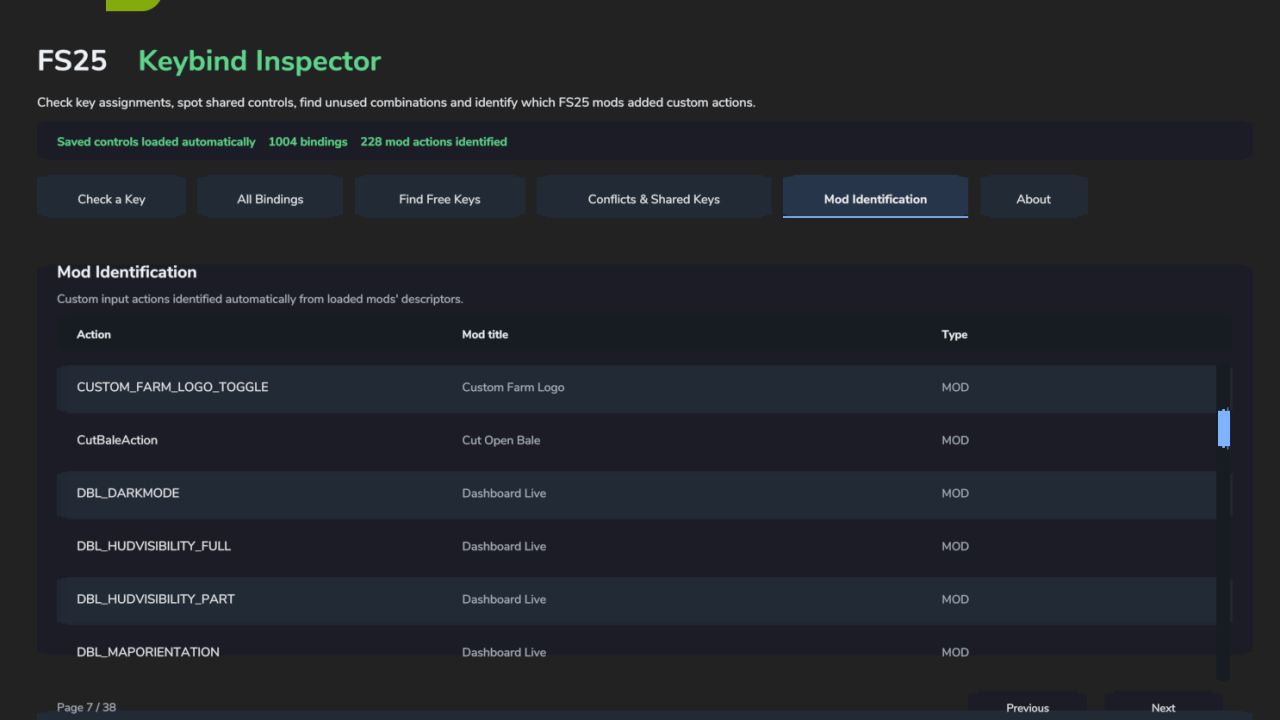
Identify which installed mod registered a custom input action
Search and browse bindings directly from the ESC menu
Keybind Inspector reads your existing FS25 input bindings and mod information. It does not modify or rebind your controls.
The interface is fully integrated into the FS25 menu with its own navigation page.
No dependencies required.
Created by Boy Meets Farming.
V1.1.0.1
Multilingual Update
Added an in-game language selector.
Added English, German, French, Italian and Spanish interface support.
Translated all tabs, headings, instructions, buttons, status messages and information panels.
Localized FS25 and mod action names are displayed where available.
Some action names may remain in English when no translation is supplied by Farming Simulator 25 or the originating mod.
Improved text sizing for longer translated labels.
KeyBind Inspector remains completely read-only and does not modify control assignments.