LS22 Fertilizer Depot V1.0.2.0

LS22 Fertilizer Depot V1.0.2.0
IM AWARE OF THE TEXTURE BUG WILL FIX SOON!!!
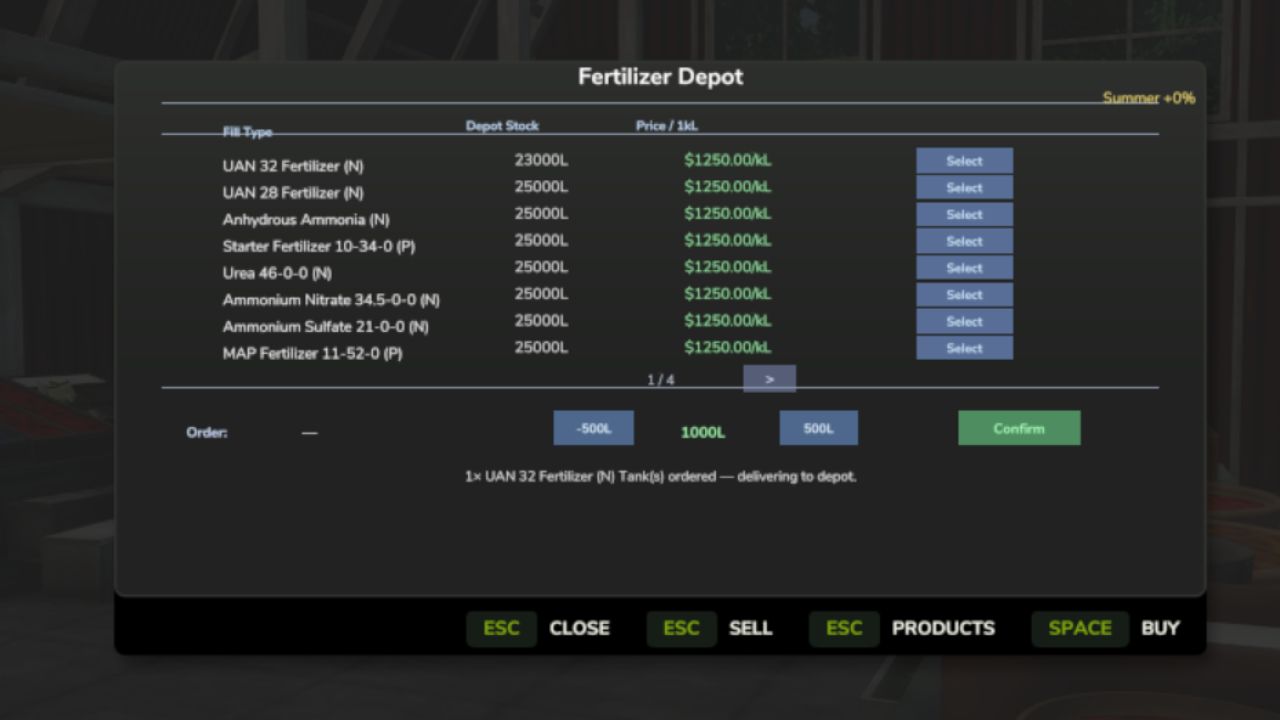
A placeable Fertilizer Depot where you can buy, store, and sell all fertilizer types at seasonally-adjusted prices. Drive up with your trailer or tank, browse the full selection of fertilizers, and fill up directly from depot storage.
QUICK START:
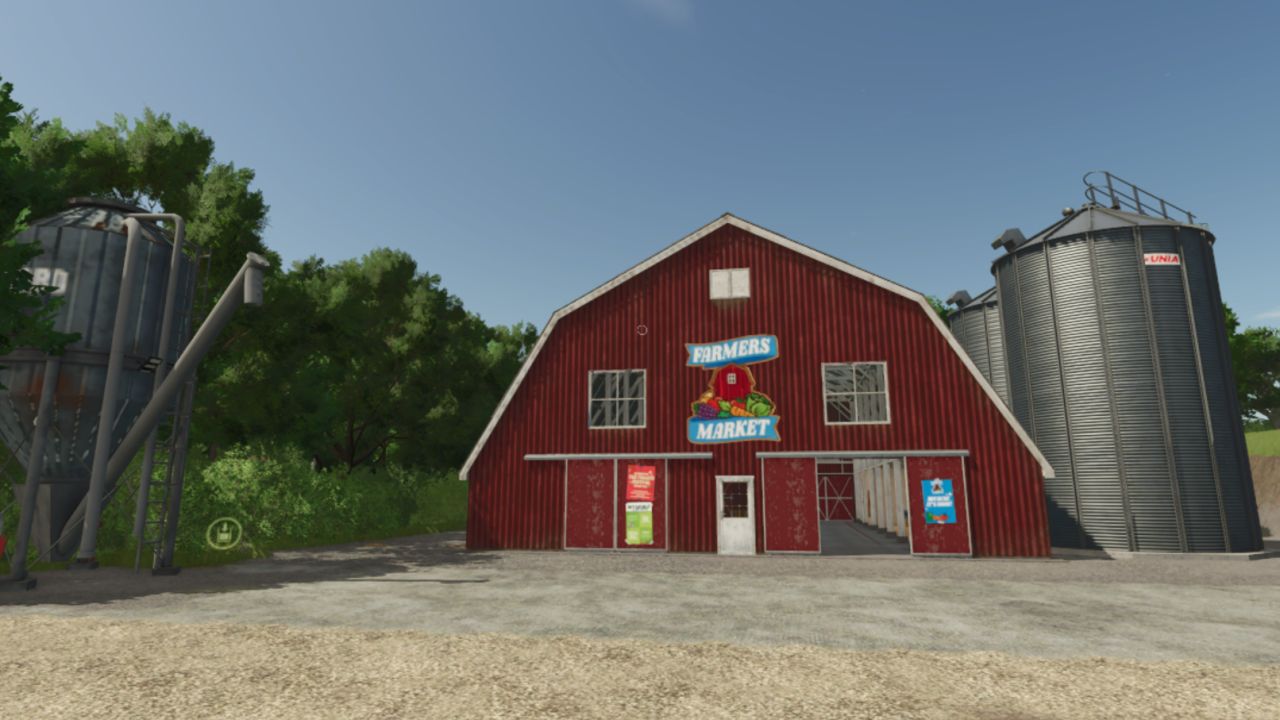
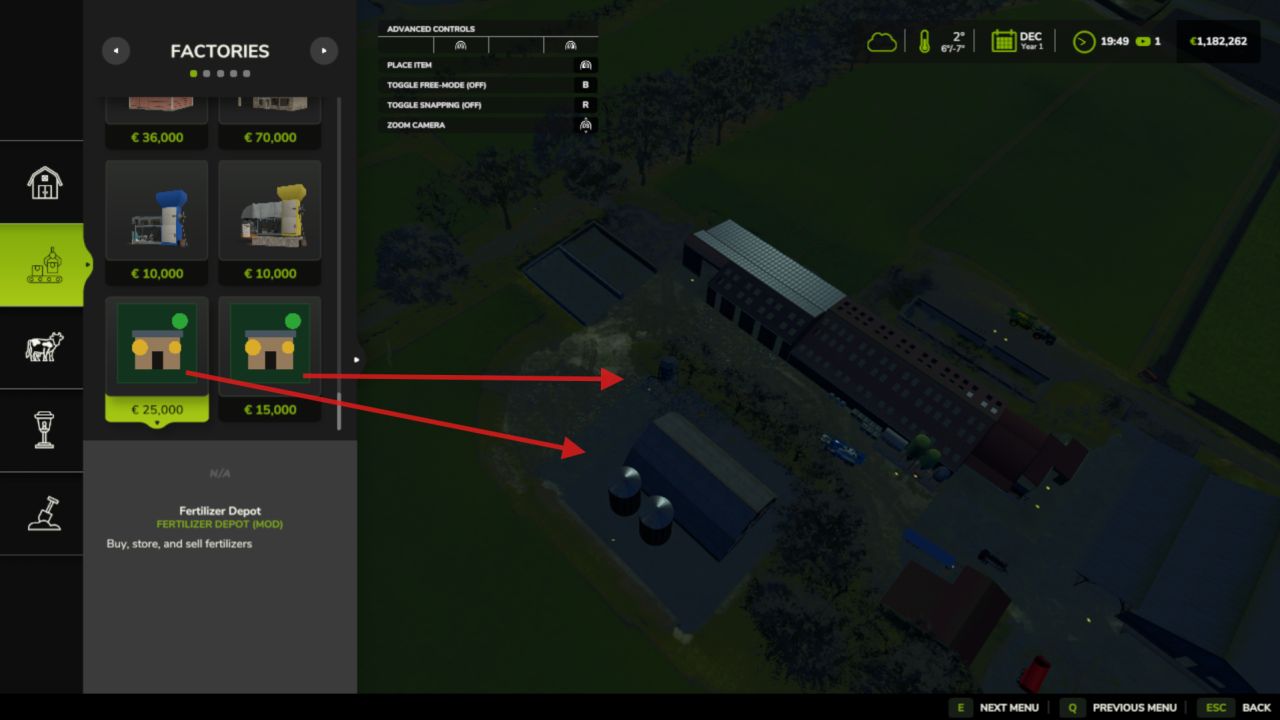
1. Place the Fertilizer Depot building on your farm (Production → Factories)
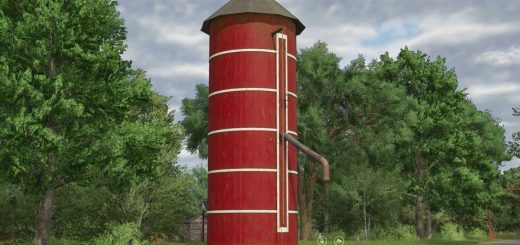
2. Place the Fertilizer Silo nearby
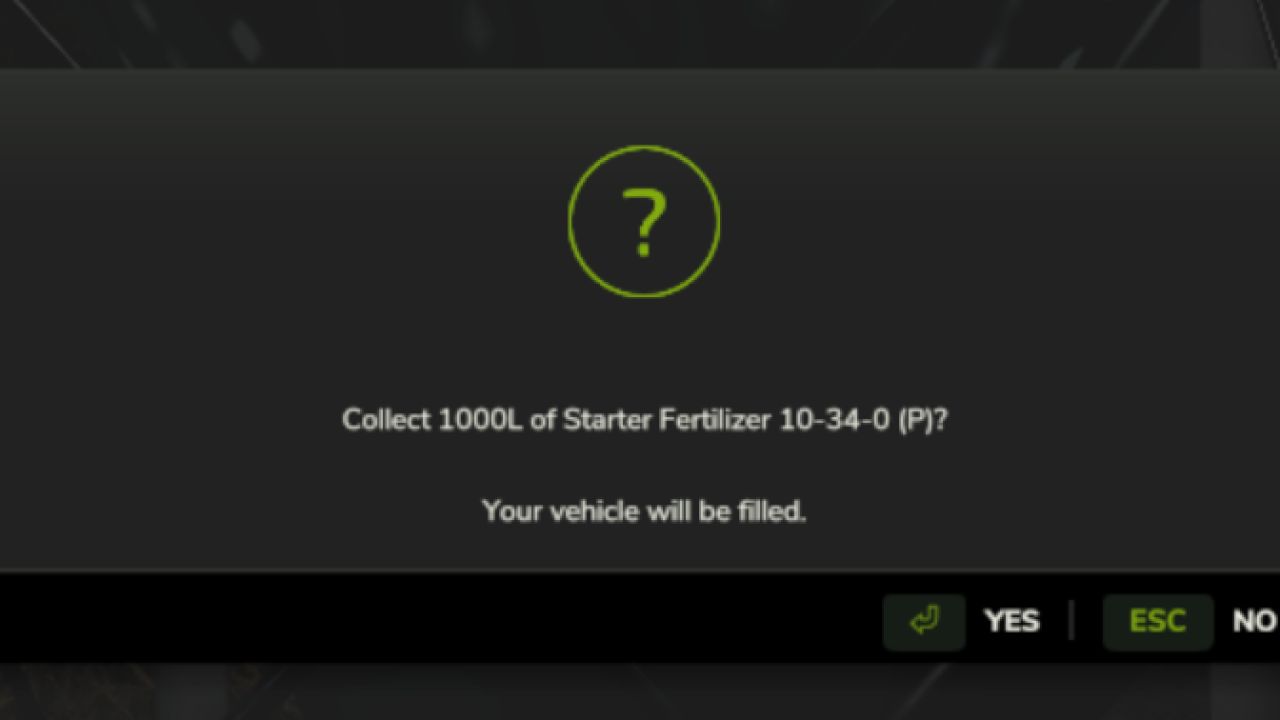
3. Walk into the Depot — press E to open the purchase dialog
4. Select a fill type and set an amount
5. Vehicle parked within 60 m? → fills immediately
6. No vehicle? → place a pre-order, drive your sprayer to the Silo,
dismount, walk up, press E to collect
7. Sell surplus: drive into the Depot unload zone, dismount, press E
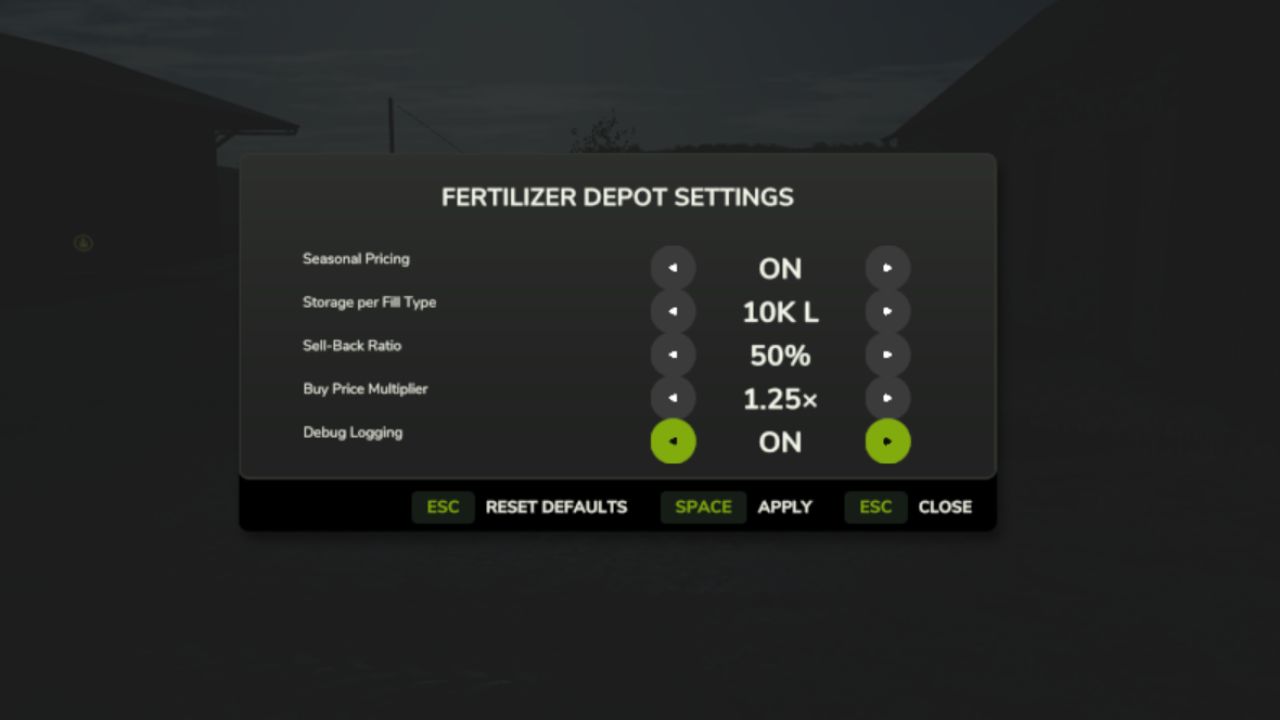
8. Adjust prices and capacity: press Shift+D anywhere
V1.0.2.0
– Blob texture removed from the silo
– Bags and Tanks now spawn at the production marker next to the building
– Fixed a bug where selling fertilizer could apply to the wrong fill type
– Added 2 new commands (FDFillDepot & FDEmpyDepot)
Required mods:
Realistic Soil & Fertilizer
Farm Tablet