LS25 Farmland Overview Extended v1.0.2.0

LS25 Farmland Overview Extended v1.0.2.0
Changelog 1.0.2.0:
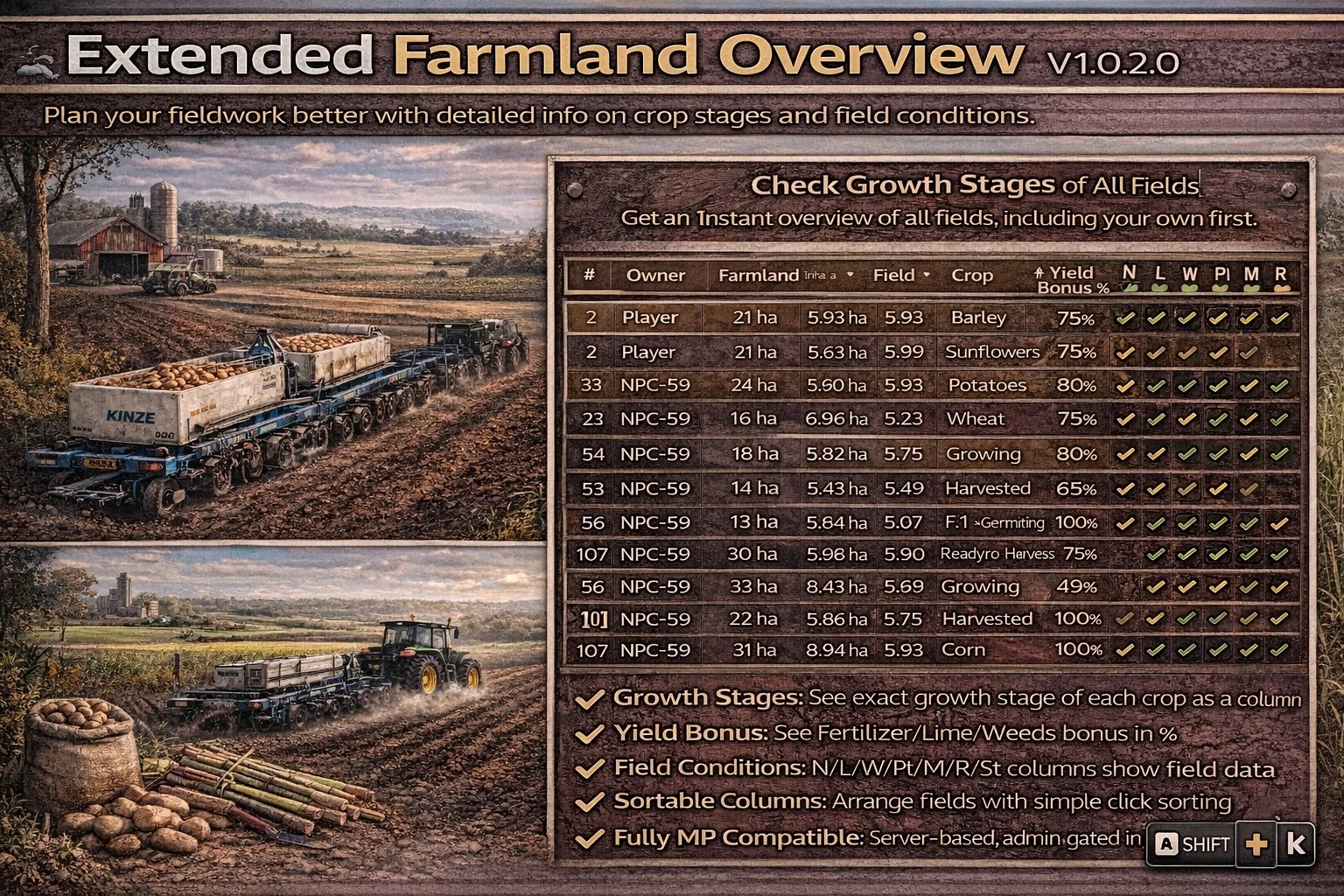
– Added sorting in the dialog: sort by No., Farmland area, Field area, Crop (keeps owner grouping).
– Added translation for Ukrainian (thanks to daniilua)
– Automatically jump to the last used field when reopening the dialog.
Thanks to Fetty42 for creating the original Farmland Overview mod. My additions extend it with additional field condition and yield details to help plan fieldwork more efficiently.
– Changes state column to include growth stages instead of “Ready to harvest” so you know if grass (and similar) is fully grown.
– Adds Yield Bonus + Fert/Lime/Weeds/Plowed/Mulched/Rolled/Stones columns using density map sampling.
With this MOD you can quickly get an overview of all farmlands and fields. Your own fields are displayed first. You can also teleport directly to a farmland/field.
The following information is displayed:
– Number
– Owner
– Farmland area
– Field area
– Crop
– Stage
The display can be called up with the key combination RShift + L.
Currently, rice/olive and grape fields created via the construction menu are not yet displayed.
Changelog 1.0.1.0:
– Fixed incorrect display of area sizes in acres
– Fixed crash when using explicit farmland names that are not numbers (e.g. on the “Riverbend Springs Edit” MOD map)
Rodderik here again: Please don’t contact Fetty42 for support regarding the “Extended” version of this mod. But feel free to let him know if he should include the new features.
Fetty42, if this modified version makes its way back to you, feel free to use any or all of the changes. My additions are based on the 1.0.2.0 version of the original Farmland Overview mod.