LS25 Attach Implements Manually v1.0.0.0




LS25 Attach Implements Manually v1.0.0.0
This mod makes it possible to manually couple devices to a towing vehicle.
In the general settings you can specify whether coupling should continue to be automatic or manual. If you choose to couple manually, the message will appear when you approach an attachment: “Get out to couple.”
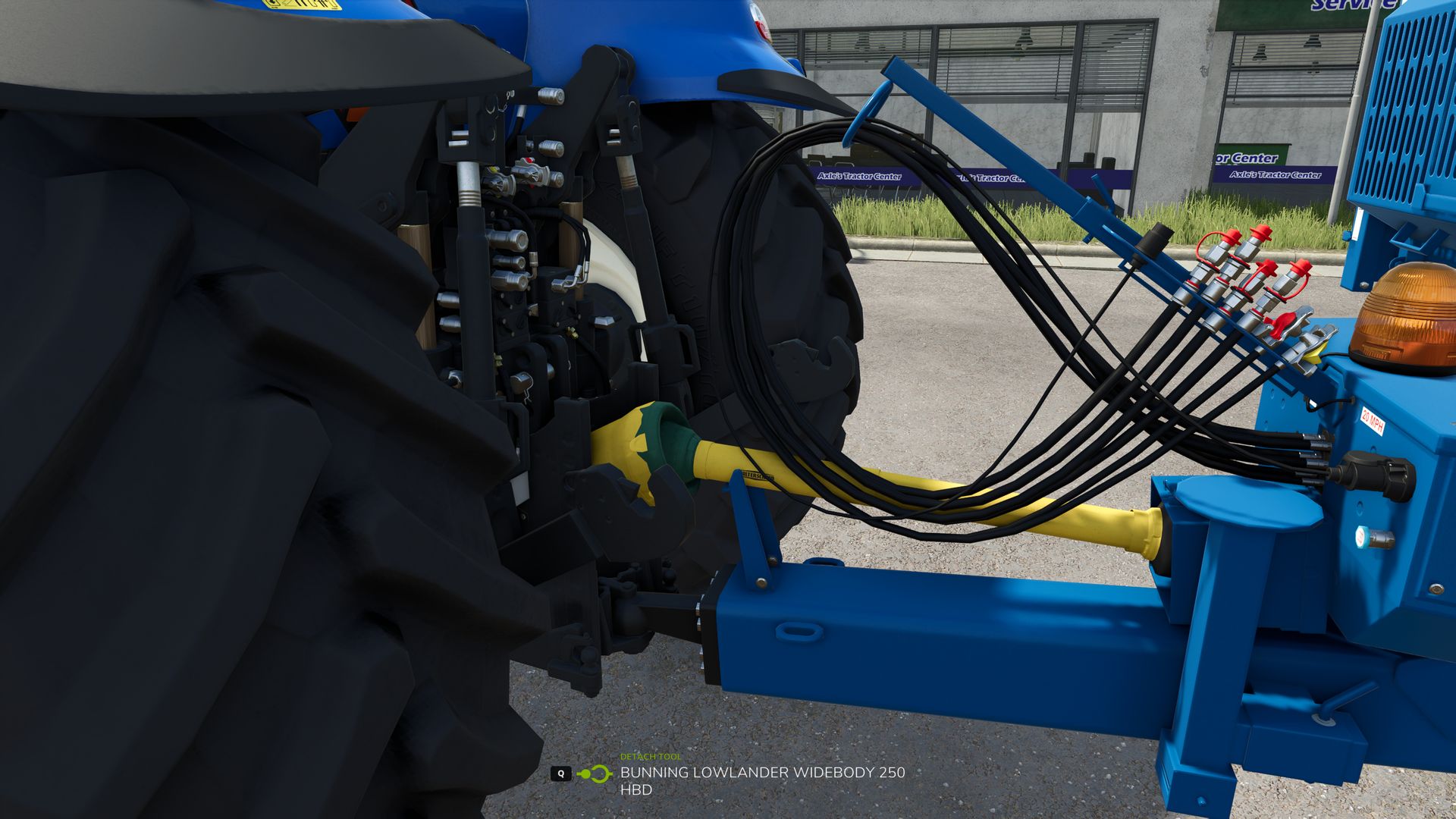
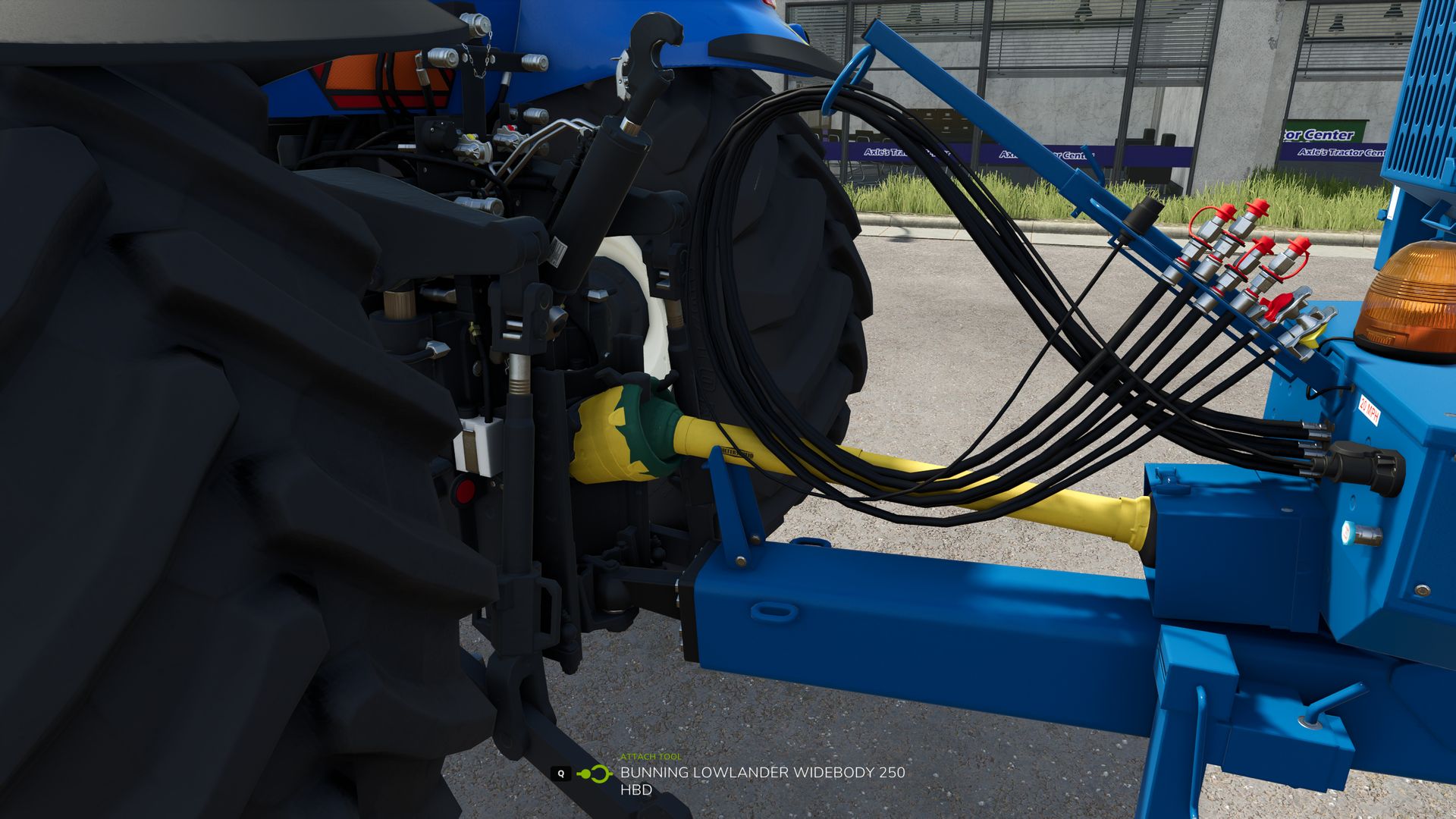
After you get out and go to the coupler, you can couple the implement using the Q button.
The hydraulic connections, compressed air lines and electrical connections can then be connected manually using the Y button.
The PTO shaft can be connected separately using the Z button.An exception are trailers and devices with a jaw coupling:
These couple automatically as soon as you move the towing hitch exactly to the coupling of the device.
If manual coupling is activated in the settings, all you have to do after automatic coupling is connect the lines yourself.
If manual coupling is deactivated, the cables are connected automatically as soon as the device has been coupled.
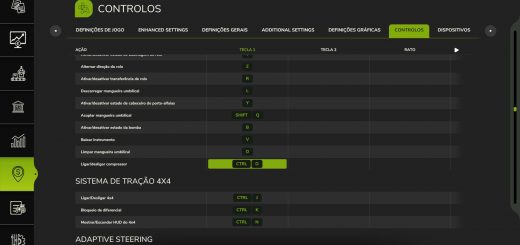
All key assignments can be freely assigned in the settings. The normal assignment from the game is used for the “Coupling” action.
Required mods:
No more car lift.