LS25 MFT Reshade v1.0.0.0
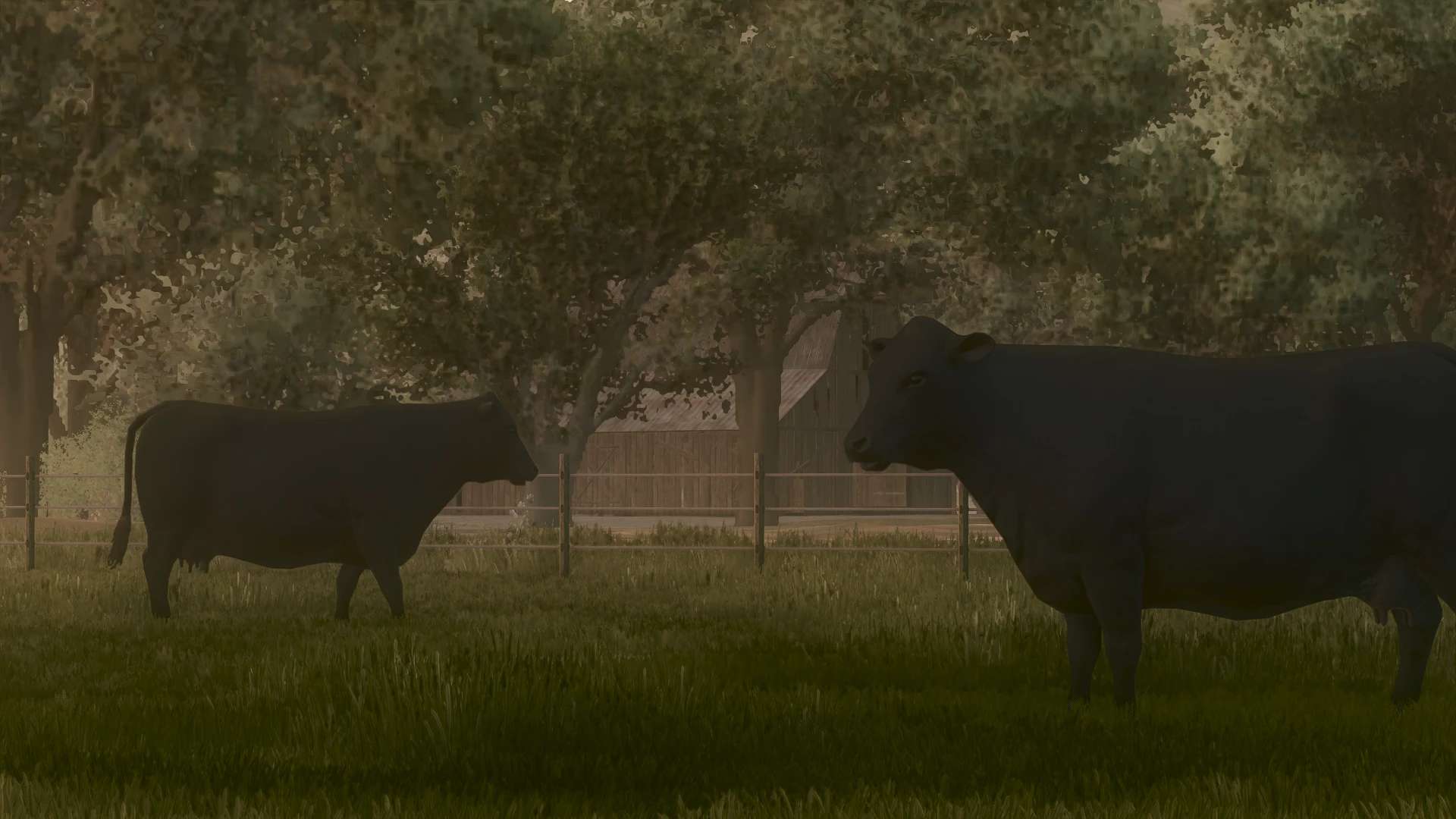


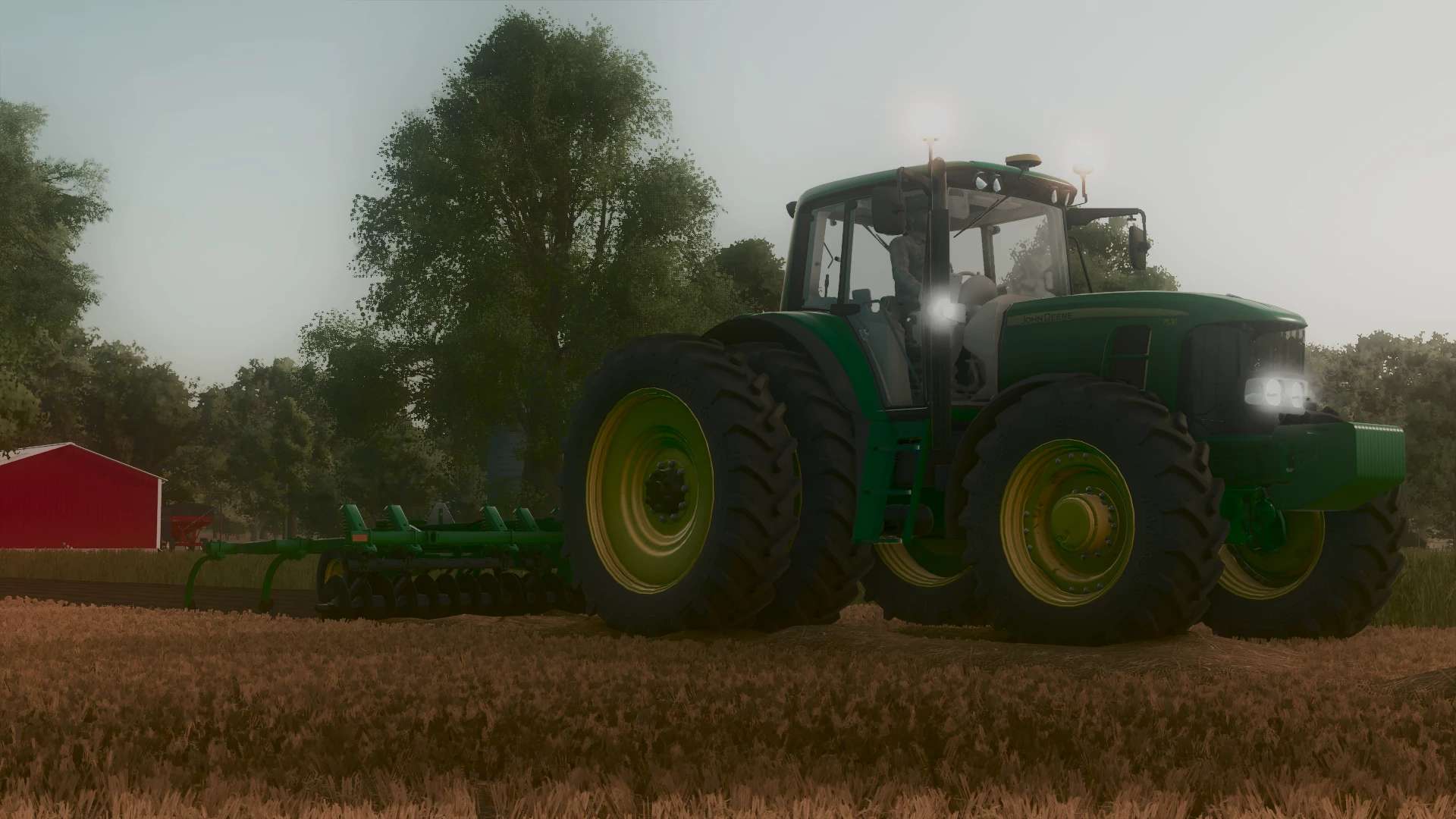
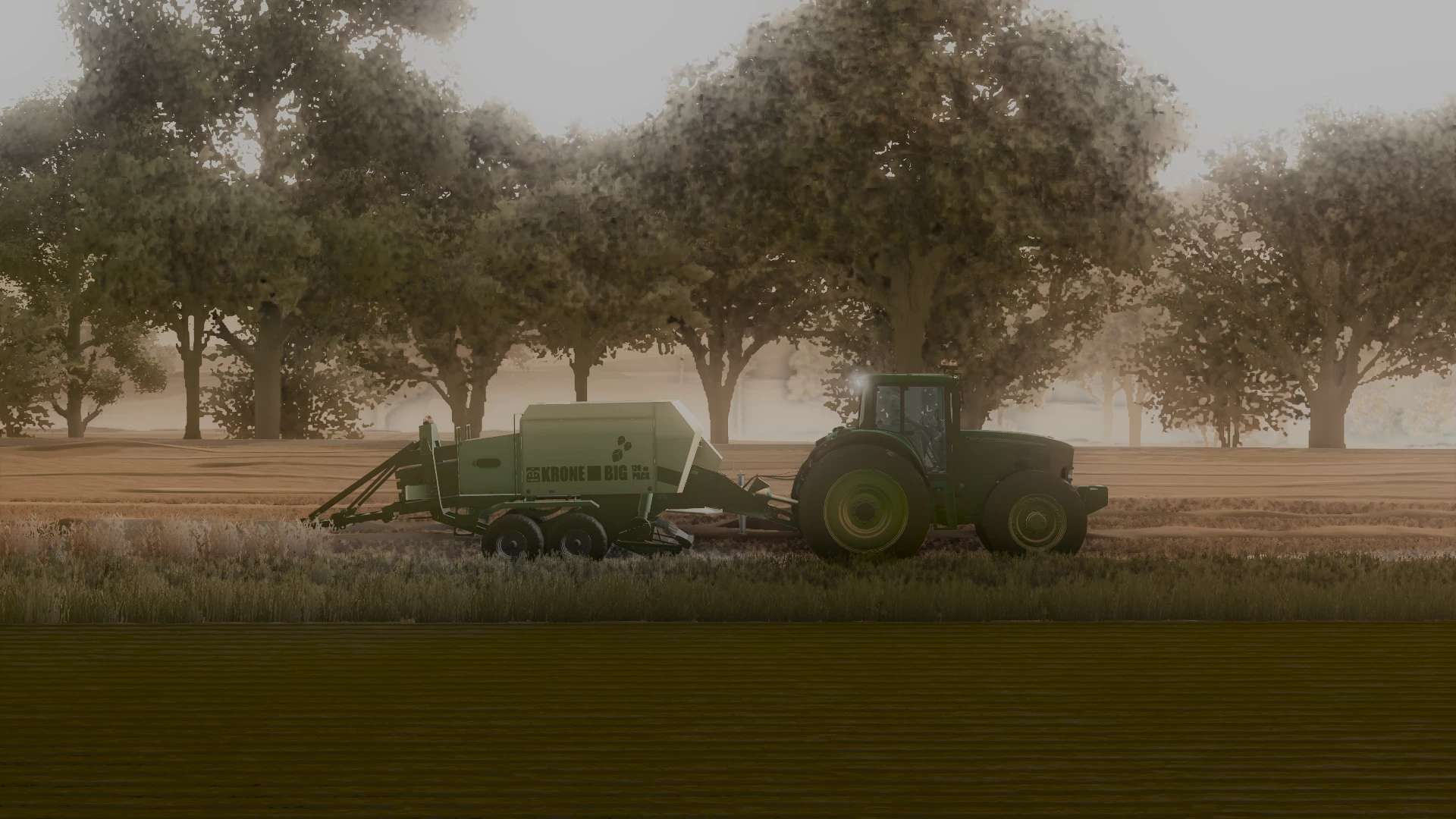
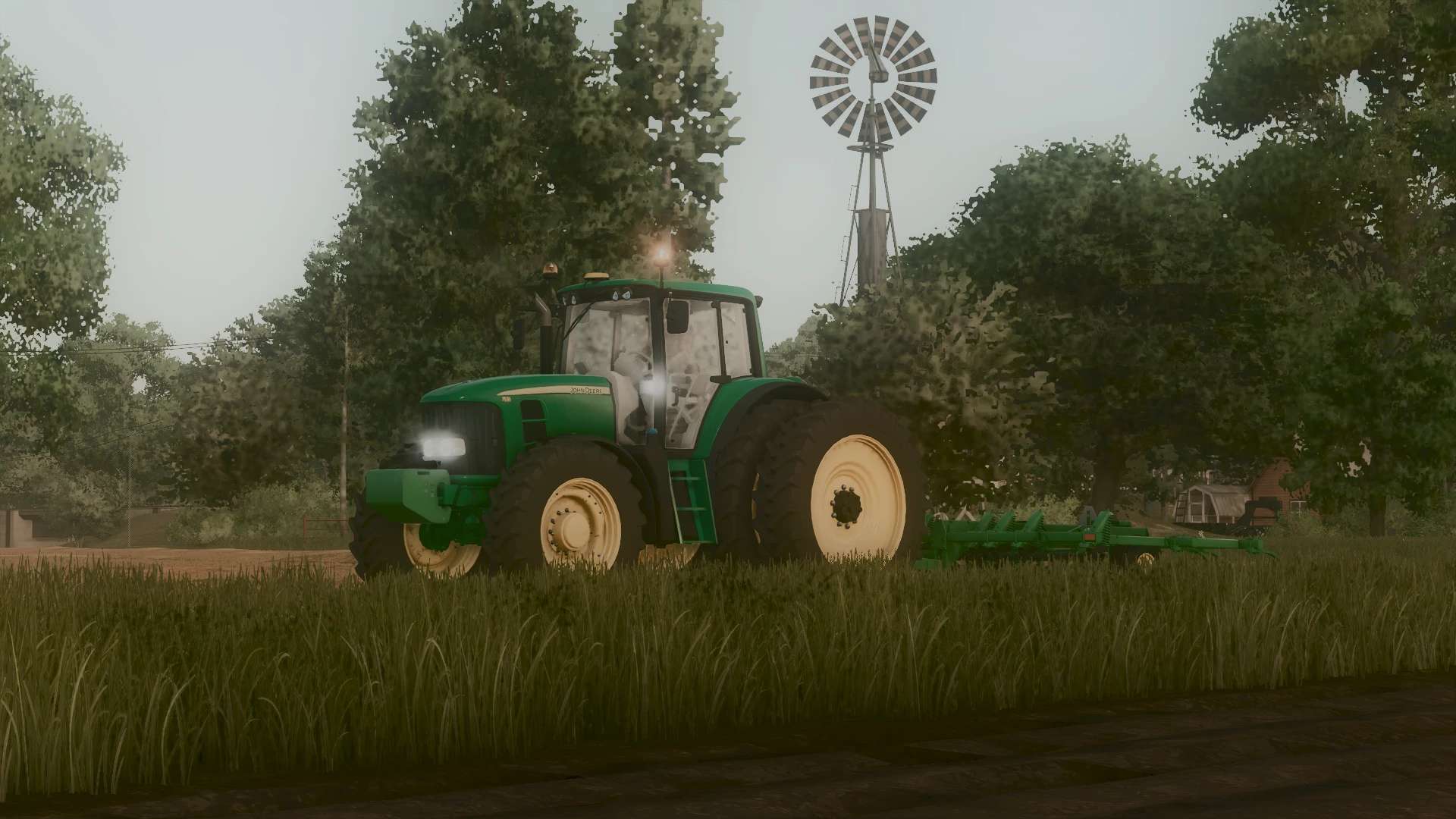
LS25 MFT Reshade v1.0.0.0
I got bored and made shaders.
I know they are not the best but for my first time doing custom ReShade Id say they are decent. I got the ground texture from M&H’s ReShade
Download the folder and you have to extract it I added ReShade setup thingy. To add the shaders into your game you have to open ReShade by pressing “HOME” or whatever button you changed it to if you changed it. After that in the top of the ReShade screen (Ive added a pic) is where you select the .ini thing and that will auto set the shaders. Just remember to move the .ini to either your downloads or desktop for easy access.
If there is anything I should change in them please lmk idk what im doing lol.
No these shaders are not stolen I custom made them and took one thing from M&Hs ReShade and that was the ground texture changer thingy.